

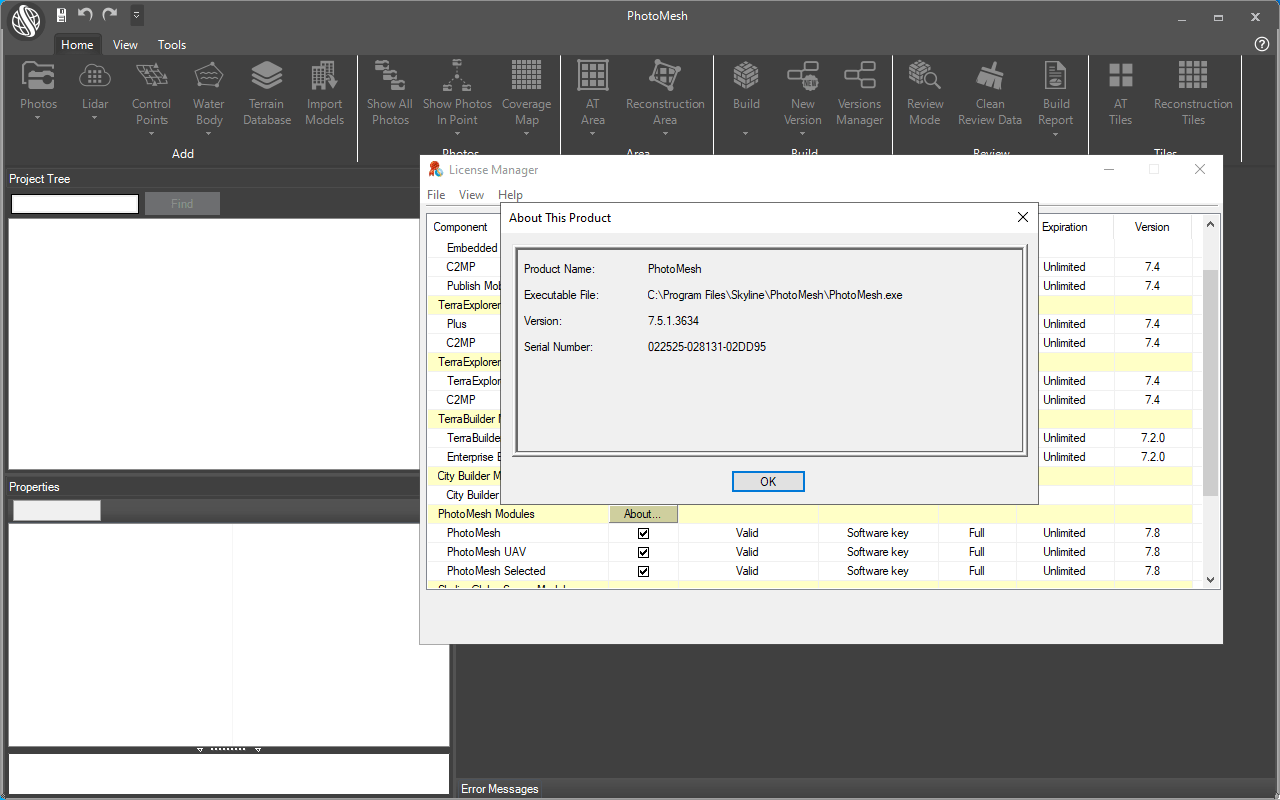
Download Skyline PhotoMesh – Advanced 3D Mesh Modeling Software
Skyline PhotoMesh is a specialized photogrammetry software developed by Skyline Technologies, designed for generating high-resolution, textured 3D mesh models from 2D images. It automates complex photogrammetry workflows, making it an indispensable tool for professionals in 3D GIS, remote sensing, and environmental monitoring. The software is particularly relevant for users needing to create accurate geographic representations for detailed analysis and visualization.
Introduction to Skyline PhotoMesh
Overview of the Software
Skyline PhotoMesh, also known as PhotoMesh Fuser, is a powerful application engineered to transform collections of 2D photographs into detailed, textured 3D models. Its core purpose lies in automating the process of photogrammetry, enabling users to reconstruct real-world environments with high fidelity. This capability is crucial for professionals in industries such as urban planning, remote sensing, and environmental studies who require precise geospatial data for their projects.
Core Capabilities and Features
High-Quality Textures and Model Accuracy
Skyline PhotoMesh excels in delivering exceptional results through its advanced processing algorithms. The software focuses on enhancing both the visual quality of textures and the geometric precision of the generated 3D models. This ensures that the final outputs are not only realistic but also quantitatively accurate for subsequent analysis and integration.
- Automated texture mapping processes ensure seamless and high-resolution surface detail.
- Sophisticated algorithms contribute to significantly improved geometric accuracy for precise measurements.
- The software supports a wide range of input image formats, accommodating diverse data acquisition methods.
Applications in Environmental and Geospatial Sciences
The utility of Skyline PhotoMesh extends significantly into environmental and geospatial sciences, providing critical tools for data analysis and visualization of the Earth’s surface. Its capabilities are instrumental in understanding complex environmental phenomena and managing geographical information systems.
- Environmental Monitoring: Used to create detailed 3D models of terrains affected by natural disasters or undergoing ecological changes, aiding in impact assessment and mitigation planning.
- Geospatial Modeling: Facilitates the creation of accurate digital elevation models (DEMs) and digital surface models (DSMs) for complex geographical analysis.
- Urban Planning: Enables the development of detailed 3D city models for infrastructure development, urban sprawl analysis, and visualization of proposed developments.
- Geological Studies: Supports the creation of 3D representations of geological formations for analysis of structure, mineral deposits, and subsurface exploration.
Integration with GIS and Other Software
Skyline PhotoMesh is engineered for seamless integration within professional geospatial workflows. Its compatibility with standard GIS tools ensures that the generated 3D models can be easily incorporated into existing geographic information systems for further analysis and reporting.
- Supports export in industry-standard formats compatible with major GIS platforms.
- Allows for the integration of geospatial tags and coordinate systems for accurate geo-referencing of models.
- Facilitates the combination of photogrammetric models with other GIS data layers for comprehensive project environments.
Real-World Use Cases
Professionals leverage Skyline PhotoMesh across a variety of challenging fieldwork scenarios. The software enables the creation of detailed digital twins of real-world locations, demonstrating its practical value.
- A remote sensing team utilized Skyline PhotoMesh to generate an accurate 3D model of a protected wetland area for environmental impact assessment during a proposed infrastructure project.
- Urban planners employed the software to create a detailed 3D representation of a city district to evaluate the visual impact of new high-rise buildings and optimize public space design.
- Geologists used the photogrammetry outputs to produce high-resolution models of quarry sites for volume calculations and resource management planning.
Comparative Advantages of Skyline PhotoMesh
Skyline PhotoMesh distinguishes itself in the competitive photogrammetry software market through several key advantages, particularly for users focused on geospatial and environmental applications.
- Its highly automated processing pipeline reduces manual effort required for 3D model generation compared to other software solutions.
- The emphasis on high texture quality and geometric accuracy provides a distinct advantage for detailed analysis in environmental and scientific fields.
- Strong integration capabilities with GIS tools make it a preferred choice for professionals already invested in geographic information systems.
Conclusion and Summary of Benefits
Skyline PhotoMesh offers a robust solution for creating precise, high-quality 3D mesh models from 2D imagery. Its advanced capabilities in texture mapping and geometric accuracy, combined with seamless GIS integration, make it an invaluable asset for professionals in environmental modeling software, geospatial analysis, and urban planning. By automating complex photogrammetry tasks, Skyline PhotoMesh empowers users to achieve detailed 3D representations efficiently and effectively.
Frequently Asked Questions
What is Skyline PhotoMesh used for?
Skyline PhotoMesh is primarily used for generating high-resolution 3D mesh models from 2D photographs. It is widely applied in fields like environmental monitoring, urban planning, and geospatial analysis, enhancing the visualization of geographical data.
How does Skyline PhotoMesh improve accuracy in 3D modeling?
The software employs advanced algorithms to ensure precise texture mapping and geometric accuracy in the generated models. This results in high-quality outputs suitable for detailed geographic analysis.
Can Skyline PhotoMesh integrate with GIS tools?
Yes, Skyline PhotoMesh is designed to be compatible with standard GIS tools, allowing users to enhance their projects with additional geospatial data and functionalities.






Reviews
There are no reviews yet.