

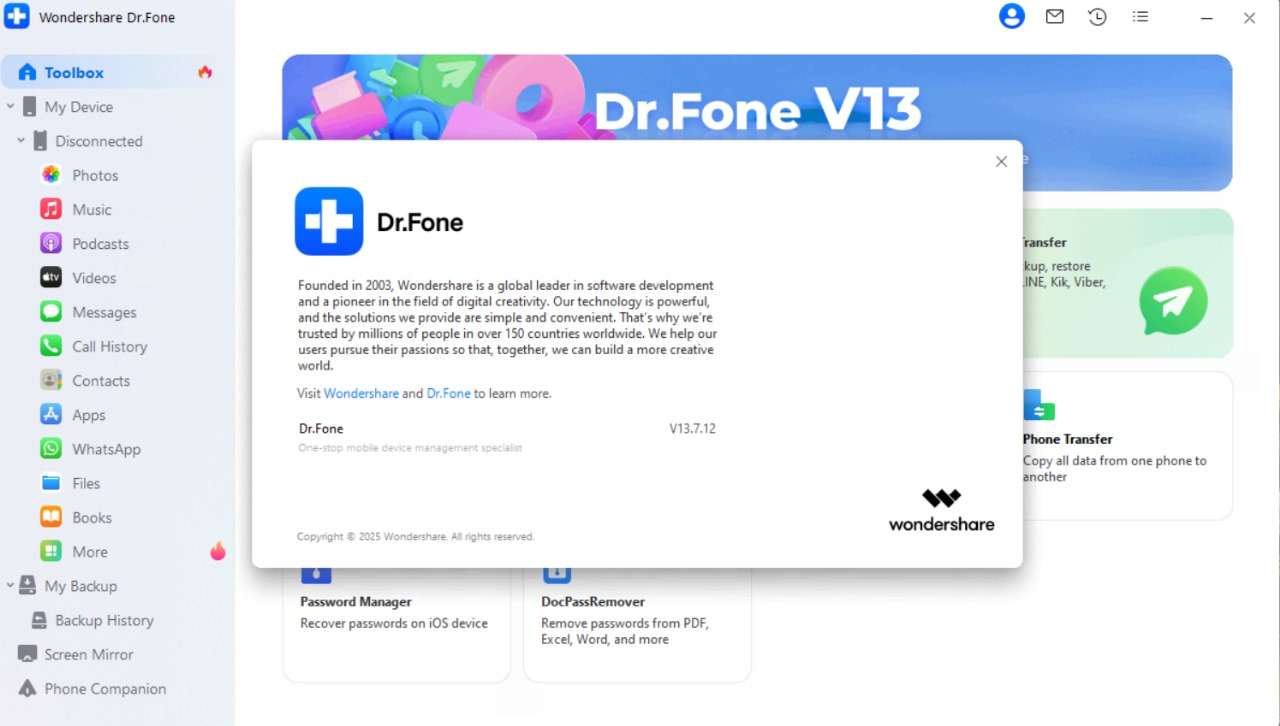
Download Dr.Fone Toolkit 13.7 – Mobile Data Recovery Software
Dr.Fone Toolkit 13.7, developed by Wondershare, is a specialized software application designed for comprehensive data recovery and management of mobile devices. This utility software assists individuals and IT professionals in retrieving lost or deleted files from both Android and iOS platforms. Its primary function addresses the critical need for reliable mobile data recovery solutions, making it a valuable tool for a wide range of users.
Overview of Dr.Fone Toolkit and Its Use in Mobile Data Recovery
Dr.Fone Toolkit serves as a robust solution for mobile data recovery, created by the prominent software company Wondershare. It offers specialized functions to recover a variety of lost data from smartphones and tablets, including operational systems like Android and iOS. The toolkit is utilized by everyday users experiencing accidental data loss, as well as by IT professionals and data recovery specialists who require advanced capabilities for their clients or internal data management tasks.
Comprehensive Data Recovery with Dr.Fone
The core strength of Dr.Fone Toolkit lies in its ability to recover a broad spectrum of digital content that may have been lost due to accidental deletion, device damage, or system issues.
Supported Data Types
- Photos and images
- Videos and audio files
- Contacts, including detailed information like job titles and addresses
- SMS messages and iMessages
- Call logs
- Calendar events
- Notes
- Documents and other file types
Scanning Modes: Normal and Deep Scan
Dr.Fone Toolkit employs two distinct scanning methodologies to maximize data retrieval success. The selection of an appropriate scan mode depends on the nature and severity of data loss.
- Normal Scan: This mode is designed for quick recovery of recently deleted files, offering a faster process for common data loss scenarios.
- Deep Scan: For more complex situations or older deleted data, the deep scan mode performs a more thorough analysis of the device’s storage. This intensive scan aims to locate and reconstruct files that might be missed by a standard scan, providing a more comprehensive recovery option.
Device Compatibility and Multi-Device Support
Ensuring broad accessibility, Dr.Fone Toolkit supports a wide range of mobile devices and operating systems, with specific attention to performance and user convenience during the recovery process.
- Compatibility extends to numerous Android versions and a variety of iPhone and iPad models.
- The software allows for the simultaneous connection and scanning of multiple devices, which is particularly advantageous for IT professionals or users managing several phones.
- Upon connecting a device, Dr.Fone automatically initiates a scan, streamlining the initial stages of data recovery.
Preview and Selective Recovery Features
A key advantage of Dr.Fone Toolkit is its user-centric approach to recovery, allowing users to review and select precisely what they wish to restore before committing to the process.
Prior to full recovery, users can preview the detected deleted files, examining content such as photos, messages, and contact details. This preview functionality includes the ability to view associated information like job titles and addresses for contacts. Upon reviewing the preview, users can then perform a selective restore, choosing only the specific files they need to retrieve, which saves time and storage space.
Recovery Management and Reporting Tools
Dr.Fone Toolkit includes features designed to help users manage the recovered data effectively and maintain organized records of their recovery operations.
The software offers the capability to save recovery reports. These reports can be exported in common formats such as HTML or VCF (vCard). Exporting contacts in VCF format, for example, allows them to be easily imported into other contact management systems or devices, ensuring that recovered data can be integrated seamlessly into existing workflows.
Practical Applications of Dr.Fone Toolkit in Industry and Daily Use
Dr.Fone Toolkit finds utility across various scenarios, from addressing common personal data loss incidents to supporting professional data recovery services.
- Personal Data Loss: Assists individuals in recovering precious photos, important messages, or contact lists lost due to accidental deletion or device malfunctions.
- IT Support and Technicians: Enables IT professionals to quickly recover data for clients experiencing issues, enhancing customer support and service efficiency.
- Data Recovery Services: Provides a reliable tool for professional data recovery businesses managing a volume of client devices and diverse recovery needs.
- Mobile Repair Shops: Supports repair technicians in retrieving data for customers whose devices require servicing or are beyond repair, offering a solution before device handling.
Frequently Asked Questions
How does Dr.Fone Toolkit recover deleted files from my phone?
Dr.Fone uses two scanning modes – a quick normal scan and a more thorough deep scan – to scan device memory and storage for recoverable data. It then allows you to preview files such as photos, messages, and contacts before selectively restoring them.
Can Dr.Fone Toolkit recover data from multiple phones at once?
Yes, Dr.Fone supports simultaneous connection and scanning of multiple devices, making it suitable for users who manage multiple smartphones or tablets.
What types of data can I recover with Dr.Fone Toolkit 13.7?
The software can recover various data types including photos, videos, contacts, SMS messages (including iMessages), call history, notes, calendars, documents, and music files from Android and iOS devices.





Reviews
There are no reviews yet.