

Download MatchWare MindView 9.0 – Professional Mind Mapping and Project Planning Software
MatchWare MindView 9.0 is a versatile visual mind mapping and project management software developed by MatchWare. Designed for productivity across corporate, educational, and governmental sectors, it combines intuitive mind mapping with robust project planning tools. This software assists professionals and students in organizing ideas, structuring projects, and streamlining workflows through its array of visualization and integration capabilities.
Comprehensive Visualization for Effective Project and Idea Management
MindView offers diverse visualization options to manage both ideas and projects comprehensively. Evolving from its earlier versions, it now provides tools beyond traditional mind maps, including timelines, fishbone diagrams, and organizational charts. These visual formats facilitate clearer communication and strategic planning, enhancing project workflows across various industries by transforming complex information into easily digestible maps.
Advanced Project Planning with Integrated Gantt Charts and Task Management
MindView facilitates advanced project planning by converting conceptual mind maps into structured project plans. Users can generate Gantt charts directly from their mind maps, enabling detailed task management, resource assignment, and milestone tracking. The software supports the definition of dependencies between tasks and automatically calculates the critical path, offering insights into project timelines and potential bottlenecks for effective progress tracking and resource allocation.
Seamless Integration with Microsoft Office Ecosystem
A key strength of MindView is its profound bi-directional integration with the Microsoft Office suite. The software allows users to import documents from Microsoft Word, PowerPoint, Excel, Outlook, and Project, transforming linear content into interactive mind maps. Conversely, users can export their visual maps into structured documents or presentations that maintain formatting, enabling a fluid transfer of information between visual ideation and traditional office applications.
Educational and Accessibility Tools Enhancing Learning and Research
MindView is particularly noted for its utility in academic and educational settings. It features a dedicated Student Edition with Assistive Technology tools, such as text-to-speech functionality, predictive text, and the ability to add audio notes. Accredited for accessibility by the Digital Accessibility Center, it also includes features for citation management, supporting common academic styles like APA, MLA, and Chicago, which aids students and researchers in their academic workflows.
Collaborative Features and Cloud Integration for Modern Workflows
Modern collaborative requirements are addressed through MindView’s enhanced features for teamwork and cloud connectivity. The software supports real-time collaboration, allowing multiple users to work together on mind maps. Integration with cloud storage services like OneDrive and Google Drive, as well as Microsoft Teams, further streamlines team-based project planning and document sharing, fostering efficiency in distributed work environments.
Performance Enhancements and Expanded Visual Asset Library
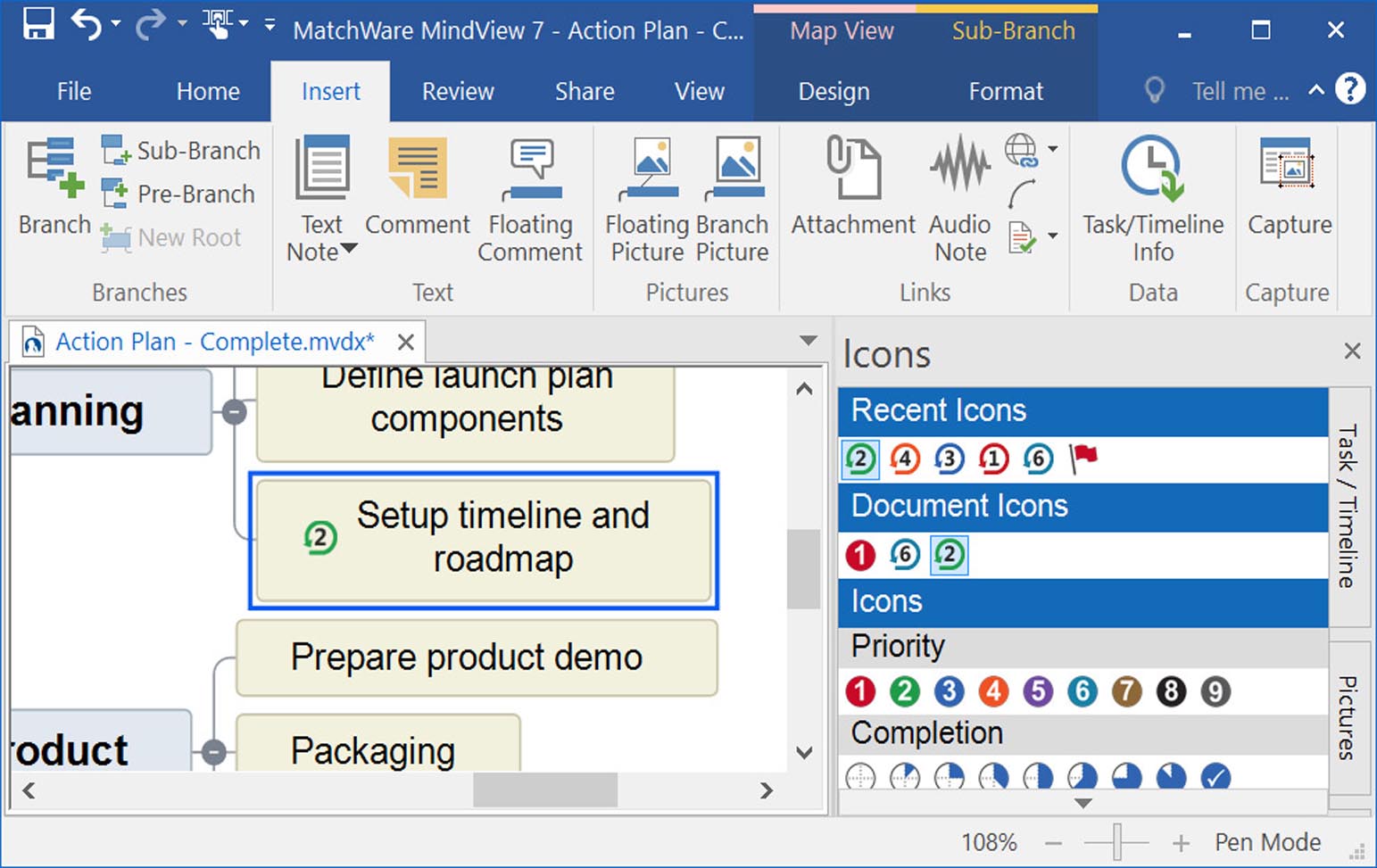
The latest versions of MindView, including version 9.0, have focused on significant performance improvements and an upgraded user experience. Enhancements include faster loading and rendering times for complex maps and a modernized, intuitive user interface. The software also boasts an expanded library of icons, images, and templates, providing users with more options to visually represent project details and diverse information effectively.
Use Cases Demonstrating MindView’s Application Across Sectors
MindView demonstrates versatility across multiple professional domains. In corporate environments, it is used for strategic planning, brainstorming sessions, and complex project management. Educational institutions leverage it for teaching, learning, and research, benefiting from its accessibility features. Government agencies utilize it for structuring proposals and managing public projects, while academic researchers employ it for organizing findings and preparing dissertations, all contributing to greater productivity and clarity.
Frequently Asked Questions
How does MatchWare MindView integrate with Microsoft Office applications?
MindView offers robust bi-directional integration with Microsoft Office apps, including Word, PowerPoint, Excel, Outlook, and Project. Users can import documents to create visual mind maps and export maps as structured outlines, presentations, and task lists, facilitating seamless workflow across office environments.
Can MindView be used for accessible learning purposes?
Yes, MindView includes a Student Edition featuring Assistive Technology such as text-to-speech, predictive text, and audio notes. It is accredited by the Digital Accessibility Center and supports citation styles, making it a valuable tool for learners with disabilities and academic research.
What project management features does MindView provide beyond basic mind mapping?
Beyond mind mapping, MindView supports project management through instant conversion of maps to Gantt charts with resource assignment, task prioritization, milestone tracking, dependencies, and automatic critical path calculations, providing a comprehensive planning toolkit.






Reviews
There are no reviews yet.