
Download Perfectly Clear WorkBeech 5.0.2 – AI-Powered Photo Enhancement Preview Tool
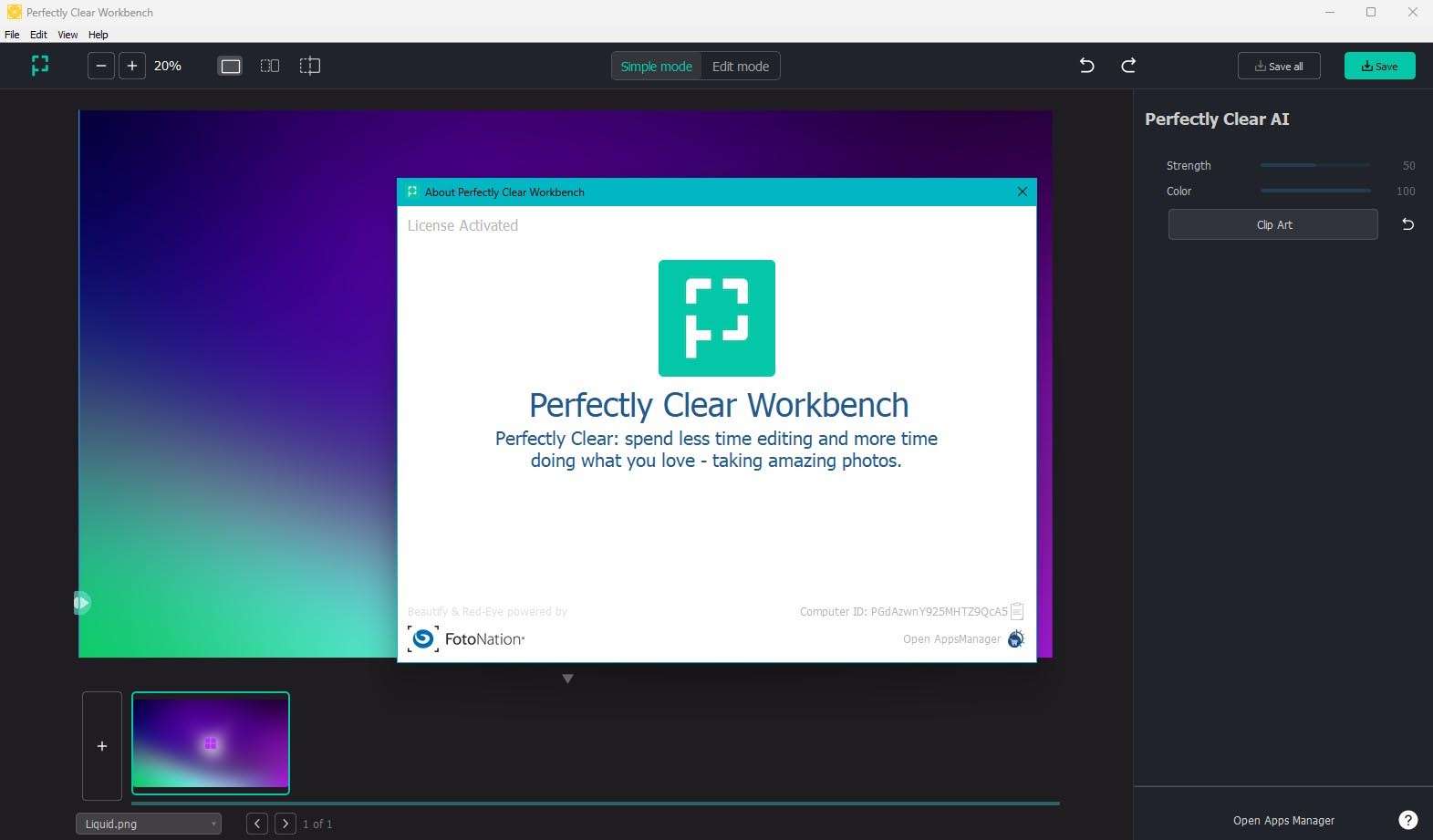
Perfectly Clear WorkBench 5.0.2 is a desktop application developed by Athentech Imaging, designed to preview and fine-tune AI-powered image correction parameters. It serves as a standalone tool for professionals and photo labs to test and apply advanced correction algorithms before integration into larger workflows. This software leverages patented AI that simulates human visual perception for sophisticated, scene-aware photo enhancements, making it a critical component for high-volume imaging environments.
Revolutionizing Photo Correction with AI-Driven Analysis
Perfectly Clear WorkBench functions as a dedicated preview and parameter-testing environment for the Perfectly Clear Software Development Kit (SDK). It utilizes patented AI algorithms engineered to mimic human visual perception, enabling automatic analysis of image content. The software identifies and corrects a wide array of photographic deficiencies, from exposure and color balance to tonal range and detail, all based on context-aware scene recognition.
Advanced Correction Tools and Scene-Aware Effects
Core Automatic Adjustments
The software automatically analyzes each image to make intelligent adjustments. These core corrections include optimizing exposure levels, balancing colors for natural representation, enhancing contrast for depth, reducing digital noise, and sharpening details to ensure clarity.
Sky Enhancement and Landscape Improvements
Perfectly Clear WorkBench incorporates specialized tools for landscape photography. Its advanced sky detection algorithms accurately identify and enhance sky regions, improving tone, defining cloud structures, and ensuring that these elements appear natural and visually appealing without affecting the rest of the scene.
Precision Portrait Retouching Suite
AI-Powered Skin and Facial Enhancements
This suite provides a range of AI-driven tools for portrait subjects. Features include skin smoothing to reduce imperfections, blemish removal for a clearer complexion, eye brightening for enhanced detail, teeth whitening for a natural smile, and red-eye correction.
Advanced Contouring and Makeup Simulation
Beyond basic skin retouching, the software offers advanced facial sculpting capabilities. This includes face slimming, reduction of under-eye dark circles, optimization of skin tone, and the application of subtle, realistic makeup effects to elevate portrait quality.
High-Volume Batch Processing for Consistent Results
Designed for efficiency in professional environments, Perfectly Clear WorkBench excels at high-volume batch processing. Users can establish folder-based workflows to process hundreds or thousands of images automatically. The application’s optimized performance and the ability to save and apply correction parameter templates ensure consistent results across large photo shoots, significantly reducing manual editing time.
Seamless Integration with Professional Editing Workflows
Perfectly Clear WorkBench integrates smoothly into established professional editing pipelines. It functions as a plugin host for industry-standard software, including Adobe Photoshop (CS6 and Creative Cloud versions) and Adobe Lightroom (version 4 and later), as well as Corel PaintShop Pro. Corrections created in WorkBench can be exported as Smart Filters or custom profiles, allowing for non-destructive application within these host applications and enabling round-trip editing.
Flexible Preset System and Manual Control
Built-In and Custom Presets
The software includes a comprehensive library of genre-specific presets that can be applied with a single click. Users can also create, save, and share their own custom presets, tailoring the AI correction parameters to their unique aesthetic or specific project requirements.
Fine-Tuning with Manual Overrides
While powerful in its automation, WorkBench also provides granular manual control. Slider-based interfaces allow for fine-tuning each core correction parameter. Users can save custom adjustments, blend AI-driven corrections with their manual edits, and achieve precise creative control over the final image appearance.
Real-World Use Cases and Industry Applications
The capabilities of Perfectly Clear WorkBench are directly applicable to various professional imaging scenarios. Wedding and event photographers benefit from rapid, consistent client image correction. Real estate agents and photographers can enhance property visuals efficiently. E-commerce businesses can ensure product catalog consistency across numerous items. Furthermore, photo labs and studio operations leverage its batch processing for high-volume throughput.
Frequently Asked Questions
Which RAW file formats does Perfectly Clear WorkBench support?
Perfectly Clear WorkBench supports RAW formats from all major camera manufacturers—including Canon CR2/CR3, Nikon NEF, Sony ARW, Fujifilm RAF, and Panasonic RW2—ensuring maximum image quality and non-destructive editing.
How do I integrate Perfectly Clear WorkBench with Photoshop and Lightroom?
WorkBench functions as a standalone preview application but pairs seamlessly with Photoshop (CS6 and Creative Cloud) and Lightroom (v4+). Corrections created in WorkBench can be exported as Smart Filters or profiles, then applied non-destructively within your existing Adobe workflow.
What is the best way to set up batch processing for large image sets?
Create and save a correction preset in WorkBench, then apply it to entire folders via the batch-processing interface. WorkBench processes hundreds or thousands of images automatically, delivering uniform results while significantly reducing manual editing time.




Reviews
There are no reviews yet.