
ColorLogic CoPrA v11: Professional ICC Profiling & Color Management Software
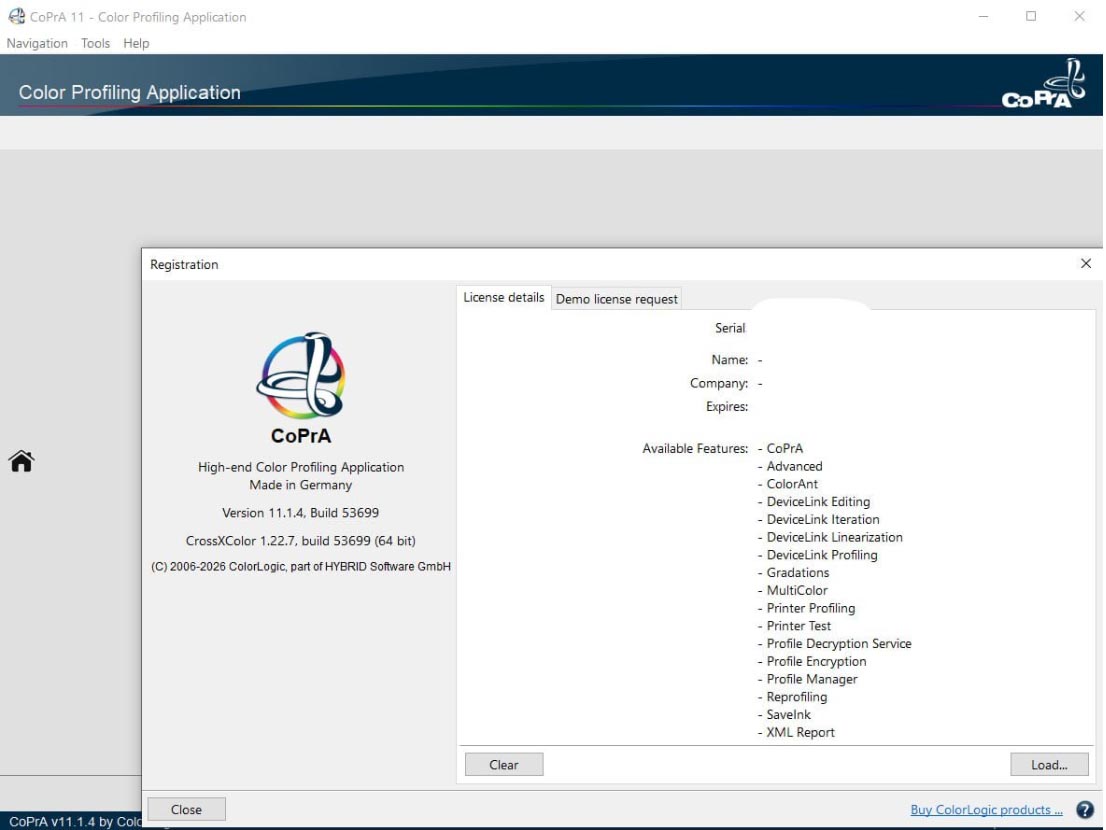
ColorLogic CoPrA v11 is the professional ICC profiling control center for any color space and printing process . It creates high-quality printer profiles, DeviceLink profiles, and SaveInk profiles with a user-friendly interface, supporting Gray, RGB, CMY, CMYK, and multi-color (up to 10 channels) color spaces.
Released in September 2024, CoPrA 11 focuses on refining user experience and expanding tool capabilities for enhanced efficiency, customization, and intuitive workflows . The software is part of ColorLogic’s award-winning suite (ColorAnt, CoPrA, ZePrA), which has received the EDP Award for Best Color Management in the Software Category.
CoPrA is also available as a Software Development Kit (SDK), allowing partners to integrate its powerful ICC-compliant engine into their own software and custom workflows.
???? Primary Users
This professional ICC profiling software is designed for:
-
Color Management Experts & Prepress Professionals creating high-quality ICC profiles for printing processes
-
Print Service Providers & Commercial Printers optimizing color accuracy across devices and substrates
-
Industrial Printing Specialists working with textiles, ceramics, flexo, and extended gamut printing
-
Packaging & Label Printers implementing multi-color workflows (up to 10 channels)
-
OEMs & Software Developers integrating ColorLogic’s ICC-compliant engine into custom workflows
???? New in Version 11
| Feature | Description |
|---|---|
| Redesigned Profile Manager | Enhanced profile filtering, improved profile list with sortable columns, and new date column for better organization |
| Enhanced Gamut Tab | Show up to three profiles in 2D view, adjustable lightness, mouse wheel zoom, and improved color space outline display |
| 3D Conversion Gamut View | New real-time preview of expected conversion from source to target profile in DeviceLink profiling |
| Improved Batch Overview | Completely redesigned for efficient management of multiple profiling jobs |
| Real-Time Preview Toggle | New feature for easy comparison of color management workflows |
| More Linearization Options | New channel-specific custom ink limitations with three Ink Limitation modes (Maximum, Automatic, Custom) |
| Black Start Option | For the Multicolor Mode “Generate Separations with sparse inks” |
| Improved Patch Selection & Analysis | Better analysis tools for measurement data |
| Enhanced Drag & Drop | Single-step import of profiles and settings using CMD/CTRL key |




Reviews
There are no reviews yet.