
HYPACK 2026.1: Comprehensive Hydrographic Survey & Dredge Navigation Software
HYPACK 2026.1 is the world’s most widely used hydrographic surveying and dredge navigation software package, with over 10,000 users globally . Developed by HYPACK, Inc. (a Xylem brand now part of YSI), it provides surveyors with all the tools needed to design surveys, collect data, process it, reduce it, and generate final products. Version 2026.1 continues the company’s legacy since 1984, supporting both single beam and advanced multibeam echosounders, LiDAR sensors, acoustic Doppler profilers (ADPs), and real-time positioning systems . Whether you are collecting hydrographic data for nautical charting, environmental monitoring, or positioning a vessel for an engineering project, HYPACK gives you the power needed to complete your task in a system your surveyors can master. Its modular architecture (HYPACK core, HYSWEEP for multibeam, DREDGEPACK for dredging) allows you to scale from a small vessel with a GPS and single beam to a large survey ship with networked sensors.
???? Primary Users
This professional hydrographic surveying software is designed for:
-
Hydrographic Surveyors & Marine Geophysicists conducting bathymetric surveys, channel condition assessments, and seafloor mapping.
-
Dredging Contractors & Port Authorities performing real-time dredge monitoring, navigation, and volume calculations.
-
Offshore & Coastal Engineers assessing site conditions for pipelines, cables, wind farms, and shoreline protection projects.
-
Environmental Monitoring Agencies collecting water quality data and tracking sediment transport.
-
Research Vessels & Academic Institutions conducting oceanographic and limnological research.
⚡ Key Features & Capabilities
????️ Survey Design & Planning
Line & Grid Planning:
-
Design survey lines, cross lines, and grid patterns for systematic coverage
-
Import航道 alignment from DXF, shapefiles, or nautical charts
-
Advanced Channel Design – Create complex channel designs with side slopes, turning basins, and shoal reduction templates
-
Multi-language support for international crews
Geodetic Utilities:
-
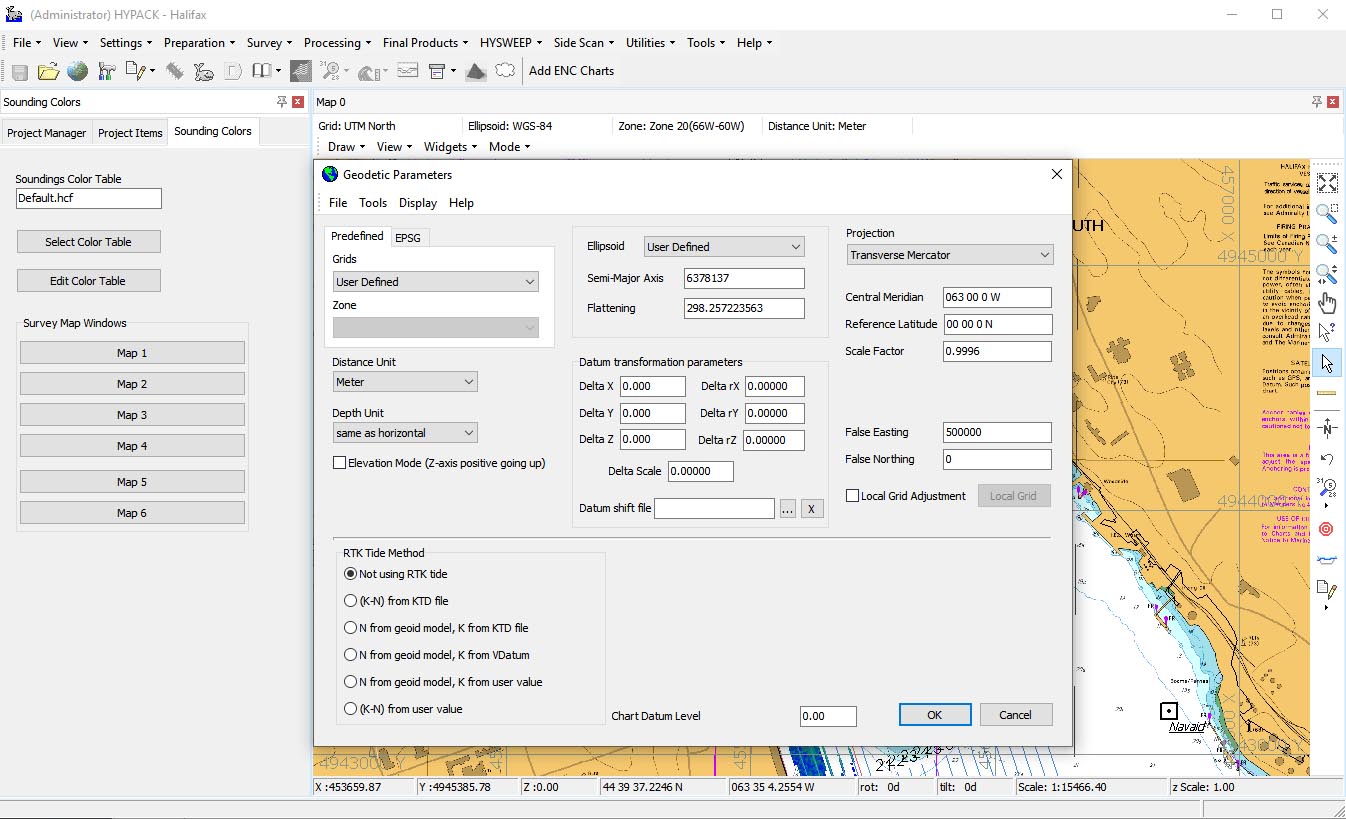
Support for hundreds of projections, datums (including WGS84, NAD83, ED50), and geoid models
-
Real-time coordinate conversion from the vessel reference point (VRP) to transducer(s) and GPS
-
HYPACK Border (.brd) & B84 files – Define polygon areas for data filtering and targeted volume calculations
???? Data Acquisition (Real-Time)
Single Beam & Multibeam (HYSWEEP):
-
HYSWEEP Module – Full multibeam and LiDAR acquisition and processing
-
HYSWEEP Patch Test – Determine exact mounting angles for your multibeam system in hours, not days
-
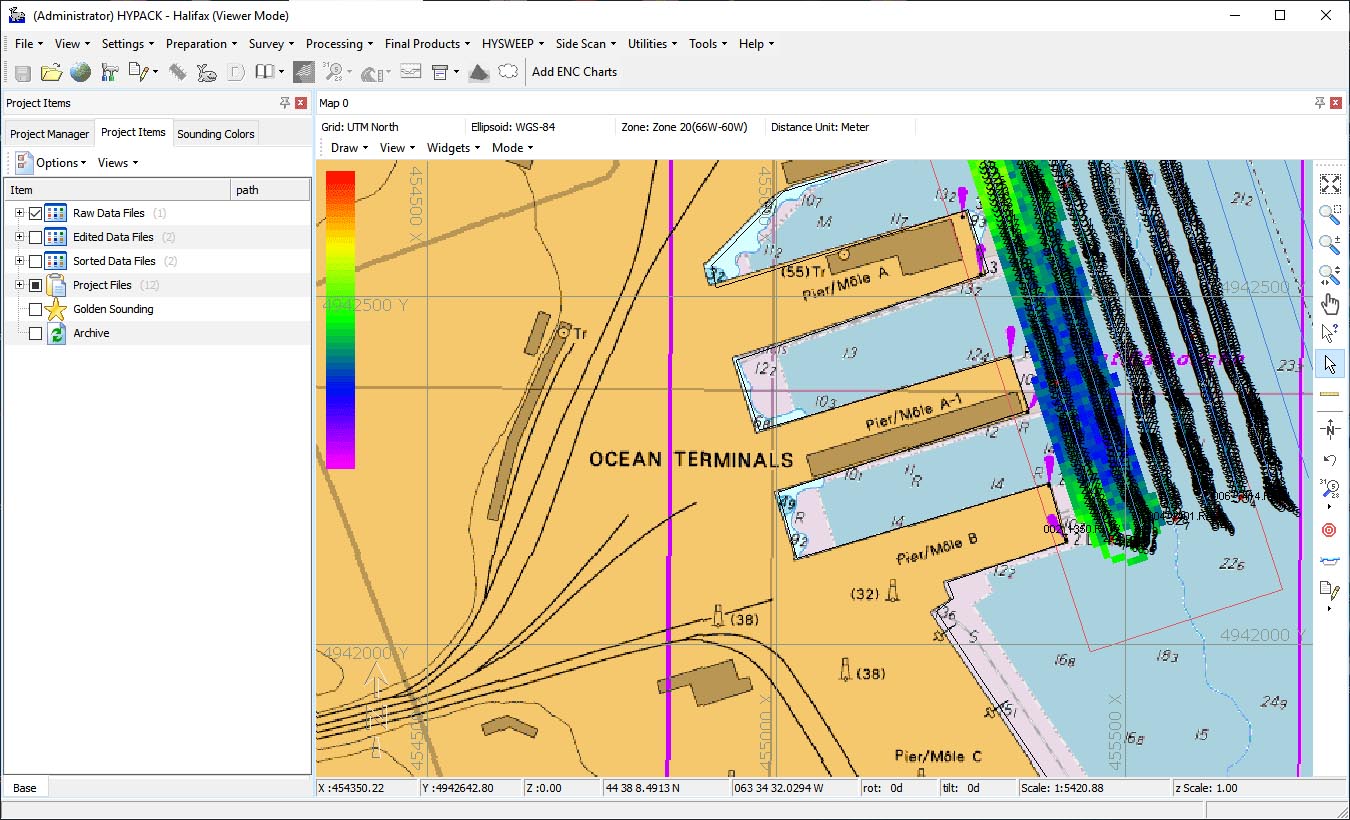
Real-Time Point Cloud – Color-coded, geo-referenced display of multibeam and LiDAR data for easier feature detection and classification
-
Water Column Logger – Ensure hard targets (e.g., wrecks, cables, masts) are fully detected
Sensor Integration:
-
Single beam echosounders, multibeam sonars, sidescan sonars
-
Acoustic Doppler profilers (ADPs / ADCPs) for current velocity measurement
-
GPS/GNSS (RTK, DGPS, PPP) and total stations
-
Motion Reference Units (MRUs), gyrocompasses, and sound velocity probes (SVPs, CTDs)
???? DREDGEPACK: Dredge Monitoring & Control
Real-Time Dredge Guidance:
-
Designed for cutter suction, trailing suction hopper, clamshell, and bucket dredges
-
Color-coded matrix shows current depth updated in real-time; profile view shows both current and required depth
-
Prevents over-dredging – Saves time and money by avoiding fines for excavating too deep or outside the channel
-
Tracks exact position and depth of the dredging tool; maintains a “as-dredged” surface
???? Data Processing & Reduction
Tides & Sound Velocity:
-
Apply water level corrections (RTK TIDES, VDATUM, manual gauges)
-
Real-time sound velocity correction at the transducer face
Multibeam Cleaning (HYSWEEP Editor):
-
Review raw data components, apply geometric and statistical filters
-
Remove noise, outliers, and spurious points
-
Output a variety of data subsets (cleaned XYZ, selected beams)
TIN & Volume Calculations:
-
TIN MODEL Program – Create triangulated irregular network (TIN) surfaces from point data
-
Volume Calculations – Cut/fill volumes between survey surfaces, channel designs, or reference planes
-
Cross Sections – Generate longitudinal profiles and cross-section plots with AEA1 volume method
????️ Final Products & Reporting
Charting & Export:
-
GeoCoder – Process sidescan and backscatter data (georeferenced mosaics)
-
Export to standard hydrographic formats: ALL, LAS/LAZ (point cloud), DXF/DWG, Shapefile, GeoTIFF
-
Generate navigation charts with contours, depth areas, and symbols
-
Print-ready plots and customizable report templates
Border/Filtering Files:
-
Utilize HYPACK Border Reader/Writer for polygon and point-based data filtering
-
.brd Files – Define polygon boundaries for volume calculation or data selection; uses a “point inside/outside” Boolean logic
-
.lnw Files – Line definition files for extracting cross-sections from TIN models
???? What’s New in Version 2026.1
-
Real-Time Point Cloud – Enhanced visualization for multibeam/LiDAR (HYSWEEP) with better color rendering and classification
-
FME Interoperability – Direct reading/writing of HYPACK Border (.brd) files for advanced GIS workflows
-
Advanced Channel Design Updates – Improved tools for complex channel geometries (turning basins, shoal templates)
-
64-bit Performance – Optimized for larger point clouds and faster TIN generation (system requirement base)
???? System Requirements
Minimum Requirements
-
OS: Windows 10/11 (64-bit)
-
CPU: 2.5 GHz dual-core processor
-
RAM: 8 GB
-
Storage: 10 GB free space
-
Display: 1366 × 768 resolution
-
Graphics: DirectX 10 compatible




Reviews
There are no reviews yet.