

vhf Dental CNC 8.10: CAM Control Software for vhf Milling Machines
vhf Dental CNC 8.10 is the CAM control software component of the vhf CAM software package (dentalcam & dentalcnc), designed to operate vhf’s high‑precision dental milling machines . As the machine control counterpart to dentalcam (nesting & toolpath calculation), dentalcnc handles job execution, machine communication, real‑time monitoring, and multi‑machine management.
???? Primary Users
This professional dental CAM control software is designed for:
-
Dental Technicians & Lab Managers operating vhf milling machines (R5, K5, N4, E5, Z4, S series) for crown, bridge, and implant restoration production
-
Dental Lab Owners seeking efficient, validated material strategies for zirconia, PMMA, CoCr, titanium, and glass ceramics
-
Chairside Dental Practices using compact vhf machines (S series, Z4) for same-day restorations
-
Production Lab Operators managing multiple vhf machines simultaneously via multi-machine control
-
Digital Dentistry Workflows integrating with exocad, 3Shape, and other CAD systems via open STL import
⚡ Key Features & Capabilities
????️ Core Functions (dentalcnc)
| Feature | Description |
|---|---|
| Job Execution & Monitoring | Load, start, pause, and monitor milling jobs with real‑time status display |
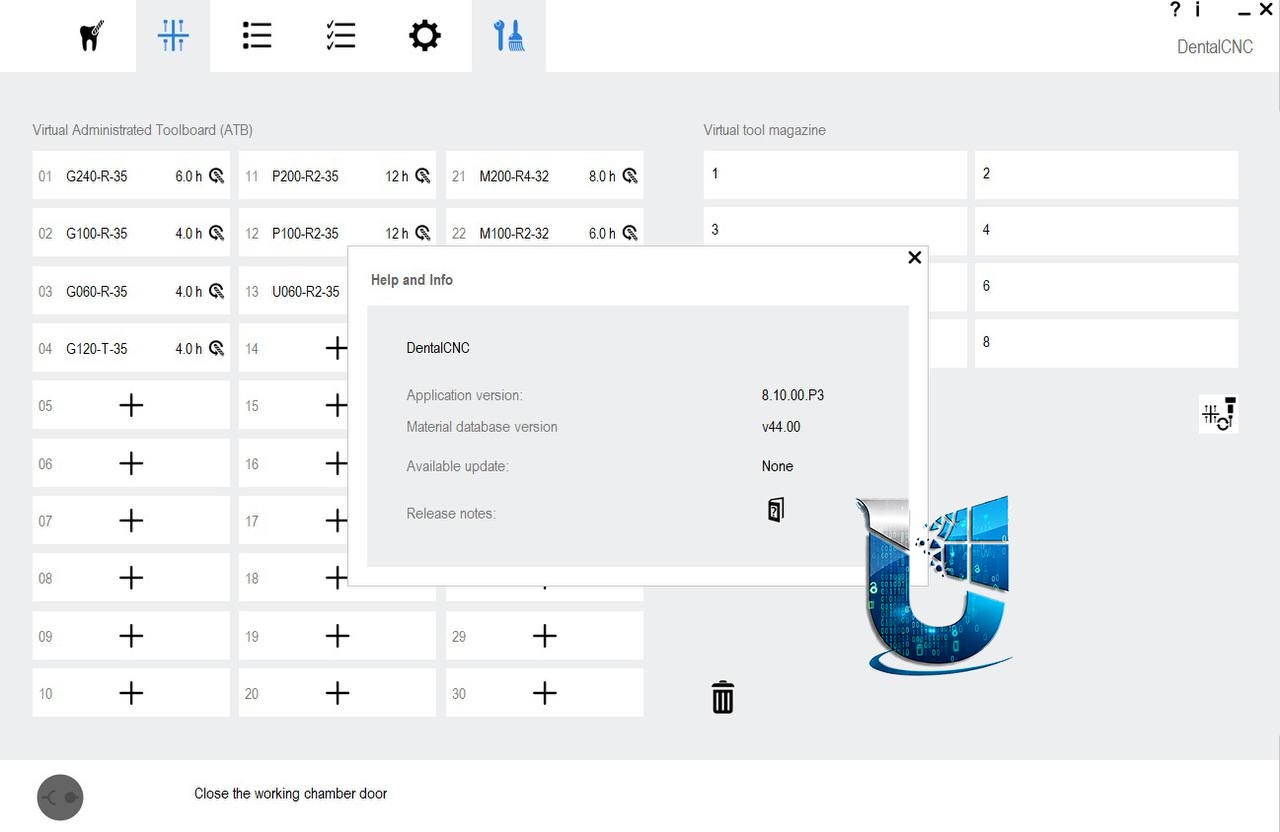
| Tool Management | Virtual tool library with drag‑and‑drop configuration; tool assignment validation via color‑coded indicators (green = correct, red = error) |
| Residual Material Display | 3D visualization of remaining material stock after partial machining |
| Job Archive & Restoration | Re‑run completed jobs; restore interrupted jobs with state preservation |
| Email Notifications | Automatic alerts for job completion or errors |
| Multi‑Machine Control | Manage multiple vhf machines from a single workstation (E3, E4, E5 series support enhanced in 8.10) |
???? Machine Compatibility
| Series | Models | Typical Application |
|---|---|---|
| R Series | R5 | High‑end 5‑axis, wet/dry, 10‑disc changer, 24/7 production |
| K Series | K5, K5+ | High‑performance dry milling |
| N Series | N4, N4+ | Desktop 4‑axis, wet/dry |
| E Series | E3, E4, E5 | Compact, chairside/entry‑level |
| S Series | S1, S2, S5 | Small footprint, chairside |
| Z Series | Z4 | Built‑in CAM computer |
???? Key Enhancements in Version 8.10
-
Tool Collision Prevention – dentalcnc now cancels faulty jobs or prevents them from starting when incorrect calculations would cause tool collisions
-
Improved Multi‑Machine Control – Enhanced support for E3, E4, E5 series; improved instance management for 2nd and 3rd machines
-
Email Notifications Restored – Fixed functionality for sending job completion/error alerts
-
Manual Cavity Check Fix – Corrected oversize value display (0.010 mm) during manual cavity checks
-
Display Initialization – Z4 machines now initialize faster, reducing ready time
????️ Integration with dentalcam (CAM Nesting)
dentalcnc works in tandem with dentalcam, which handles:
-
STL import and positioning
-
Nesting (arranging objects on material blanks)
-
Toolpath calculation and strategy selection
-
Material and tool database management
dentalcam 8.10 shares the same release notes and includes:
-
Validated Ivotion oversized process strategy (R5, K5+, E5)
-
Biodenta PreFAB‑4 abutment holder support
-
Enhanced residual material display with individual object processing
???? Supported Materials
Based on machine capabilities, supported materials include:
| Material Type | Examples | Machine Compatibility |
|---|---|---|
| Ceramics | Zirconia, glass ceramic, lithium disilicate | R5, K5, N4, S series |
| Polymers | PMMA, PEEK, PEKK, wax | All machines |
| Metals | CoCr, titanium (wet milling) | R5, N4+ (wet) |
| Composites | Hybrid ceramics, CAD temp materials | All machines |
| Ivotion | Oversize process for denture base & teeth (validated on R5, K5+, E5) | R5, K5+, E5 |
⚙️ Technical Specifications (R5 Example)
| Specification | R5 (High‑end model) |
|---|---|
| Axis | 5‑axis simultaneous |
| Spindle tilt | ±35° |
| Disc changer | 10 discs (up to 60 blocks) |
| Wet/Dry | Both, auto‑switch |
| Max material thickness | 40 mm |
| Compatible materials | Wax, zirconia, PMMA, PEEK, CoCr, Ti, glass ceramic, plaster |
???? What’s New in Version 8.10
This release is a maintenance update (P3) focusing on stability and bug fixes .
New Features
| Feature | Compatible Machines | Description |
|---|---|---|
| Ivotion oversized process | R5, K5+, E5 | Validated strategy for Ivoclar Ivotion oversize process; requires specific Ivotion mounting aid |
| Biodenta PreFAB‑4 support | N4, N4+, S1, S2, S5 | Abutment holder now supported in dentalcam |
| Multi‑machine control | E3, E4, E5 | Enhanced support; requires new installation for full functionality |
Bug Fixes
| Fix | Affected Machines | Description |
|---|---|---|
| Tool collision prevention | All | Faulty jobs now canceled or prevented from starting |
| Residual material display | All | Fixed display for abutments; removed material no longer shown |
| Nesting in remote connection | All | Objects can now be moved precisely even via remote desktop |
| Z4 display initialization | Z4 | Faster startup and ready time |
| Email notifications | All | Fixed functionality for job alerts |
| Manual cavity check oversize | All | Correct oversize value displayed (0.010 mm) |
| Job archive restoration | All | Fixed errors when restoring jobs; program remains in foreground |
| Vita CAD Temp multicolor | R5 | Fixed incorrect block holder orientation and object placement |
| CoCr drilling | All | Improved fit accuracy for drill holes |





Reviews
There are no reviews yet.