
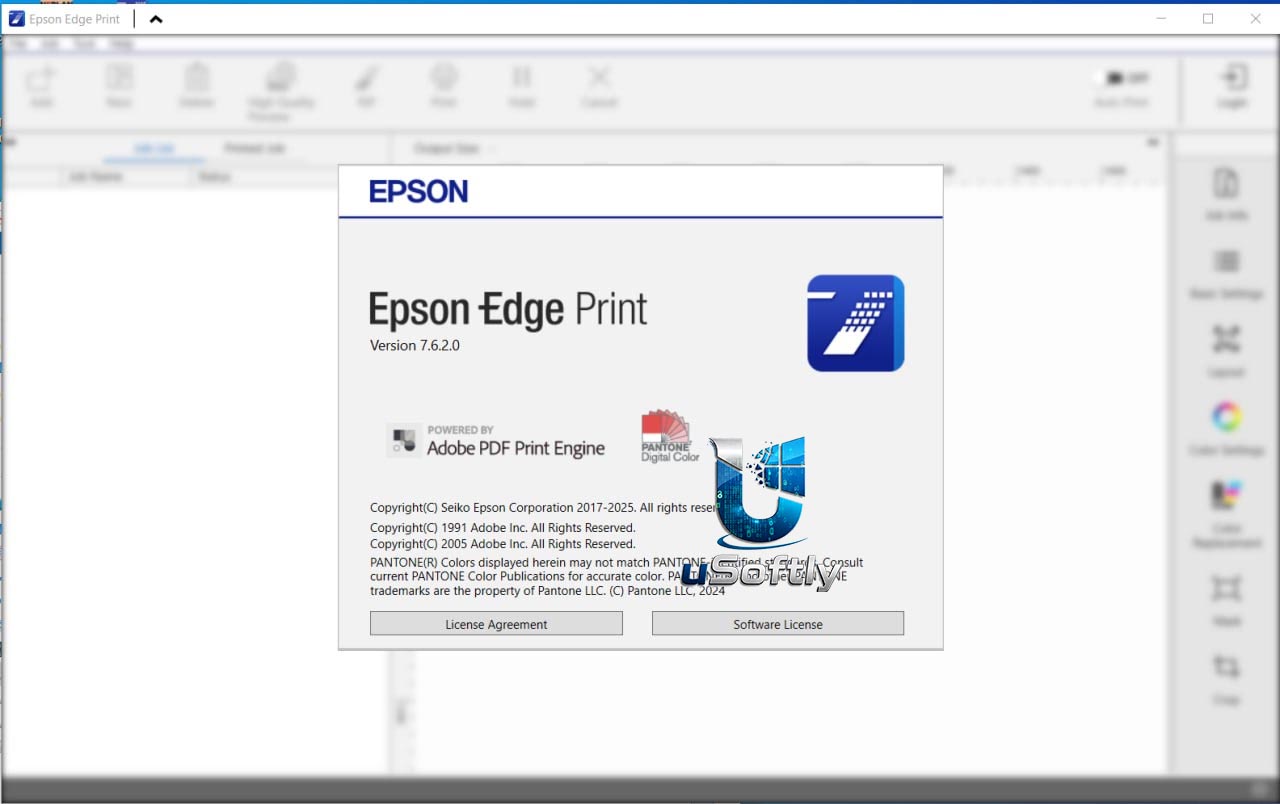
Epson Edge Print 7.6.2.0 – Professional RIP Software for Epson Large Format Printers
Epson Edge Print is a professional RIP (Raster Image Processor) software developed by Epson specifically for its large-format printers . Unlike generic RIP applications that must support multiple hardware vendors, Edge Print is optimized exclusively for Epson equipment, providing access to the full power of Epson’s imaging technologies, including advanced LUT tables, smallest dot sizing, and proprietary Half Tone Modules .
The software bridges the gap between basic print drivers and full-featured RIPs, delivering a balance of professional capabilities and ease of use . It processes input file formats including PS, EPS, PDF, TIFF, JPEG, PNG, and CALS-G4 , and includes support for major input profiles such as Fogra, SWOP, Japan Color, sRGB, and Adobe RGB .
Version 7.6.2.0 is the latest iteration of this software, continuing Epson’s commitment to providing powerful, accessible print production tools. It is compatible with Windows 10 (64-bit) and Windows 11, with recommended specifications of an Intel Core i7 processor or faster, 32GB+ RAM, and 1TB+ free storage . The software can be used as a virtual printer and also supports hot folder operation for automated workflows.
Primary Users
Epson Edge Print 7.6.2.0 is designed for print professionals, signage producers, graphic designers, and production managers who work with Epson large-format printers. It serves professionals who:
-
Manage production printing in sign shops, photo studios, and professional imaging environments
-
Require precise color management for brand consistency and high-quality output
-
Seek a cost-effective alternative to complex, expensive RIP solutions
-
Operate multiple Epson printers from a single, unified interface
-
Need to maximize media efficiency through automated nesting and tiling features
Key Features & Capabilities
Print Quality Optimization
-
Precision Dot Technology: Harmonizes Half Tone Module, LUT, and Micro Weave to optimize droplet sizes and screening patterns for smooth gradations and reduced graininess
-
Advanced Color Management: Draws on Epson’s wide gamut profiles to maximize color gamut and ensure color constancy under different lighting conditions
-
Spot Color Matching: Enables precise color matching for brand-specific and specialty colors
-
On-Screen Visualization: True on-screen preview shows exactly what the output will look like, including input profile, media profile, and rendering intent
Production Workflow Tools
-
Nesting: Automatically arranges multiple images on media to minimize waste and maximize efficiency
-
Tiling: Divides large image files into manageable sections that align with media dimensions for oversized prints
-
Step & Repeat: Creates multiple copies of a design across media for efficient batch production
-
Auto Print: Automatically prints jobs upon addition to the job list, or can be disabled for final checks and adjustments
Printer and Fleet Management
-
Multi-Printer Support: One copy of the software drives up to 4 printers; up to 4 copies can be loaded on a single PC
-
Epson Edge Dashboard Integration: Enables printer and fleet management with downloadable media and print profile settings
-
Epson Control Dashboard: Displays printer status, performs proactive maintenance tasks, and automatically downloads configuration files
-
Epson Accounting Tool: Tracks ink and paper consumption for accurate job costing
-
Epson Cloud Solution PORT: Provides advanced tracking and costing facilities for signage and poster work
File Format Support
-
Input Formats: PS, EPS, PDF, TIFF, JPEG, PNG, CALS-G4 Type 1
-
PDF Support: Adobe PDF Print Engine (APPE) in the PRO version with support for transparency effects, blends, overprints, spot colors, and trapping
-
Security: Password-protected PDFs are not supported
What’s New in Epson Edge Print 7.6.2.0
While specific release notes for version 7.6.2.0 are not available in the search results, the Edge Print product family continues to evolve with focus on :
-
Adobe PDF Print Engine: Enhanced PDF handling with support for anti-aliasing and transparency effects (Edge Print PRO)
-
Epson Cloud Solution PORT Integration: Advanced tracking and costing features for professional operations
-
Multi-Layer Printing Support: White ink and color ink multi-layer printing (specific models)
-
Updated Media Extensions: Regular updates to EMX files via Epson Control Dashboard
Note: There are two variants of the software: Epson Edge Print (basic) and Epson Edge Print PRO (advanced). The PRO version includes the Adobe PDF Print Engine for enhanced transparency and PDF handling, along with additional features.





Reviews
There are no reviews yet.