

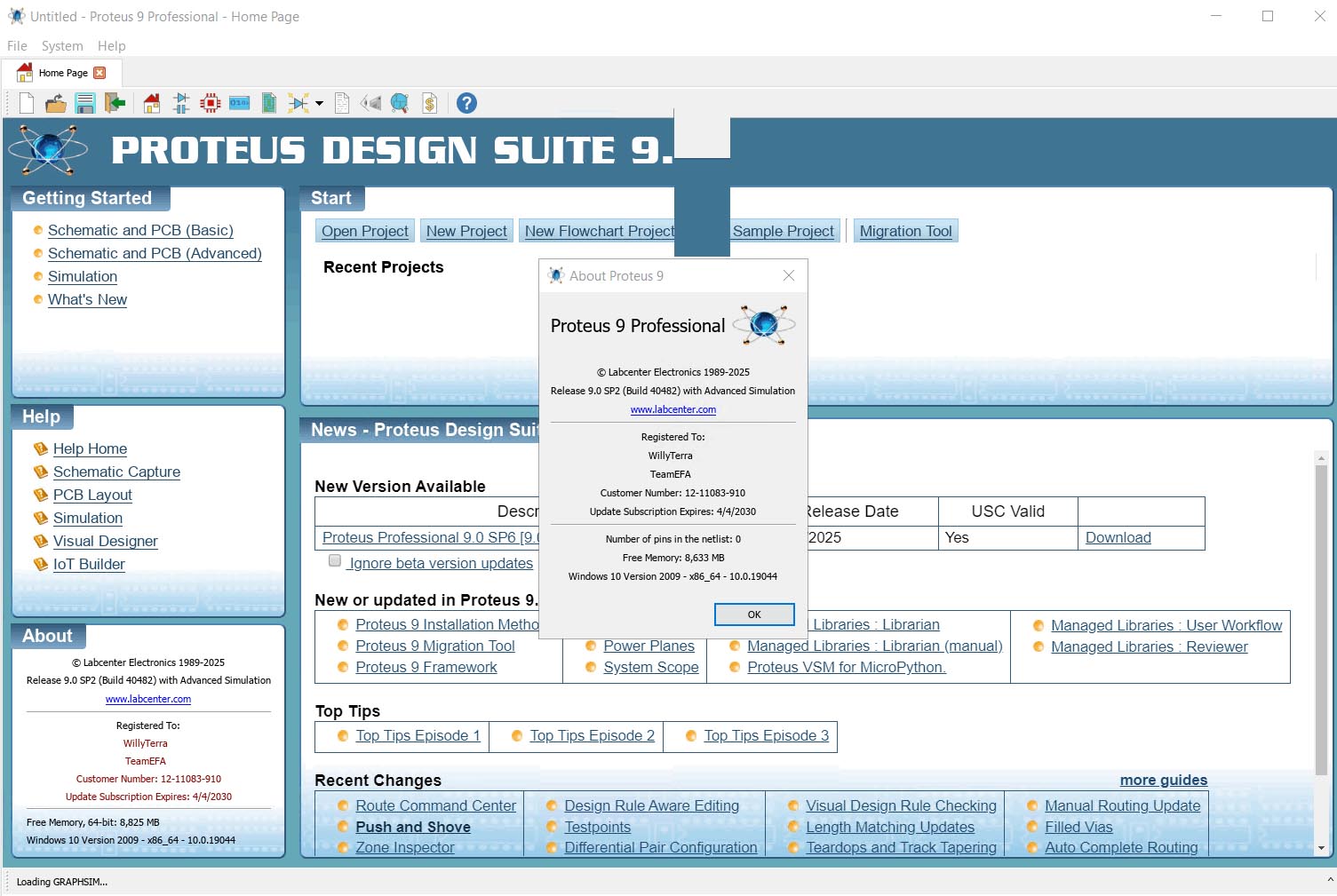
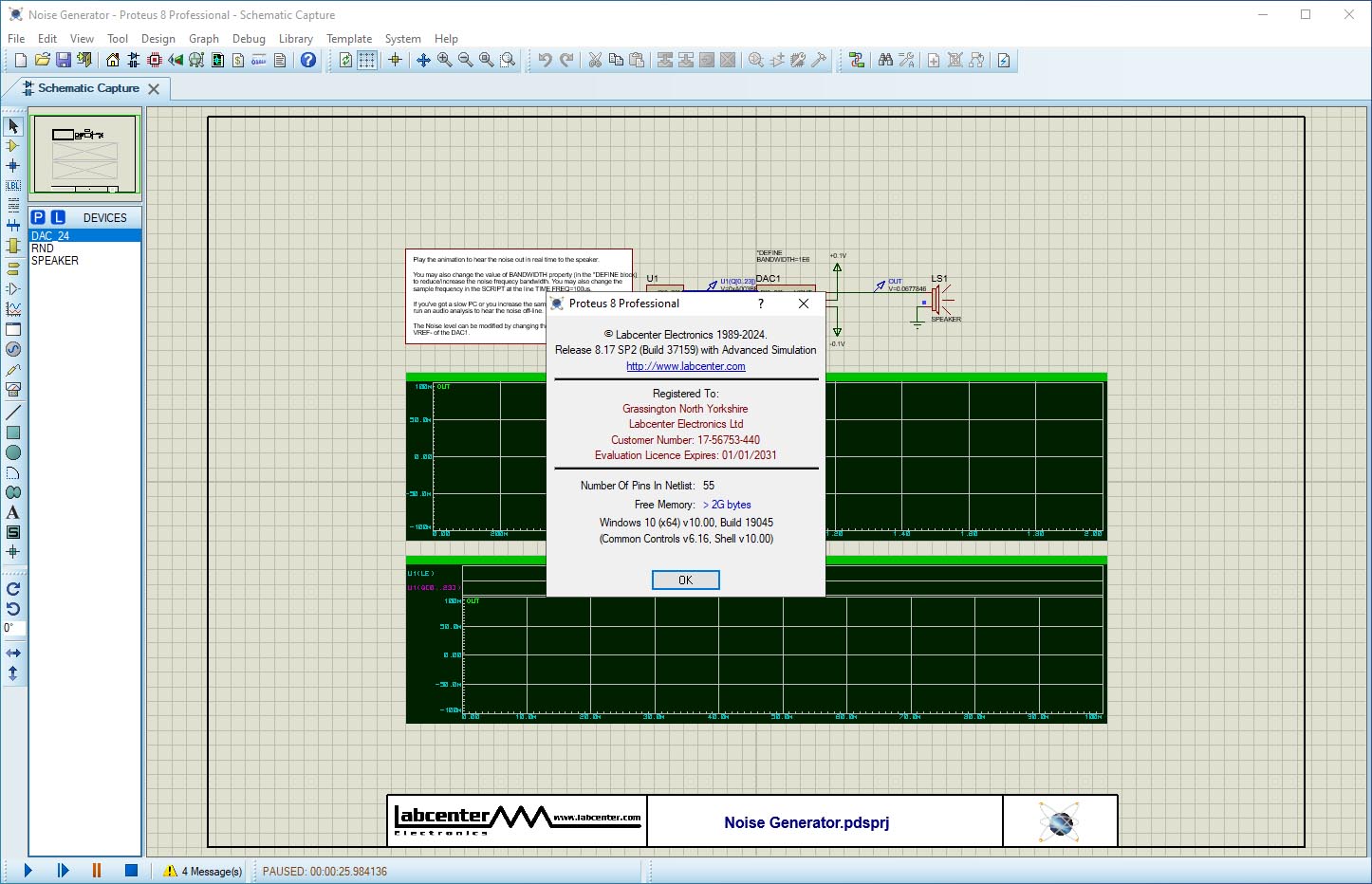
Download Proteus Professional 9.2 – Leading Software for PCB Design and Simulation
Proteus Professional download is sought by engineers and students for its robust capabilities in electronic design automation (EDA). Developed by Labcenter Electronics Ltd, this comprehensive software suite is designed for creating, simulating, and laying out printed circuit boards (PCBs). It is a vital tool within the electronics industry, supporting complex design workflows for professionals and providing a powerful platform for educational pursuits in electronic design engineering.
Overview of Proteus Professional
History and Evolution
The Proteus Design Suite, including Proteus Professional, was first developed in 1988. Over the years, Labcenter Electronics Ltd has continuously updated and expanded its feature set. These advancements have solidified its position as a capable EDA tool, evolving from its initial release to incorporate sophisticated simulation and design functionalities required by modern electronic engineering.
Applications in Electronic Design
Proteus Professional is utilized across various sectors of the electronics industry. Its versatility makes it suitable for both professional engineers working on intricate product development and students in academic settings learning the fundamentals of electronic design. The software supports a broad spectrum of applications, from small-scale prototyping to more complex system designs, making it a pervasive tool in electronic design engineering and education.
Core Features and Capabilities
Schematic Capture and Simulation
At its core, Proteus Professional offers a powerful schematic capture tool that allows users to draw circuit diagrams with ease. This is complemented by a robust mixed-mode SPICE simulation engine, which enables engineers to test circuit behavior, analyze performance, and identify potential issues before physical prototyping. This simulation capability is crucial for verifying analog and digital designs.
Microcontroller Integration
A significant advantage of Proteus Professional is its extensive support for microcontroller simulation. The software is capable of simulating a wide array of microcontrollers from major manufacturers such as Microchip and Atmel. Users can integrate their compiled code (hex or debug files) directly into the schematic, allowing for real-time debugging and system verification of embedded systems alongside other circuit elements.
PCB Layout and Design Tools
The software provides a comprehensive set of tools for PCB layout design. Engineers can transition seamlessly from schematic to PCB design, utilizing features for board setup, component placement, and routing. Proteus Professional includes an autorouting capability to assist in the complex task of connecting components on a multilayer PCB, aiming to streamline the manufacturing preparation process.
3D Visualization and Verification
Proteus Professional distinguishes itself with its integrated 3D viewer. This feature allows designers to visualize their PCB designs in three dimensions, offering a realistic perspective of the assembled board. The 3D visualization can be crucial for checking clearances, component fit, and can integrate with mechanical CAD software, enhancing the overall design verification process.
Real-World Use Cases
Proteus Professional is employed in various real-world scenarios. In professional settings, it’s used for the design and simulation of custom electronic products, embedded systems, and control boards. Academically, it serves as an invaluable educational tool, enabling students to design, simulate, and understand complex electronic circuits and microcontroller applications, such as motor control systems or environmental sensors, without the need for immediate hardware investment.
Comparison with Other EDA Tools
Compared to other EDA software, Proteus Professional often stands out due to its integrated approach that combines schematic capture, extensive microcontroller simulation, and PCB layout within a single, cohesive environment. While other tools might specialize more heavily in one area, Proteus offers a balanced feature set that is particularly attractive for embedded systems development and educational purposes.
Conclusion
Downloading Proteus Professional provides engineers and students with a powerful and integrated platform for a wide range of electronic design tasks. Its capabilities in schematic capture, microcontroller simulation, PCB layout, and 3D visualization make it an effective solution for accelerating the design cycle and improving the accuracy of electronic product development.
Frequently Asked Questions
What type of projects can I create using Proteus Professional?
Proteus Professional is primarily used for designing electronic circuits, creating and simulating PCBs, and prototyping microcontroller-based systems. It supports a wide range of applications, including motor control and temperature sensing projects.
How does Proteus aid in microcontroller simulation?
Proteus allows users to apply hex or debug files to microcontroller components within the schematic. This enables the simulation of microcontroller behavior alongside analog and digital circuits, facilitating intricate project prototyping without physical hardware.
Is there a library of components available in Proteus Professional?
Yes, Proteus Professional features an extensive library that includes a wide range of microcontrollers and electronic components, which supports the detailed design and simulation process.






Reviews
There are no reviews yet.