

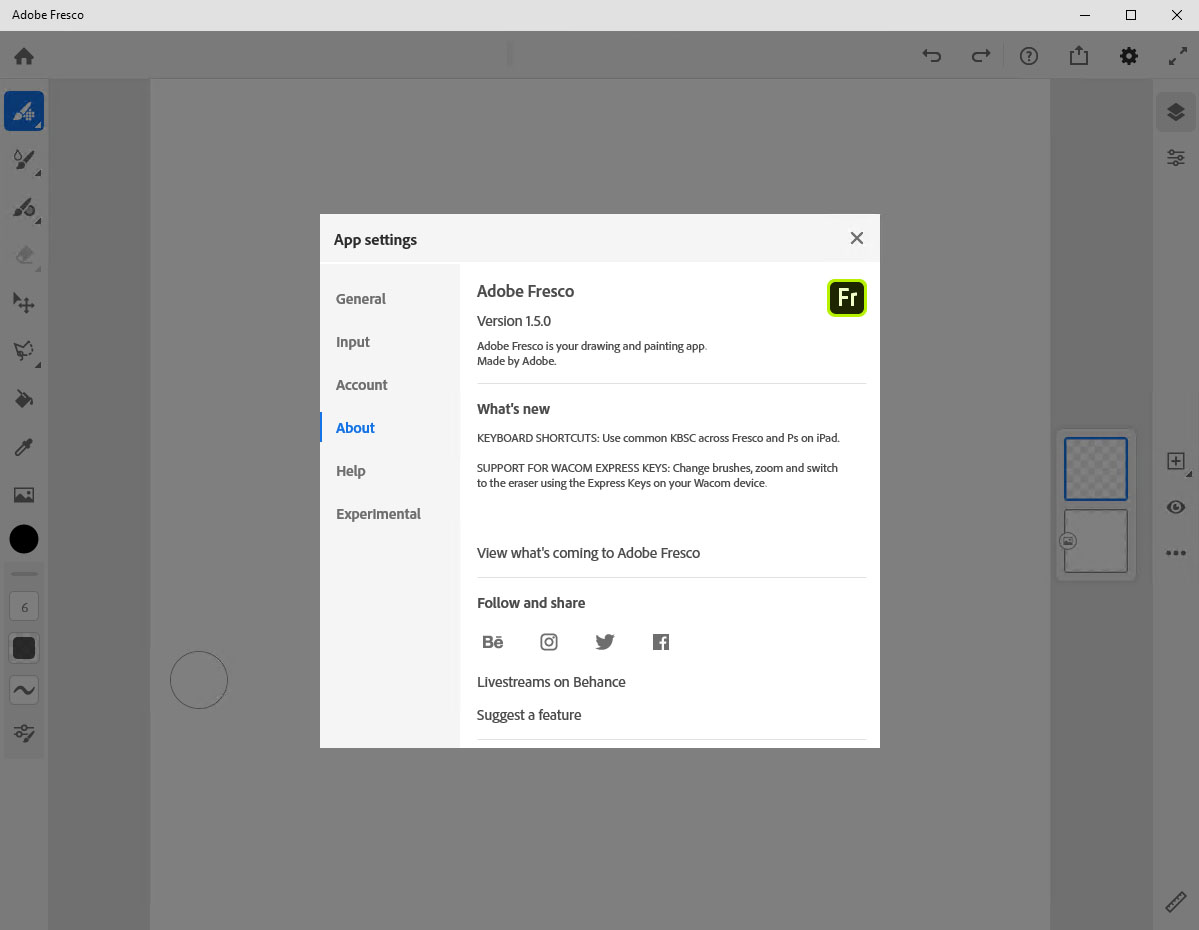
Download Adobe Fresco 5.5 – Powerful Digital Painting Software
Adobe Fresco 5.5, developed by Adobe Inc., is a specialized digital painting software designed for graphic designers, digital artists, and educational institutions. It offers a unique blend of raster and vector graphics capabilities, making it a versatile tool for creating professional artwork on touch-enabled devices. This application is integral for users seeking advanced digital art creation and illustration tools.
Overview of Adobe Fresco 5.5
What is Adobe Fresco?
Adobe Fresco is a powerful digital painting and illustration application that combines the precision of vector graphics with the expressive qualities of raster graphics. Initially launched for touch devices, it provides artists with a dynamic canvas to bring their creative visions to life, from initial sketches to finished illustrations. Its design prioritizes a fluid and intuitive user experience, making advanced digital art accessible.
Key Features and Capabilities
Versatile Painting Tools
Adobe Fresco distinguishes itself with a robust set of brushes that cater to a wide range of artistic styles and needs. Users can leverage these tools for detailed illustration work, expressive digital painting, and graphic design projects. The software aims to replicate the feel of traditional media while offering the benefits of digital editing.
- Live Brushes: These brushes simulate natural media, such as watercolors and oils, with realistic color blending and effects.
- Vector Brushes: Offering infinite scalability without losing quality, these brushes are ideal for crisp lines and scalable illustrations.
- Basic Photo Editing: Capabilities for adjusting elements within the artwork, supporting overall image refinement.
Layer Management and Perspective Grids
Effective layering is fundamental to digital art creation, and Adobe Fresco provides comprehensive tools to manage complex compositions. Precision aids like perspective grids further assist artists in achieving professional-level accuracy and depth in their work.
- Advanced Layering System: Allows for non-destructive editing, blending modes, and organization of artwork elements.
- Perspective Grids: Users can set up one-point, two-point, or three-point perspective guides to ensure accurate spatial representation in drawings and illustrations.
Animation Features
Expanding beyond static images, Adobe Fresco incorporates motion tools that allow artists to add subtle animation to their creations. This feature is particularly useful for digital illustrators and graphic designers looking to create dynamic content for social media or presentations.
- Motion Tools: Enable the creation of simple animations by defining movement paths for elements within the artwork.
- Basic Animation Capabilities: Facilitates the export of animated sequences, adding a layer of interactivity to digital art.
Support for Creative Cloud
As part of the Adobe ecosystem, Adobe Fresco offers seamless integration with Adobe Creative Cloud. This connection is crucial for managing projects and workflows across different devices, enhancing productivity for artists on the go.
- Project Synchronization: Artwork created in Fresco can be automatically saved and synchronized to Creative Cloud, allowing users to access and continue their work on other compatible devices.
- Interoperability with Adobe Software: Facilitates the transfer of projects to other Adobe applications like Photoshop and Illustrator for further refinement and integration into larger design workflows.
User Experience and Interface
Adobe Fresco is designed with an intuitive user interface tailored for touch devices, ensuring a fluid and responsive creative process. Customization options allow users to adapt the workspace to their individual needs and preferences, optimizing efficiency.
- Customizable Workspace: Tools and panels can be rearranged or hidden to create a personalized layout.
- Gesture Controls and Touch Optimization: The interface is optimized for pen and touch input, providing natural and precise control.
Applications in Different Industries
Best Use Cases for Designers and Illustrators
Professionals in graphic design and illustration find Adobe Fresco to be an indispensable tool for various projects. Its unique brush technology and versatile graphic capabilities lend themselves well to creating compelling visual content.
- Comic and Graphic Novel Creation: Artists use Fresco’s raster and vector tools to develop detailed characters, backgrounds, and panel layouts common in comic art.
- Digital Illustrations: Ideal for creating concept art, storyboards, and finished illustrations for print and digital media.
- Character Design: The combination of brush types and precision tools allows for intricate character development.
Education and Learning Opportunities
In educational settings, Adobe Fresco serves as an excellent platform for teaching and learning digital art techniques. Its approachable interface and powerful features make it suitable for students of all levels, from beginners to advanced art students.
- Art and Design Instruction: Educators utilize Fresco to demonstrate painting and illustration techniques, while students practice and develop their skills.
- Accessibility for Students: Its availability on touch devices makes digital art creation more accessible in classroom environments and for remote learning.
Frequently Asked Questions
What is the main function of Adobe Fresco?
Adobe Fresco is primarily used for digital painting and illustration, supporting both vector and raster graphics for versatile art creation on touch devices. It empowers artists to sketch, draw, and paint with a wide array of tools that mimic traditional media while offering precision and scalability.
Can I synchronize my projects across multiple devices with Adobe Fresco?
Yes, Adobe Fresco integrates with Adobe Creative Cloud, allowing users to easily sync their art projects across multiple devices for seamless access and editing. This feature ensures your work is always up-to-date, whether you are using a tablet or another compatible device.
What types of brushes are available in Adobe Fresco?
Adobe Fresco offers a variety of brushes, including expressive Live Brushes that mimic traditional media like watercolor and oil paints, as well as customizable and infinitely scalable Vector Brushes for precise illustrations. This diverse brush library caters to various artistic needs and styles.







Reviews
There are no reviews yet.