

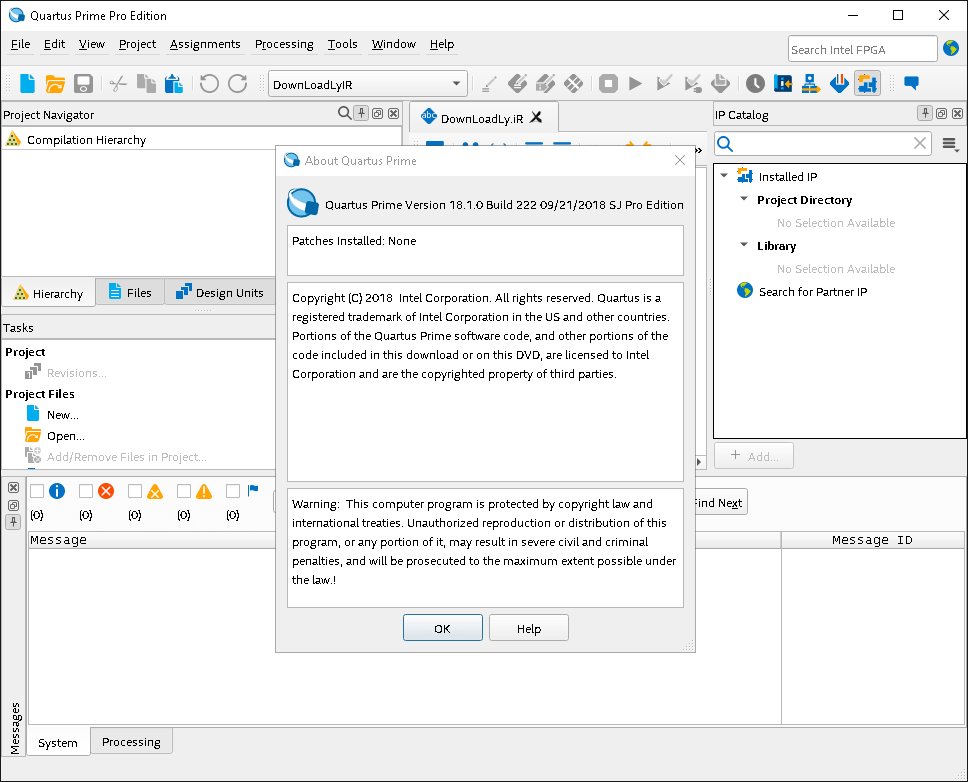
Download Intel Quartus Prime Pro Edition 23.3 – Advanced FPGA Design Software
Intel Quartus Prime Pro Edition 23.3, developed by Intel Corporation, is a sophisticated software suite designed for the intricate field of FPGA and SoC design and development. This powerful tool serves electronics engineers and digital designers, providing an essential environment for creating and optimizing complex programmable logic circuits. As a leading solution in the electronics industry, it streamlines the entire design flow from concept to implementation.
Overview of Intel Quartus Prime
Intel Quartus Prime represents a significant evolution in Field Programmable Gate Array (FPGA) and System-on-Chip (SoC) design software. It offers a unified and efficient environment that supports the entire development process, from initial design entry and synthesis to analysis, simulation, and device programming. Its history is rooted in providing robust tools for Altera’s FPGA families, now under the Intel brand, ensuring that users have access to cutting-edge technologies for creating complex digital systems.
Key Features and Capabilities
Design Tools and Integration
The Quartus Prime Pro Edition is equipped with advanced tools that enhance design productivity and efficiency. A standout feature is the Platform Designer, a system integration tool that simplifies the creation of complex on-chip systems by managing hardware and software interfaces. Furthermore, the inclusion of DSP Builder provides a critical bridge for engineers working with algorithms, offering seamless integration with MATLAB/Simulink for algorithm development and simulation directly within the FPGA design workflow.
- Platform Designer (formerly Qsys) for system-level design integration.
- DSP Builder for integrated algorithm development with MATLAB/Simulink.
- Comprehensive support for Hardware Description Languages (HDLs) like Verilog and VHDL.
Simulation and Analysis Tools
Effective analysis and validation are crucial in FPGA development, and Quartus Prime Pro delivers robust capabilities in this area. The software performs accurate RTL synthesis, transforming HDL code into a gate-level netlist optimized for specific FPGA architectures. Advanced timing analysis tools help engineers identify and resolve performance bottlenecks, ensuring designs meet critical timing requirements. Integrated simulation tools allow for functional verification of the design before it is compiled for the target device, minimizing errors and iteration cycles.
- High-level synthesis for efficient HDL code generation.
- Precise timing analysis to guarantee design performance.
- Built-in simulation capabilities for functional verification.
- Advanced debugging tools for troubleshooting designs in hardware.
Supported Devices and Compatibility
Intel Quartus Prime Pro Edition 23.3 offers extensive support for a wide array of Intel’s programmable logic devices, including various Altera FPGA and SoC families. This comprehensive compatibility ensures that engineers can leverage the latest hardware advancements for their designs. The Pro Edition provides device-specific optimizations and tools that maximize the performance and capabilities of these advanced FPGAs.
- Broad compatibility with Intel’s Arria, Stratix, and Cyclone FPGA families.
- Support for Intel SoC FPGAs, integrating ARM-based processors with FPGA fabric.
- Device-specific features and optimizations for enhanced performance.
Applications in Industry
Intel Quartus Prime Pro Edition is instrumental in numerous high-impact industries requiring advanced digital logic implementation. Its capabilities are vital in telecommunications for high-speed data processing, in aerospace and defense for mission-critical systems, and in automotive for advanced driver-assistance systems (ADAS). The software is also used in medical imaging, high-performance computing, and consumer electronics where custom hardware acceleration and flexible logic solutions are paramount.
- High-performance computing and data acceleration.
- Telecommunications infrastructure and signal processing.
- Aerospace, defense, and automotive electronic systems.
- Medical devices and advanced sensor processing.
Comparative Edge Over Competitors
Compared to other programmable logic device tools, Intel Quartus Prime Pro Edition stands out due to its deep integration with Intel’s FPGA ecosystem and its robust feature set. The seamless integration of MATLAB/Simulink through DSP Builder is a significant advantage for engineers involved in algorithm-intensive designs. Additionally, the comprehensive debugging suite and advanced optimization algorithms for synthesizing and analyzing designs offer a competitive edge in achieving optimal performance and power efficiency for complex FPGA projects.
Getting Started with Quartus Prime Pro
Beginning with Intel Quartus Prime Pro Edition involves accessing the Intel FPGA Software Package, which bundles the Quartus Prime software with device support files. After obtaining the software, users typically proceed to set up project environments, import or create design files using HDL, and configure target device settings. Familiarizing oneself with the integrated tools like Platform Designer and understanding the project settings for synthesis and analysis are key initial steps for effective design work.
Frequently Asked Questions
What is Intel Quartus Prime Pro Edition used for?
Intel Quartus Prime Pro Edition is primarily used for designing and programming FPGAs and SoCs. It offers advanced features for synthesis, simulation, and analysis of hardware designs, enabling engineers to create complex digital logic implemented on programmable hardware platforms.
How does Intel Quartus Prime Pro integrate with MATLAB?
The software includes a tool called DSP Builder, which creates a seamless interface between MATLAB/Simulink and Quartus Prime. This integration facilitates the use of simulations and algorithm development within MATLAB/Simulink, directly translating them into hardware designs for FPGAs.
What editions of Quartus Prime are available?
Intel Quartus Prime is available in three editions: Lite, Standard, and Pro. Each edition offers varying capabilities tailored to different user needs, from entry-level access to advanced professional features required for complex FPGA development.





Reviews
There are no reviews yet.