

Download Red Giant Shooter Suite 13.1.15 – Professional Video Post-Production Toolkit
Red Giant Shooter Suite 13.1.15 is a powerful collection of video post-production tools developed by Red Giant, a subsidiary of Maxon. Designed for professional video editors, filmmakers, and colorists, this suite addresses common technical challenges in the post-production workflow. It offers seamless integration with major editing platforms such as Adobe Premiere Pro, After Effects, and Apple Final Cut Pro, significantly enhancing efficiency for complex projects requiring precise synchronization, color grading, and media management.
Overview of Red Giant Shooter Suite and Its Role in Video Post-Production
The Red Giant Shooter Suite functions as an essential toolkit for video professionals looking to streamline their post-production processes. It directly tackles time-consuming technical tasks, freeing up creators to focus on the artistic aspects of their work. Key components within the suite are engineered to work in concert, providing a cohesive experience for managing, editing, and finishing video content. Its compatibility with leading host applications ensures it fits into established professional workflows.
Advanced Synchronization Solutions with PluralEyes
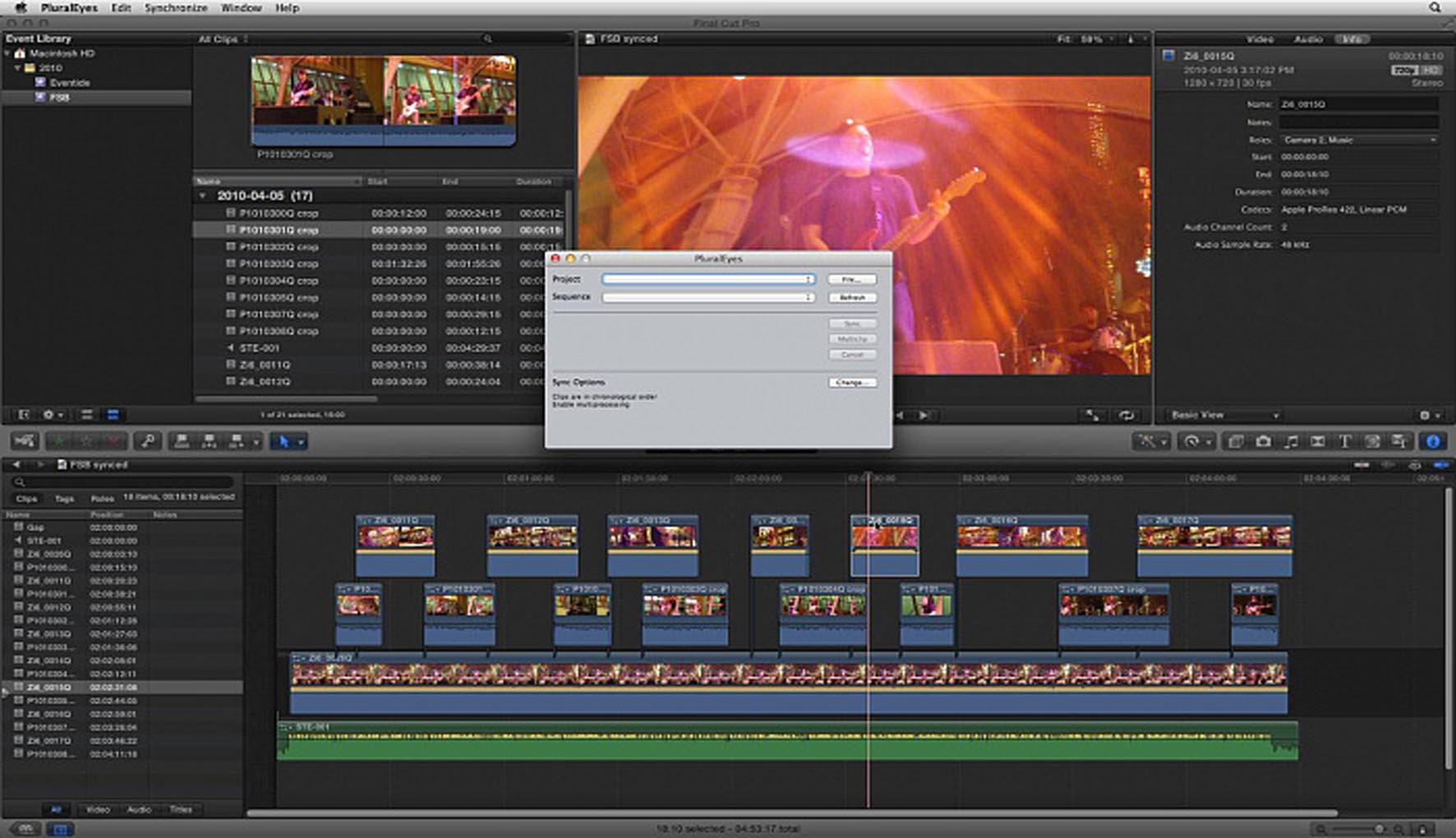
At the core of the suite’s synchronization capabilities is PluralEyes, a stand-alone application and plug-in renowned for its ability to automatically sync audio and video footage. This tool eliminates the need for timecode by analyzing audio waveforms, making it invaluable for projects involving multiple cameras or separate audio recorders. PluralEyes effectively handles dual-system sound scenarios and complex multi-camera setups, drastically reducing manual synchronization time and improving overall editing efficiency.
Comprehensive Color Grading with Magic Bullet Looks
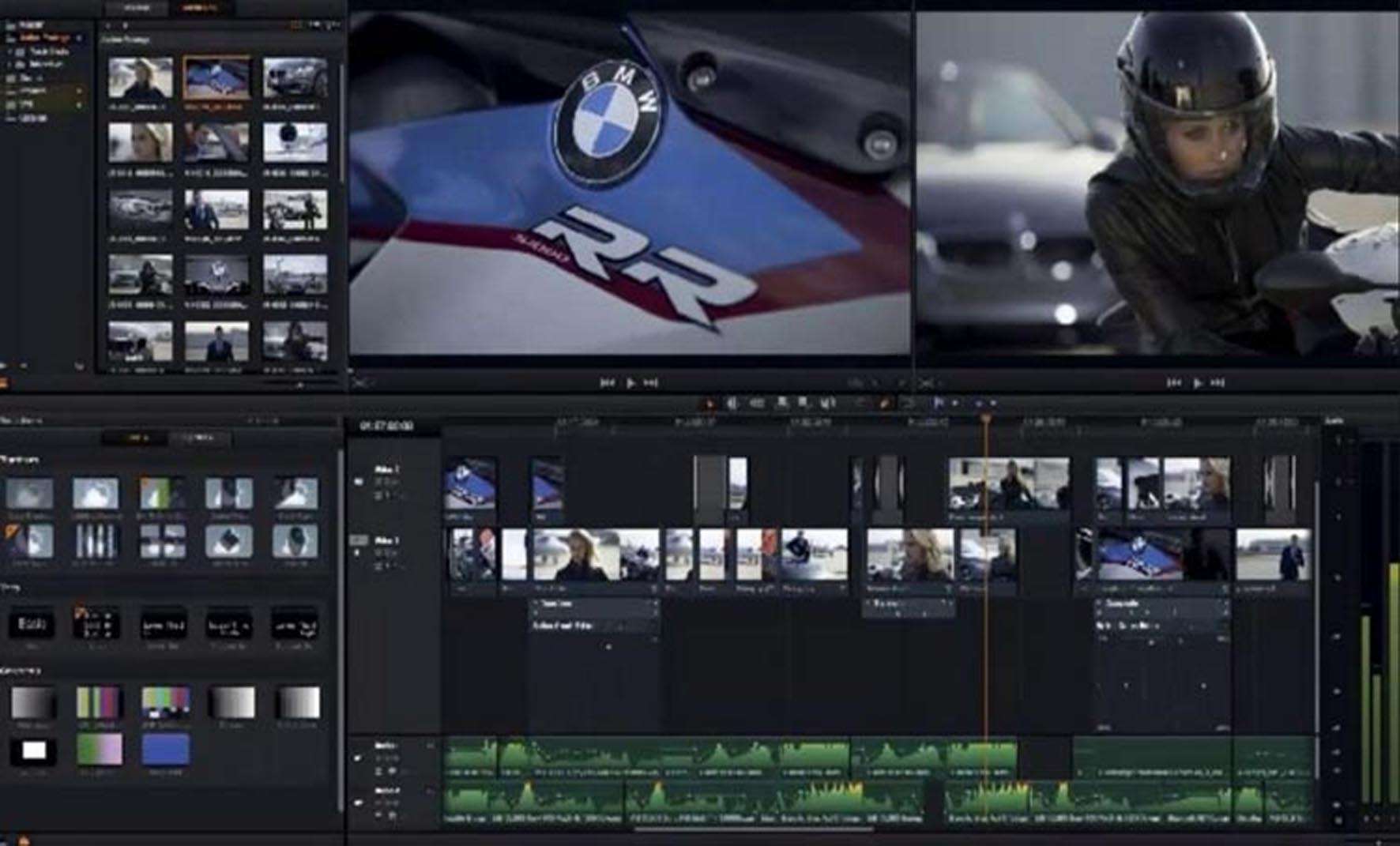
Magic Bullet Looks is a cornerstone of the Shooter Suite for colorists and editors. It provides a vast library of over 900 customizable color grading presets, enabling users to quickly establish a cinematic aesthetic or a consistent look across diverse footage. Beyond presets, it offers a robust set of professional color correction tools for detailed adjustments. Real-time previews ensure that color adjustments can be made interactively during the editing process, promoting speedy and precise color grading.
Lens Correction and Camera Matching Tools
The suite includes utilities designed to address common issues arising from camera lenses. These tools help correct unwanted lens distortion, such as barrel or pincushion effects, and mitigate chromatic aberration and vignetting. Furthermore, camera matching capabilities allow professionals to align the color and tonal characteristics of footage from different camera models, ensuring a uniform visual appearance throughout a project, even when using a variety of recording devices.
Noise Reduction and Sharpening Capabilities
Addressing challenges with low-light or high ISO footage, the suite incorporates advanced noise reduction technology. Specifically, Magic Bullet Denoiser III is designed to effectively remove digital noise and grain without sacrificing image detail. Complementary sharpening tools can be applied to enhance clarity and definition where needed, contributing to a cleaner, more professional final image. These tools are critical for maintaining image quality in less-than-ideal shooting conditions.
Efficient Media Management and Workflow Integration
Red Giant Shooter Suite enhances media management and workflow efficiency through its tight integration with professional video editing software. Tools within the suite support efficient media offloading, transcoding, and proxy creation. The suite leverages GPU acceleration to provide fast, smooth previews within Adobe Premiere Pro, After Effects, and Apple Final Cut Pro, meaning fewer interruptions during the editing and finishing stages.
Recent Updates and Improvements in Version 13.1.15
Version 13.1.15 of Red Giant Shooter Suite incorporates significant performance enhancements and compatibility updates. A key advancement is the inclusion of Universal Binary support, enabling native, optimized performance on Apple Silicon Macs (M1, M2, M3 series chips) alongside compatibility with Intel-based systems. The suite has also been updated to support the latest releases of Adobe Premiere Pro and After Effects and Apple Final Cut Pro, ensuring it functions seamlessly with current professional video editing environments. This release also includes updated color presets and various performance optimizations and bug fixes.
Frequently Asked Questions
How does PluralEyes in Red Giant Shooter Suite improve multi-camera footage synchronization?
PluralEyes automates the synchronization of audio and video footage from multiple cameras without requiring timecode, drastically reducing manual syncing time and improving accuracy. This streamlines the editing workflow for multi-camera shoots by quickly aligning visual and audio takes from different sources.
What advantages does Magic Bullet Looks offer for color grading in post-production?
Magic Bullet Looks provides hundreds of customizable color grading presets and professional tools that enable precise color correction and creating cinematic looks. It allows real-time previews, enabling editors to achieve desired aesthetics efficiently without lengthy rendering times.
Is Red Giant Shooter Suite compatible with the latest Apple Silicon Macs?
Yes, version 13.1.15 of Red Giant Shooter Suite includes native Universal Binary support, ensuring optimal performance and stability on both Intel-based and Apple Silicon Macs, including M1, M2, and M3 chips. This hardware optimization significantly accelerates processing for users on modern Apple hardware.






Reviews
There are no reviews yet.