

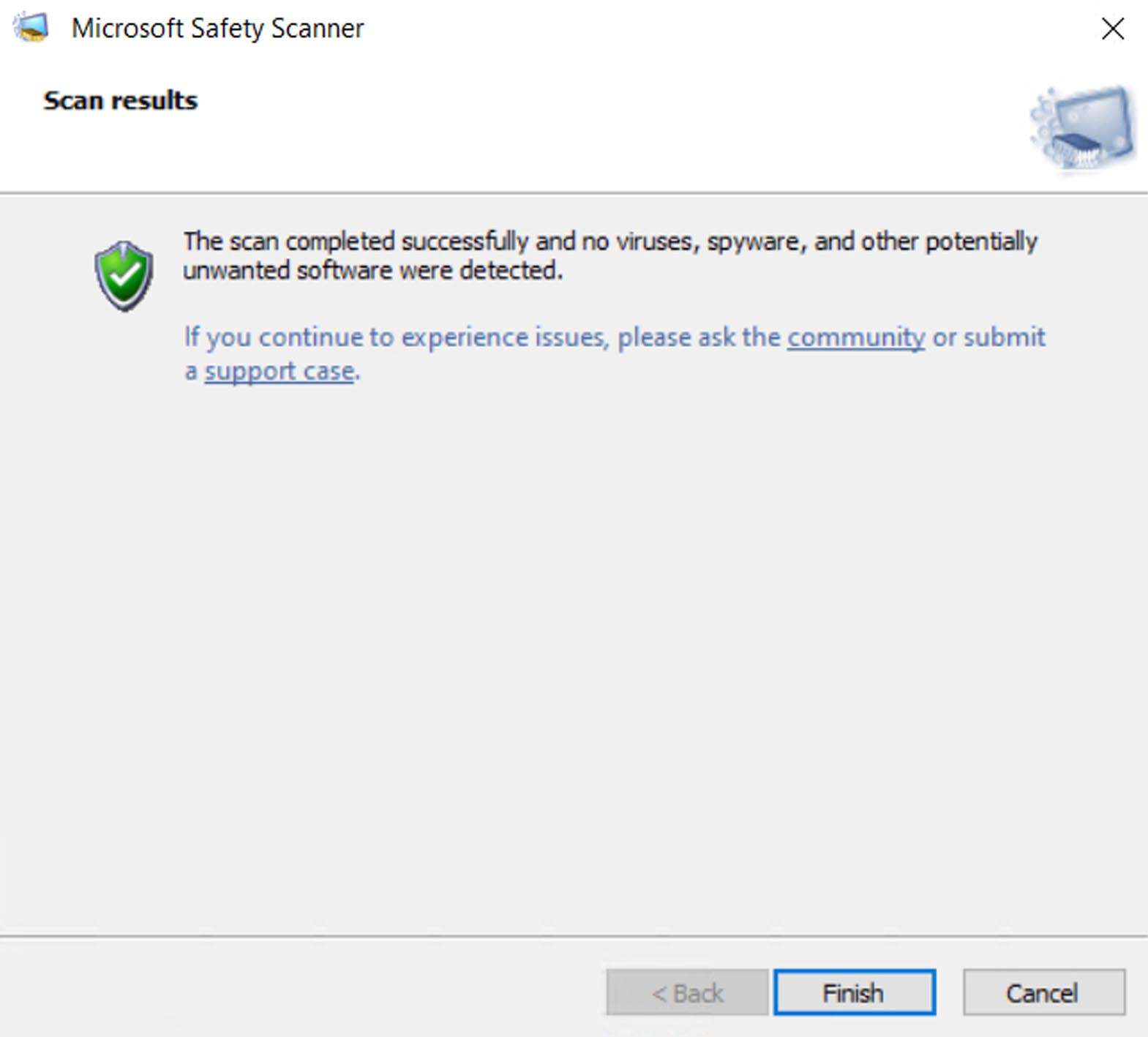
Download Microsoft Safety Scanner – Portable Malware Detection and Removal Tool
The Microsoft Safety Scanner download provides users with a specialized, portable, and standalone tool from the Microsoft Corporation designed for on-demand malware detection and removal. Unlike Microsoft Defender Antivirus, which operates in real-time, this scanner is intended for targeted scans when a full-time antivirus solution may be unavailable or compromised. It is a critical utility for IT professionals, cybersecurity specialists, and advanced Windows users requiring immediate, trustworthy scanning capabilities. The tool is frequently updated with the latest malware definitions, ensuring its efficacy against prevalent threats.
Overview of Microsoft Safety Scanner and Its Role in IT Security
Microsoft Safety Scanner serves as a crucial component within a broader IT security strategy, offering a method for detecting and eliminating viruses, spyware, and other potentially unwanted software. Its design as a portable, on-demand scanner distinguishes it from continuously active antivirus programs. This allows for focused scanning sessions without resource contention, making it an ideal solution for systems where real-time protection might be problematic or has been disabled by malware. The tool leverages Microsoft’s extensive threat intelligence, providing a reliable second opinion or primary scanning resource when needed.
Virus and Threat Detection Methods Embedded in the Scanner
The scanner employs a multi-faceted approach to threat detection, offering distinct scanning options to suit various needs. Users can choose between a Quick Scan, which targets areas most likely to contain malware, a Full Scan that examines all files on the system, or a Custom Scan for specific directories. It operates using up-to-date malware definitions, which are refreshed regularly to counter emerging threats. Furthermore, Microsoft Safety Scanner benefits from Microsoft’s cloud-based security intelligence, integrating vast amounts of real-time threat data to enhance its heuristic detection capabilities and identify even novel or zero-day malware variants.
Key Functionalities and Performance Updates in Version 1.443.436
While specific engine refinements for version 1.443.436 are not detailed, the core functionality of Microsoft Safety Scanner is its consistent delivery of updated malware signatures. Microsoft commits to updating the scanner frequently, typically every 10 days, ensuring that the tool remains relevant against the latest widespread malware. This regular update cycle is paramount for maintaining its efficacy, allowing it to detect and help remove active threats effectively and protect users from the most current cyber-attacks. The benefit lies in having an always-current scanning engine available for immediate deployment.
Integration Within Windows Security Ecosystem and Use Cases in IT
Microsoft Safety Scanner integrates seamlessly within the broader Microsoft security tools landscape, acting as a specialized utility. It is particularly valuable for IT support professionals, system administrators, managed service providers (MSPs), and security analysts. Its on-demand nature makes it ideal for initiating scans on compromised systems where existing antivirus solutions may have been disabled or are malfunctioning. This tool provides a reliable method to clean systems and restore their security posture, functioning as a vital part of incident response and system maintenance workflows within enterprise environments.
Supported Windows Operating Systems and Technical Compatibility
This portable malware scanner is designed for broad compatibility across recent Windows operating systems. It supports Windows 7, Windows 8, Windows 10, and Windows 11, catering to both 32-bit and 64-bit architectures. While it is a portable application and does not require installation, an Internet connection is necessary during the initial download to retrieve the latest scan engine and malware definitions. Users must ensure their system meets the basic requirements for running their respective Windows version.
Real-World Scenarios Demonstrating Utility of Microsoft Safety Scanner
Microsoft Safety Scanner proves invaluable in several critical scenarios. For instance, when a user suspects their primary antivirus software has been compromised and is no longer effectively detecting threats, running a scan with Safety Scanner can help identify and remove malicious software. In managed IT environments, administrators may use it as a supplemental cleaning tool after a known malware outbreak to ensure all residual threats are eradicated. Furthermore, it serves as an efficient means for on-demand scanning of suspect systems or clean installations before reintroducing them into a network, providing an essential layer of security verification.
Frequently Asked Questions
How is Microsoft Safety Scanner different from Microsoft Defender Antivirus?
Microsoft Safety Scanner is an on-demand portable tool that performs virus and malware scans only when manually run. In contrast, Microsoft Defender Antivirus provides real-time, continuous protection running in the background. Safety Scanner is used as a supplementary scanner, especially when the primary antivirus is compromised or not available.
Can I use Microsoft Safety Scanner as my main antivirus software?
No, Microsoft Safety Scanner is designed for one-time or periodic on-demand scanning and does not provide continuous real-time protection like full antivirus products. It is intended to complement, not replace, your primary antivirus.
How often should I download a new version of Microsoft Safety Scanner?
Because the scanner is only valid for 10 days after downloading due to malware definition updates, it is recommended to download a fresh copy each time you plan to run a scan to ensure you have the latest protection.






Reviews
There are no reviews yet.