

Download Nomad Sculpt 2.9.3 – Professional Cross-Platform Digital Sculpting
Nomad Sculpt 2.9.3 is a powerful digital sculpting application designed for artists and designers, offering a robust set of tools for creating complex 3D models. Developed by Stéphane Ginier, it has evolved from a mobile-first application to a fully optimized desktop experience, supporting Windows and macOS. This software is ideal for professional digital art creation, game asset prototyping, intricate 3D printing preparation, and concept design, catering to both seasoned professionals and enthusiastic hobbyists.
Elevating Sculpting from Mobile to Desktop
Initially renowned for its intuitive, touch-friendly interface on mobile platforms like iOS and Android, Nomad Sculpt has successfully transitioned to a desktop environment. Version 2.9.3 signifies this evolution, providing users with a unified workflow that retains the accessibility of its mobile origins while integrating advanced features optimized for Windows and macOS workstations. This cross-platform compatibility ensures that artists can seamlessly continue their projects across different devices, leveraging the strengths of each environment.
Precision Sculpting with Advanced Brushes and Topology
Dynamic Mesh Tessellation
Nomad Sculpt excels in handling highly detailed models through its dynamic mesh tessellation capabilities. The software supports meshes exceeding several million polygons, allowing for intricate sculpting without performance degradation. This adaptive subdivision process ensures that geometric detail is applied precisely where needed, preserving fine features and sharp edges crucial for professional models.
Comprehensive Brush Arsenal
The application features an extensive collection of sculpting brushes designed for a wide range of artistic needs. This arsenal includes standard sculpting tools, specialized brushes for hard-surface modeling, and options for creating unique textures via custom alpha maps. Advanced symmetry options, along with the ability to import custom alphas, provide artists with unparalleled control over surface detailing and form manipulation.
Real-Time PBR Painting and Material System
Vertex Painting and Layered Textures
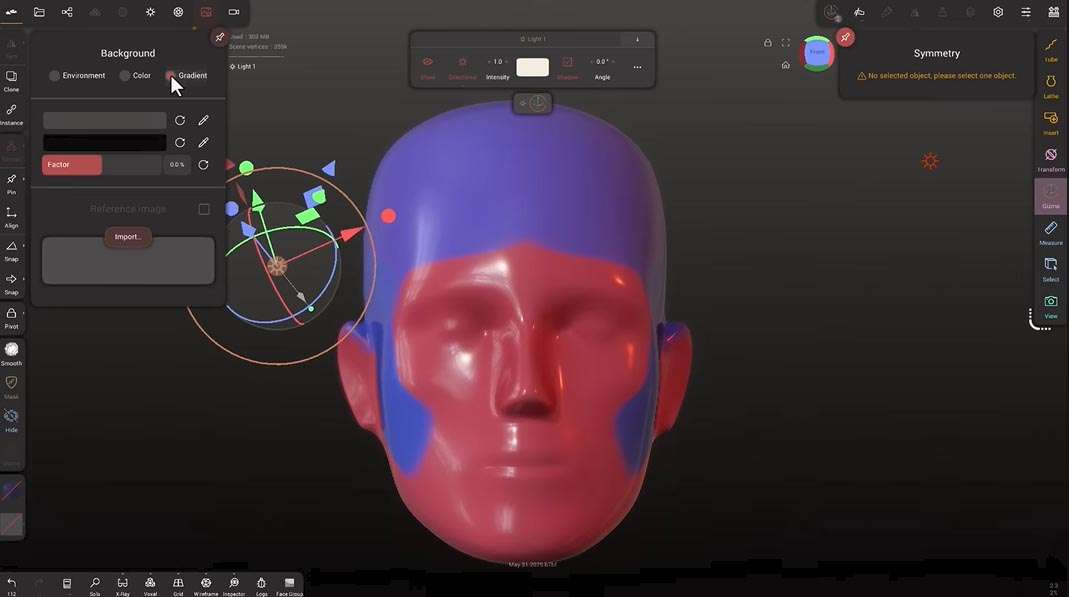
Nomad Sculpt incorporates a sophisticated vertex painting system that allows for detailed texturing directly onto the 3D model. Artists can utilize various color channels, apply blending modes, and leverage tablet pressure sensitivity for nuanced paint application. Layered texturing capabilities further enhance the depth and complexity of surface finishes, providing flexibility comparable to dedicated painting software.
Material Library and Custom Presets
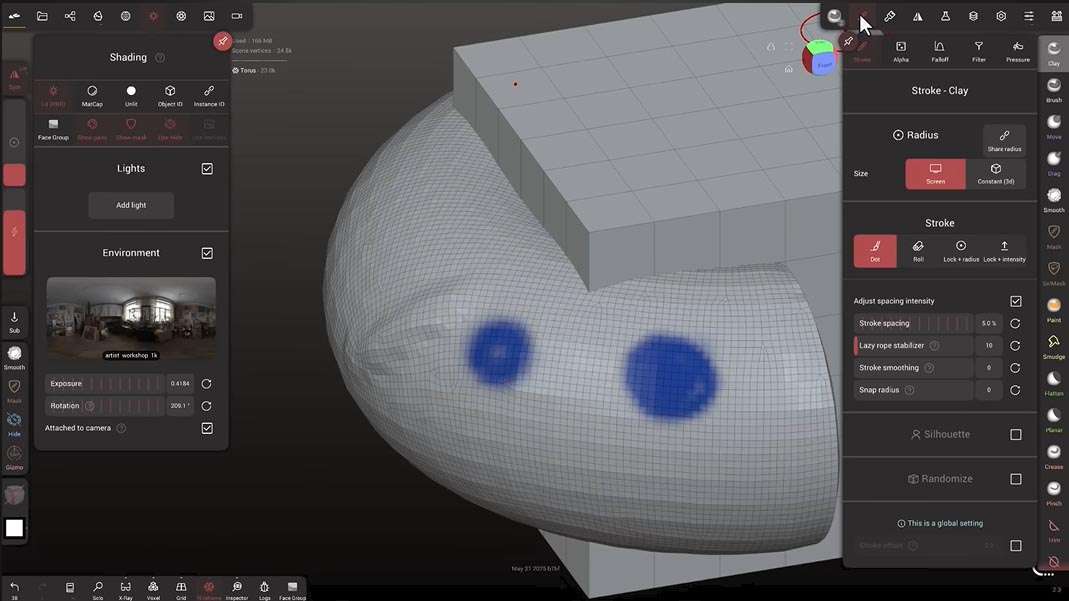
The software supports a Physically Based Rendering (PBR) workflow, offering real-time material previews that accurately reflect how surfaces will appear under different lighting conditions. Users can access a library of pre-made materials and create their own custom presets, enhanced by HDRI environment lighting for realistic reflections and shading. This system is crucial for achieving lifelike results in concept art and asset creation.
Managing Complex Models and File Interchange
Retopology and Boolean Operations
For optimizing complex meshes, Nomad Sculpt offers both manual and automatic retopology tools. These features are essential for preparing high-polygon sculpts for animation or game engines, creating cleaner, more efficient geometry. Additionally, the software includes non-destructive boolean operations, allowing for precise combining or subtracting of shapes without permanently altering the underlying mesh data.
Import/Export Flexibility
Nomad Sculpt provides extensive support for a wide array of file formats, ensuring compatibility with various stages of the 3D pipeline. Supported formats include OBJ, STL, FBX, GLTF/GLB, PLY, and ABC. This broad import/export capability is vital for 3D printing preparation, asset integration into game development engines like Unity and Unreal, and collaboration with other digital content creation (DCC) tools.
Optimized Performance and Customizable Interface
Hardware Acceleration and Multithreading
Version 2.9.3 harnesses the power of modern hardware through GPU-accelerated viewports and a multi-threaded engine. This optimization allows for smooth manipulation of multi-million polygon models, significantly improving workflow efficiency on both Windows and macOS. By fully utilizing available CPU cores and GPU processing power, Nomad Sculpt delivers performant sculpting experiences.
UI Customization and Input Support
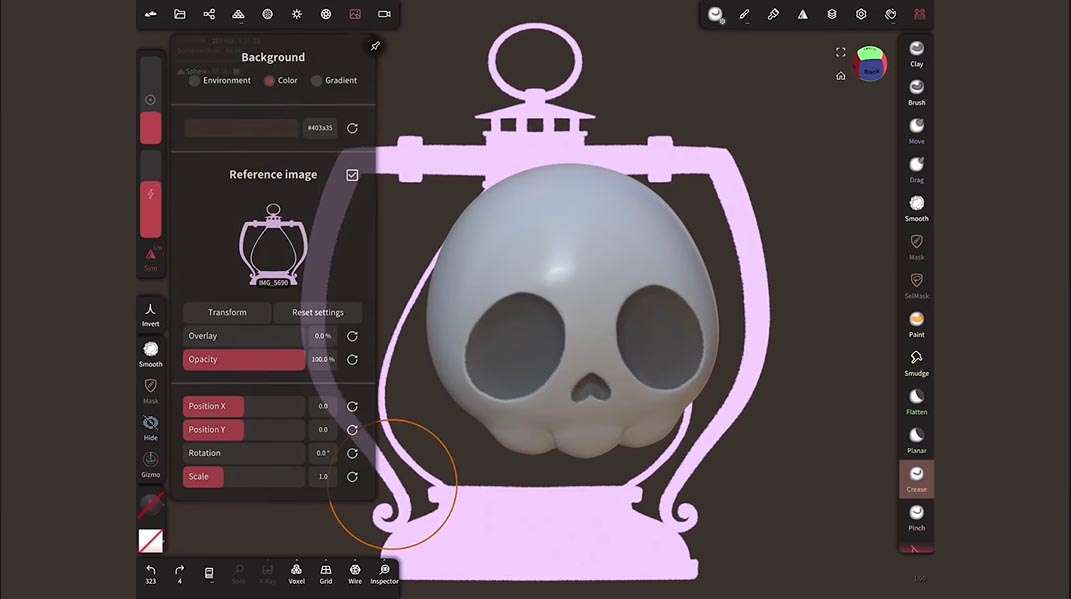
The application is designed to accommodate diverse user preferences and hardware setups. Its interface can be customized, including UI scaling options suitable for high-resolution displays. Nomad Sculpt supports both mouse and graphics tablet input, with configurable gestures and keyboard shortcuts, ensuring a fluid and ergonomic workflow for artists using their preferred input devices.
What’s New in Version 2.9.3
Version 2.9.3 introduces several key enhancements focused on improving the user experience and sculpting performance. This update features significant improvements to the brush engine, leading to more responsive and precise brush strokes. New brush types have been added to expand creative possibilities, alongside targeted performance tweaks that optimize the handling of large polygon counts and complex scenes. The material library has also been expanded, offering a wider selection of PBR materials for more versatile rendering and texturing.
Frequently Asked Questions
What file formats can I import and export in Nomad Sculpt 2.9.3?
Nomad Sculpt supports OBJ, STL, FBX, GLTF/GLB, PLY, and ABC for both import and export, preserving materials, vertex colors, and rigging data where applicable. This broad compatibility streamlines 3D printing workflows and integration with major DCC tools.
How does dynamic topology work in Nomad Sculpt?
Dynamic topology in Nomad Sculpt automatically subdivides mesh areas under detail brushes, redistributing polygons adaptively to preserve sharp features without manual retopology. This enables high-resolution sculpting without worrying about uniform polygon distribution.
Is Nomad Sculpt 2.9.3 optimized for desktop hardware?
Yes—version 2.9.3 leverages GPU-accelerated viewports and a multi-threaded sculpting engine to handle multi-million polygon models smoothly on Windows and macOS workstations. It also offers customizable UI scaling and full graphics-tablet support.





Reviews
There are no reviews yet.