

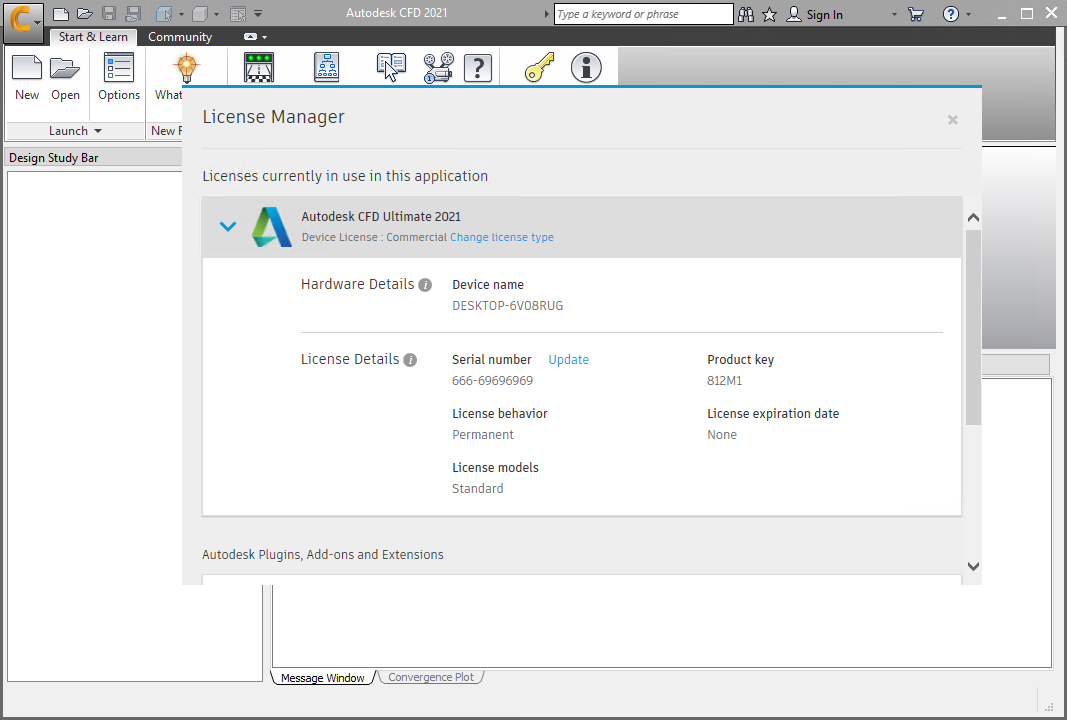
Download Autodesk CFD – Advanced Computational Fluid Dynamics Software
Autodesk CFD is a specialized software application developed by Autodesk, Inc., designed for advanced computational fluid dynamics (CFD) simulations. It serves mechanical engineers, product designers, and professionals in industries such as aerospace, automotive, and HVAC, providing critical insights into fluid flow, heat transfer, and multi-physics phenomena within their designs.
Introduction to Autodesk CFD
Overview of Computational Fluid Dynamics
Computational Fluid Dynamics (CFD) is a branch of fluid mechanics that uses numerical analysis and data structures to analyze and solve problems that involve fluid flows. These simulations allow engineers to predict fluid behavior under various conditions, visualize complex interactions, and optimize designs before physical prototyping.
Autodesk CFD empowers engineers to perform these crucial simulations efficiently. By applying advanced meshing techniques and robust solver technologies, it provides detailed performance insights into fluid dynamics, enabling informed design decisions and reducing development cycles for mechanical engineering projects.
Simulation Capabilities and Features
Fluid Flow Analysis
Autodesk CFD offers a comprehensive suite of tools for conducting detailed fluid flow analyses. Engineers can simulate the movement of liquids and gases, evaluate pressure distributions, and understand velocity profiles within components and systems. This capability is fundamental for optimizing designs related to aerodynamics, hydraulics, and general fluid transport.
- Analysis of single-phase and multiphase fluid flows.
- Simulation of laminar and turbulent flow regimes.
- Detailed visualization of fluid velocities, pressures, and forces.
- Prediction of fluid-structure interactions for evaluating mechanical loads.
Integration with CAD Software
Seamless integration with other CAD software is a key advantage of Autodesk CFD, particularly with other products within the Autodesk ecosystem like Inventor and Fusion 360. This connectivity allows users to directly import or link existing CAD models, significantly streamlining the simulation workflow and reducing the manual effort and potential for errors associated with data translation.
- Direct import of geometry from popular CAD formats.
- Associative links to CAD models, enabling automatic updates upon design changes.
- Streamlined workflow from design to simulation and back to design refinement.
- Collaboration support between design and simulation engineering teams.
Heat Transfer Analysis
The software provides advanced capabilities for simulating heat transfer processes, whether driven by convection, conduction, or radiation. This is critical for applications where thermal management is a significant design consideration, such as in electronics cooling, engine design, and HVAC systems. The ability to accurately predict temperature distributions and heat flux is vital for ensuring product reliability and efficiency.
- Simulation of conductive, convective, and radiative heat transfer.
- Analysis of thermal stresses and deformations caused by temperature gradients.
- Coupled fluid flow and heat transfer simulations.
- Optimization of cooling and heating efficiency in various applications.
User-Centric Simulation Customization
Autodesk CFD is designed to offer flexibility in customization, allowing engineers to tailor simulations to specific project requirements. Users can control meshing parameters, solver settings, and boundary conditions to achieve the desired level of accuracy and computational efficiency. This user-centric approach ensures that the tool can be adapted for a wide range of complex engineering challenges.
- Advanced meshing tools for creating high-quality computational meshes.
- Configurable solver settings for performance and accuracy tuning.
- Support for custom material properties and boundary conditions.
- Tools for setting up and managing complex multi-physics simulations.
Real-World Applications
Autodesk CFD finds extensive application across various engineering sectors, aiding in the development of innovative and efficient products. Its capabilities are instrumental in solving critical design challenges faced by professionals in demanding industries.
- Automotive: Analyzing engine cooling, under-hood airflow, cabin climate control, and aerodynamic drag.
- Aerospace: Simulating airflow over aircraft components, evaluating thermal management in spacecraft, and designing high-performance engines.
- HVAC: Optimizing indoor air quality, designing efficient heating and cooling systems, and analyzing building ventilation.
- Product Design: Evaluating the thermal performance of electronic devices, optimizing cooling for machinery, and analyzing internal fluid flow in consumer products.
Comparison with Other CFD Tools
Autodesk CFD distinguishes itself within the competitive landscape of simulation software through its strong emphasis on integration and user experience, particularly for users within the Autodesk ecosystem. While other tools may offer specialized niche capabilities, Autodesk CFD provides a robust and accessible platform for mainstream engineering fluid dynamics analysis.
- Integration: Offers superior workflow integration with Autodesk CAD products compared to standalone or less integrated solutions.
- User Interface: Features an intuitive user interface designed to reduce the learning curve for engineers performing day-to-day simulation tasks.
- Meshing: Incorporates advanced automatic and manual meshing capabilities that balance ease of use with control over mesh quality.
- Solver Technology: Utilizes a powerful solver technology capable of handling complex fluid flow and heat transfer phenomena.
Frequently Asked Questions
What types of problems can Autodesk CFD solve?
Autodesk CFD can simulate various fluid dynamics problems such as airflow, heat transfer, and interaction of fluids with solid bodies, making it essential for analyzing complex engineering designs. It helps in understanding how fluids behave under different conditions across a wide array of applications.
How does Autodesk CFD integrate with CAD software?
Autodesk CFD seamlessly integrates with other Autodesk CAD products, allowing users to leverage existing designs for simulation, enhancing workflow efficiency and accuracy. This integration minimizes data translation errors and accelerates the design-to-simulation process.
Is there a learning curve for Autodesk CFD?
While Autodesk CFD offers intuitive tools for simulation, users may require some training to fully understand its advanced features and leverage its capabilities effectively. The software provides extensive documentation and tutorials to assist users in mastering its functionalities.






Reviews
There are no reviews yet.