

Download BETA CAE Systems Suite 2026.1 – Comprehensive CAE Simulation Software
The BETA CAE Systems Suite is a sophisticated suite of advanced computer-aided engineering (CAE) software designed by BETA CAE Systems S.A. It provides comprehensive solutions for engineering simulations, crucial for professionals in the automotive, aerospace, heavy machinery, energy, and consumer product industries. This suite represents a foundational tool for performing complex Finite Element Analysis (FEA), Computational Fluid Dynamics (CFD), and multi-physics studies, streamlining the simulation workflow from initial model preparation to final result interpretation.
Overview of BETA CAE Systems Suite
BETA CAE Systems Suite has established itself as a vital resource in mechanical engineering and simulation fields. Developed by BETA CAE Systems S.A., it offers integrated tools that address the rigorous demands of modern engineering analysis. The suite is recognized for its robust capabilities in handling complex simulation tasks, making it an indispensable asset for engineers focused on improving product design, performance, and safety. Its continuous development, as seen in version 2026, aims to enhance performance and expand solver support, reinforcing its position in the market.
Key Components of the Suite
ANSA: Advanced Pre-Processing Environment
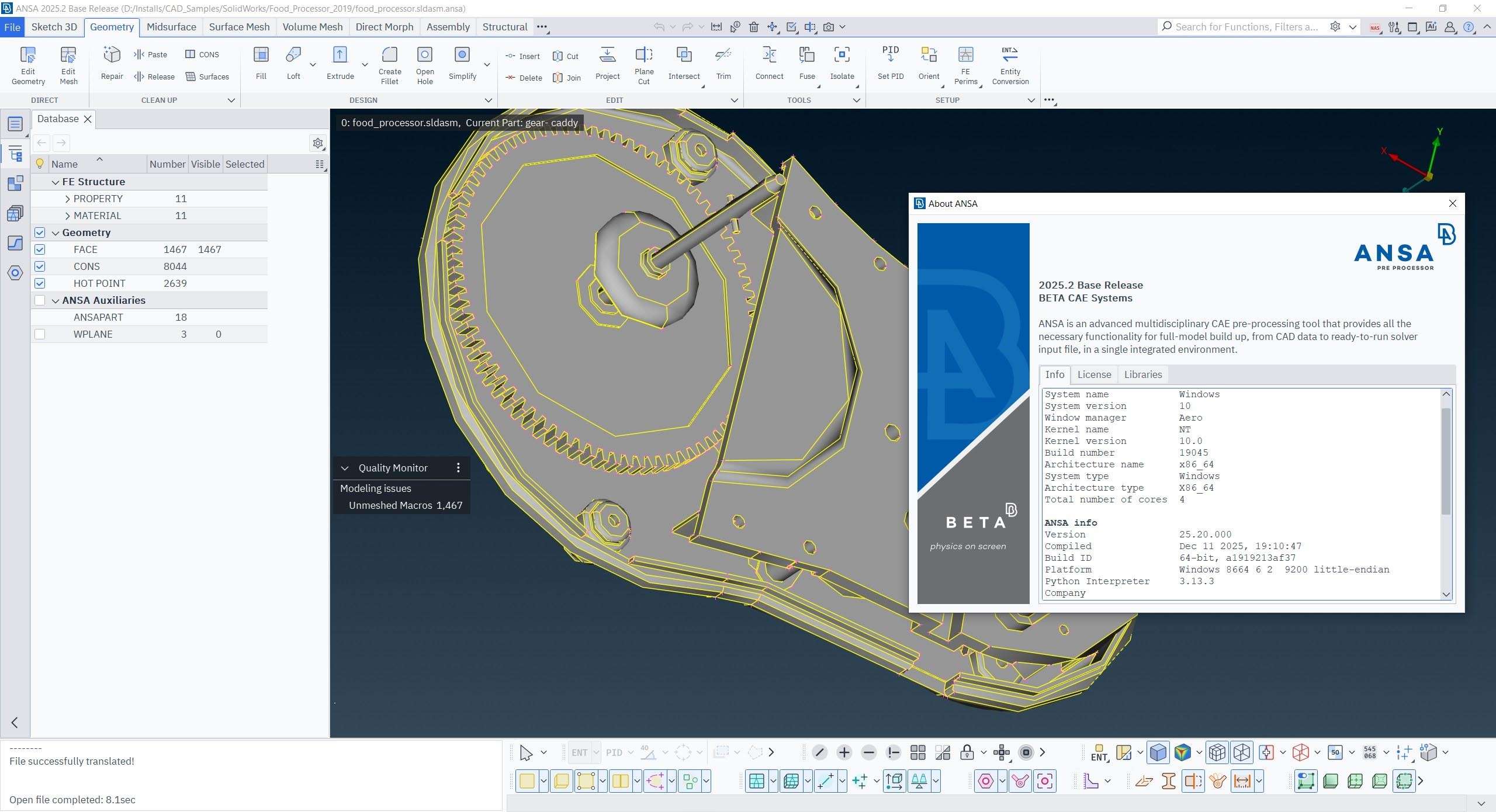
ANSA is the cornerstone of the BETA CAE Systems Suite for pre-processing tasks. It excels in preparing complex engineering models for simulation, offering advanced functionalities that streamline the workflow and ensure high-quality results. Engineers rely on ANSA for its efficiency in handling intricate geometry and mesh generation.
- Comprehensive geometry handling, including import, repair, and simplification capabilities.
- Advanced meshing tools for generating high-quality structured, unstructured, and hybrid meshes suitable for various simulation types.
- Model preparation tools for defining properties, boundary conditions, and load cases.
- Extensive automation features to accelerate repetitive tasks, reducing manual effort and potential errors.
META Post: Advanced Post-Processing & Visualization
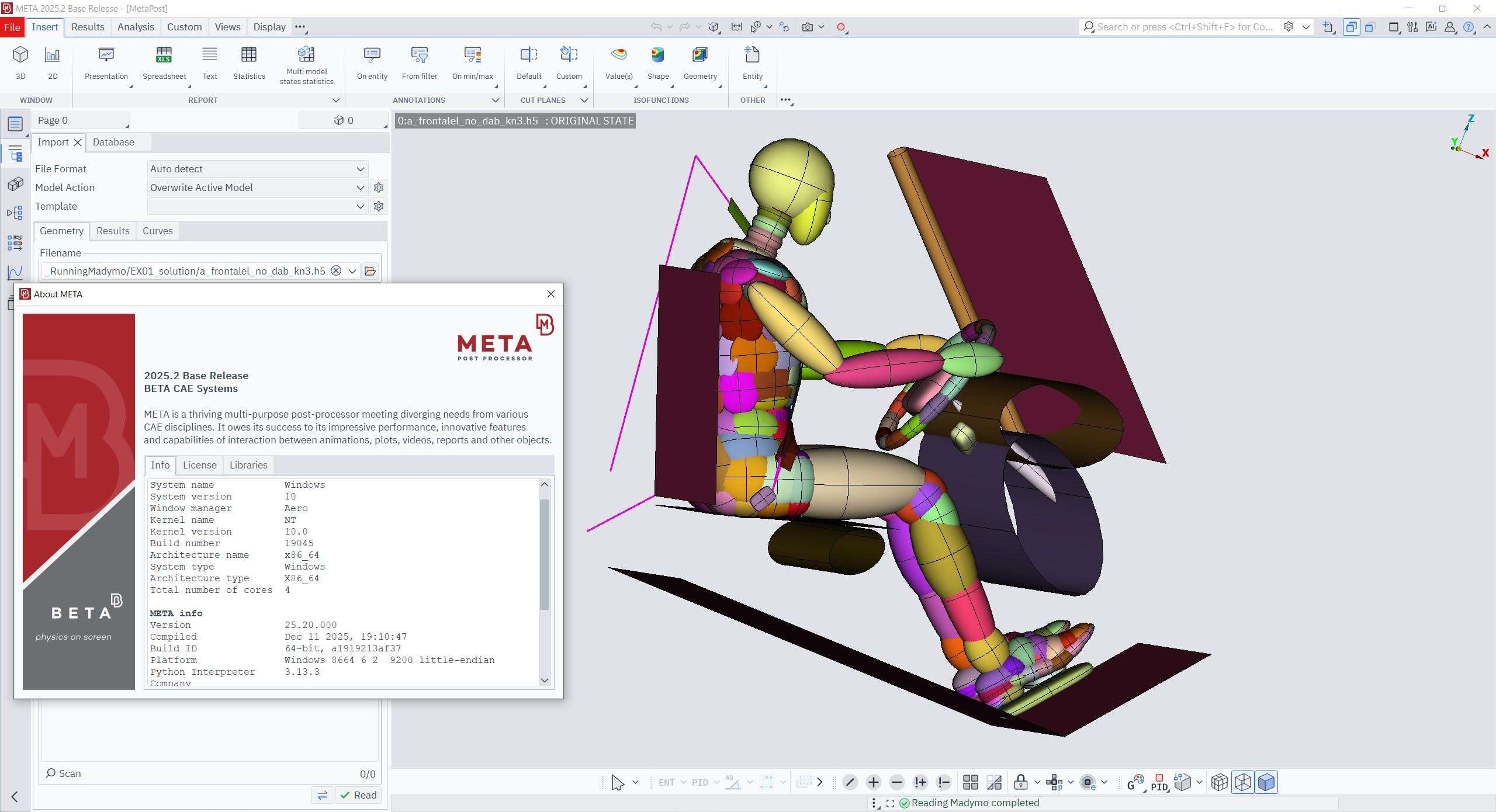
META Post serves as the suite’s central hub for analyzing and visualizing simulation results. It provides powerful tools for interpreting complex data generated by CAE solvers, enabling engineers to draw accurate conclusions and make informed design decisions. The software’s visualization capabilities are designed to handle large datasets with speed and clarity.
- High-performance visualization of simulation results, supporting large models and complex datasets.
- Advanced data analysis tools for extracting key performance metrics and insights.
- Comprehensive reporting and documentation features, including customizable reports and animation creation.
- Cross-section, contour, and vector plotting for detailed examination of simulation outcomes.
CAD Translator: Seamless Data Exchange
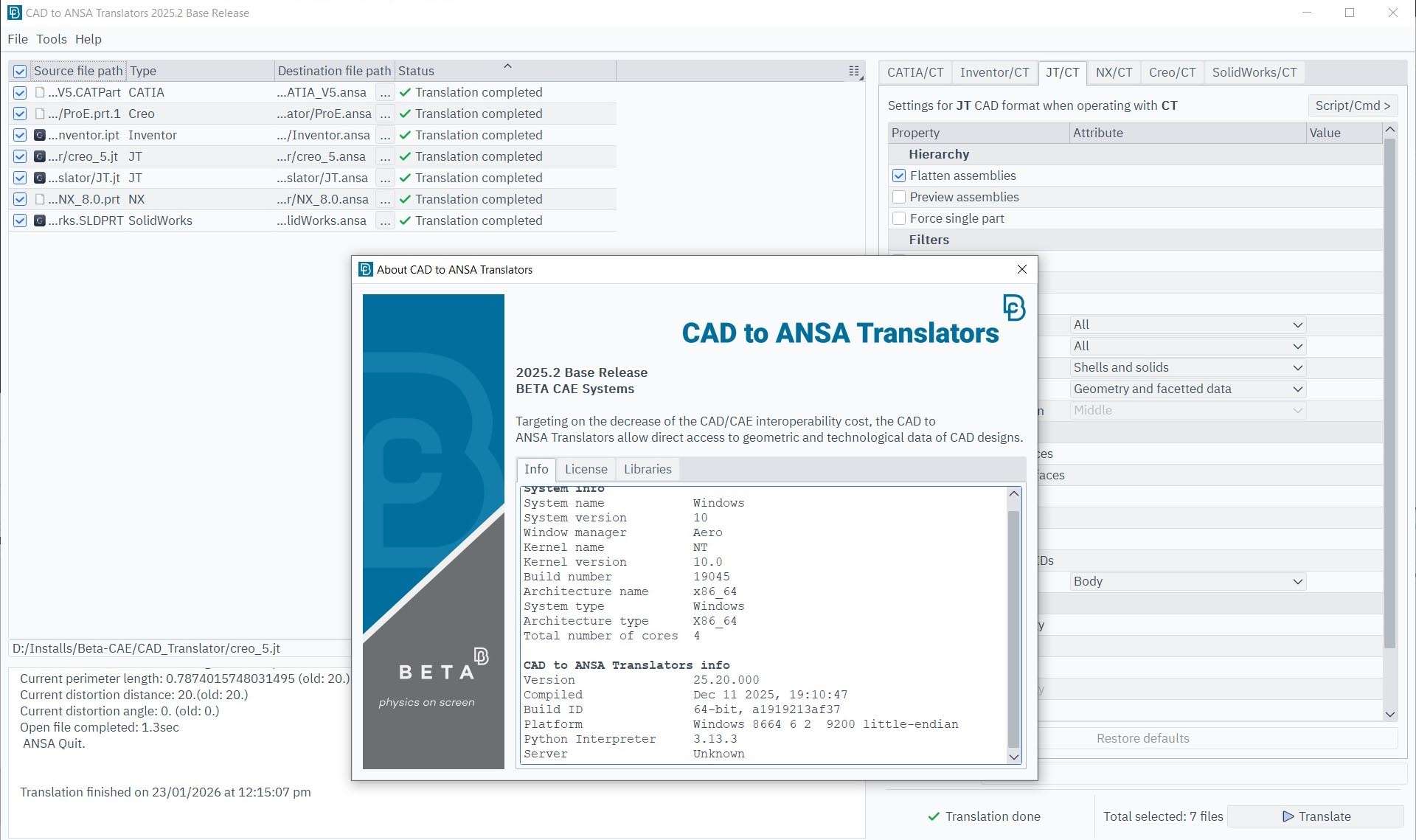
Ensuring smooth integration across different software environments, the CAD Translator component facilitates reliable data exchange. It is crucial for maintaining data integrity when importing CAD data into the simulation environment or exporting results. This component bridges the gap between design and analysis departments, fostering better collaboration.
- Support for a wide range of industry-standard CAD file formats, ensuring compatibility.
- High-fidelity translation that preserves geometric accuracy and critical design intent.
- Direct integration with ANSA and META, minimizing the need for intermediate steps and data loss.
- Customizable translation settings to manage specific translation requirements for different projects.
Industry Applications and Use Cases
The BETA CAE Systems Suite is integral to the workflow of many leading industries, providing critical simulation capabilities for product development and validation. Its versatility allows for detailed analysis across diverse engineering challenges.
- **Automotive:** Used extensively for vehicle crash simulations, safety analysis, NVH (Noise, Vibration, and Harshness) studies, and thermal management.
- **Aerospace:** Applied in structural analysis, fatigue life prediction, aerodynamic simulations, and thermal analysis for aircraft and spacecraft components.
- **Heavy Machinery:** Employed for analyzing the structural integrity and performance of large equipment under various operating conditions.
- **Energy & Power Generation:** Utilized for simulating stress, thermal loads, and fluid dynamics in power plant equipment and renewable energy systems.
- **Consumer Products:** Applied in performance and durability testing for electronics, appliances, and other consumer goods.
Advantages of Using BETA CAE Systems Suite
The BETA CAE Systems Suite offers significant advantages that make it a preferred choice for complex engineering simulation tasks. Its integrated nature and robust performance provide powerful benefits for engineers looking to optimize their design processes.
- Solver Independence: The suite supports a broad spectrum of solvers, offering flexibility and avoiding vendor lock-in for simulation analysis.
- Comprehensive Integration: The seamless integration of pre-processing, post-processing, and data management tools within a single environment streamlines complex simulation workflows.
- Scalability: Designed to handle projects of varying complexity, from small component analysis to large-scale system simulations.
- Automation Potential: Advanced scripting and customization features allow for the automation of repetitive tasks, significantly boosting efficiency.
- High-Quality Meshing: ANSA’s industry-leading meshing capabilities ensure accurate simulation results by generating high-quality meshes.
Conclusion
For engineers and simulation specialists in demanding fields like automotive and aerospace, the BETA CAE Systems Suite 2026 v25.1.4 offers a powerful, integrated solution. Its comprehensive capabilities in pre-processing, post-processing, and data exchange, combined with continuous updates and a focus on usability, ensure that professionals can tackle complex simulation challenges with confidence and efficiency. Downloading BETA CAE Systems Suite equips engineering teams with advanced tools essential for innovation and product development.
Frequently Asked Questions
What is BETA CAE Systems Suite used for?
BETA CAE Systems Suite is utilized for comprehensive engineering simulations, particularly in finite element analysis (FEA), computational fluid dynamics (CFD), and multi-physics studies. It supports various industries including automotive and aerospace for critical analysis tasks such as crashworthiness, structural integrity, and thermal management.
What are the main features of ANSA and META Post?
ANSA serves as an advanced pre-processing tool offering robust geometry handling and high-quality meshing for simulation model preparation, while META Post is focused on advanced post-processing, allowing users to effectively visualize, analyze, and report simulation results. Together, they form a cohesive platform that significantly streamlines the CAE workflow from start to finish.
How does BETA CAE Systems Suite support collaboration between design and simulation?
The CAD Translator component within the BETA CAE Systems Suite allows for seamless and reliable data exchange between design and simulation environments. This ensures consistent geometry and facilitates effective collaboration across multidisciplinary teams, minimizing errors and enhancing overall workflow efficiency throughout the product development lifecycle.






Reviews
There are no reviews yet.