

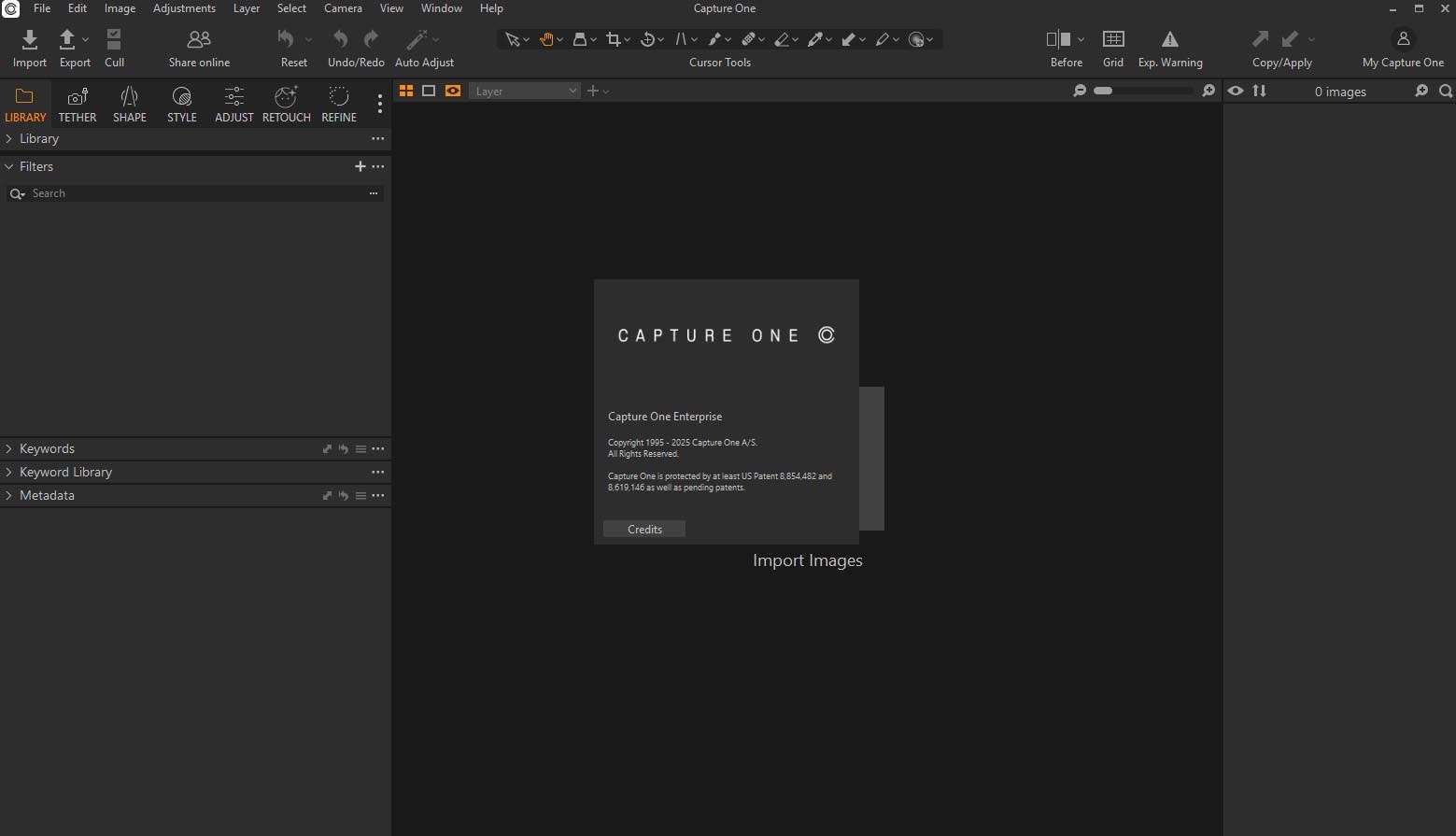
Download Capture One Enterprise 16.8.1 – Professional Image Editing and Asset Management Software
Capture One Enterprise 16.8.1 is a high-performance photography software suite developed by Capture One A/S, designed for professional image editing and digital asset management. It caters to professionals in critical fields such as commercial photography, creative studios, e-commerce, advertising, fashion, and archival institutions. This software provides an end-to-end workflow solution, from advanced raw file processing and tethered capture to robust asset organization and collaborative tools.
Overview and Applications in Professional Photography
Capture One Enterprise represents a comprehensive solution for professionals who demand the highest quality in image processing and workflow efficiency. Its capabilities are essential for industries where visual consistency, detail accuracy, and efficient asset handling are paramount. This includes large-scale commercial studios requiring consistent branding across numerous shoots, creative agencies managing diverse client projects, and cultural heritage institutions focused on precise archival digitization.
Advanced Raw Processing and Color Correction Tools
Industry-Leading Raw File Conversion
Capture One is renowned for its superior raw file conversion, meticulously preserving the finest details and dynamic range captured by professional cameras. Its sophisticated color rendering ensures exceptional color fidelity, accurately translating image data into visually stunning results that meet demanding professional standards. Whether working with complex lighting or subtle tonal shifts, the software’s processing engine extracts maximum information from every raw file.
Color Grading and Skin Tone Editing
The software features an advanced Color Editor that provides granular control over hue, saturation, and luminosity, enabling precise color grading. Dedicated tools for color balance and sophisticated skin tone correction allow photographers to achieve natural and flattering portraits, crucial for fashion and commercial work. These tools empower users to meticulously refine the look and feel of their images with scientific accuracy and artistic flexibility.
Powerful Asset Management and Collaboration Features
Centralized Style and Preset Management
Enterprise workflows benefit from centralized style and preset management, enabling teams to share, control, and version a consistent set of editing presets across the organization. This ensures brand consistency and efficient application of established looks, significantly streamlining post-production for large teams and multiple projects.
Cataloging and Organization Tools
Robust cataloging and organization tools are core to managing extensive image libraries. Features such as detailed keyword tagging, hierarchical keywords, rating systems, and smart albums allow for swift asset tracking and retrieval. This systematic approach to cataloging is vital for large-scale projects, archival purposes, and efficient team access to project assets.
Capture One Live for Cloud Collaboration
Capture One Live facilitates real-time cloud collaboration, allowing instant image sharing for client proofing and feedback. This capability streamlines communication between photographers, retouchers, and clients, enabling remote teams to collaborate efficiently and accelerate project turnaround times without compromising workflow integrity.
Integrations and Expanded Camera Support in Version 16.8.1
Extended Camera and Lens Profile Support
Capture One Enterprise 16.8.1 continues its commitment to broad hardware compatibility by extending support for raw files from an extensive range of cameras. Version 16.7 specifically includes new camera and lens profiles, ensuring that users can meticulously process images from the latest professional equipment with optimized quality.
Improved HDR and Panorama Merge Algorithms
This version introduces enhanced algorithms for HDR and panorama merging. These improvements result in more seamless image blending, better detail retention in extreme tonal ranges, and optimized artifact reduction. Photographers can produce higher-fidelity panoramic composites and HDR images with greater ease and superior results.
User Interface Enhancements and Performance Upgrades
Version 16.8.1 incorporates user interface enhancements aimed at improving workflow efficiency and overall usability. Performance upgrades focus on accelerating catalog browsing, image loading, and processing speeds, providing a smoother and more responsive experience for demanding professional workflows.
Real-World Use Cases and Workflow Examples
Capture One Enterprise 16.8.1 is integral to numerous professional workflows. Examples include intensive tethered studio shoots for product photography where immediate image review and asset management are critical. E-commerce businesses utilize its batch editing capabilities for rapid processing of large volumes of product images, ensuring consistent branding. Creative agencies leverage its collaborative features for team projects, facilitating seamless client feedback and approvals. Furthermore, cultural heritage institutions rely on the software for high-fidelity digitization and archival cataloging of sensitive visual assets.
Frequently Asked Questions
What cameras are supported by Capture One Enterprise 16.8.1?
Capture One Enterprise supports raw files from over 650 camera models, a number that continues to grow with software updates. Additionally, it offers tethering capabilities for more than 200 camera models. The latest version, 16.8.1, specifically expands this support with new camera and lens profiles, ensuring compatibility with the newest professional imaging equipment.
How does Capture One Enterprise enhance collaboration for professional teams?
Capture One Enterprise significantly enhances team collaboration through its centralized style and preset management system, which ensures editing consistency across all users. Furthermore, its cloud-based collaboration tool, Capture One Live, facilitates real-time client proofing and feedback sessions, streamlining the review process and improving project efficiency for distributed teams.
What improvements are included in Capture One 16.8.1 for HDR and panorama editing?
Version 16.8.1 features refined algorithms for both HDR and panorama merging. These updates provide enhanced image blending capabilities, leading to more seamless compositions and improved detail rendition across high dynamic range scenes. Users can expect superior fidelity and artifact reduction when creating HDR composites or stitching together panoramic sequences.





Reviews
There are no reviews yet.