

Download CorelDRAW Graphics Suite 26.2 – Professional Vector and Raster Design Software
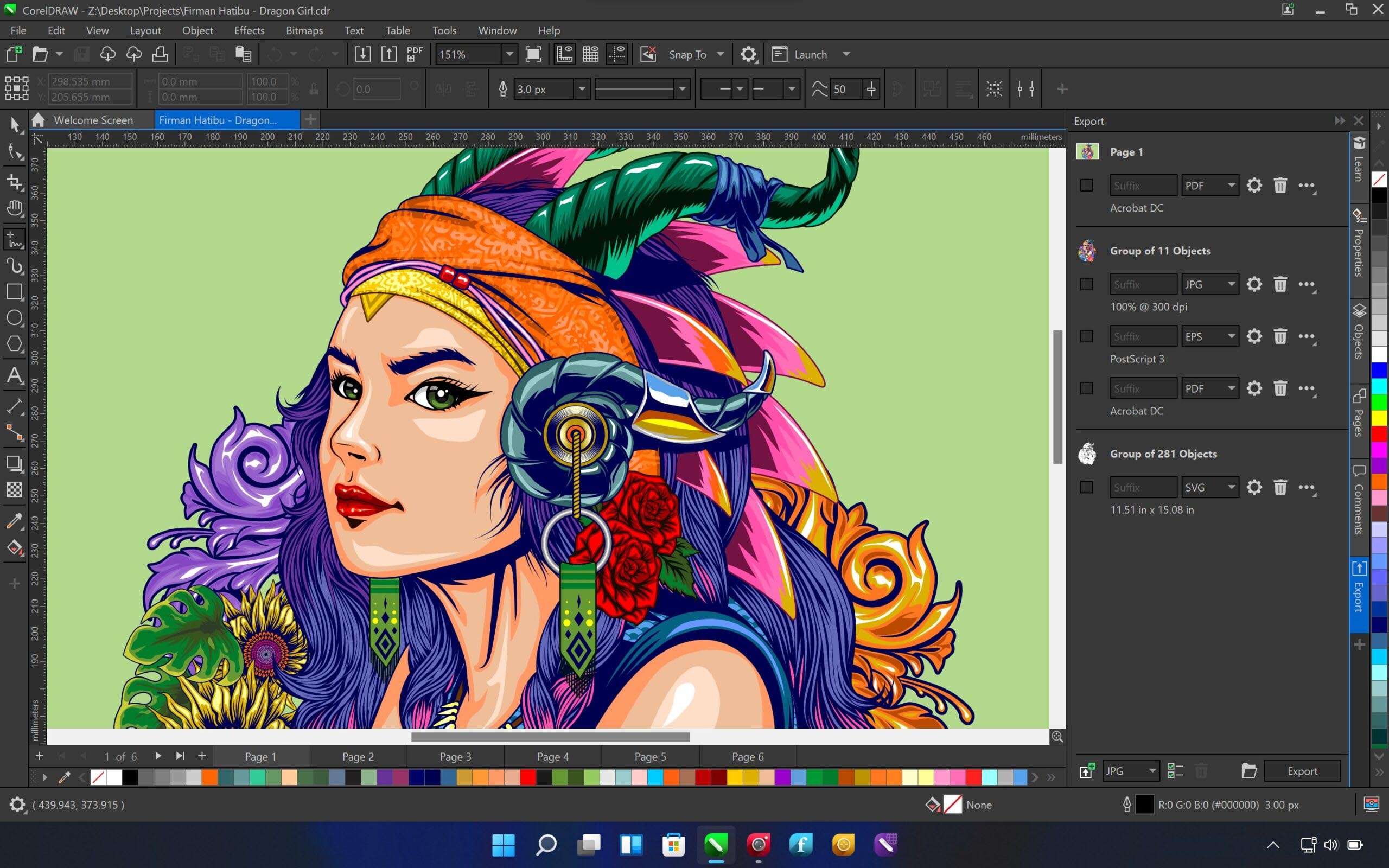
CorelDRAW Graphics Suite 26.2, developed by Corel Corporation, is a professional-grade application suite designed for comprehensive vector illustration and raster image editing. This powerful software is tailored for graphic designers, print producers, illustrators, and marketing professionals who require robust tools for print, signage, and digital media creation. The suite aims to provide an all-in-one solution for complex design and publishing workflows.
Comprehensive Design Solutions for Vector and Raster Graphics
CorelDRAW Graphics Suite unifies industry-leading vector illustration capabilities with advanced raster image editing, creating a versatile platform for diverse creative projects. It addresses the needs of professionals by offering integrated tools that support workflows from initial concept development through to final print or digital output. This powerful combination ensures that designers can manage both intricate vector artwork and detailed photographic elements within a single, cohesive software environment.
Advanced Vector Illustration and Page Layout Features
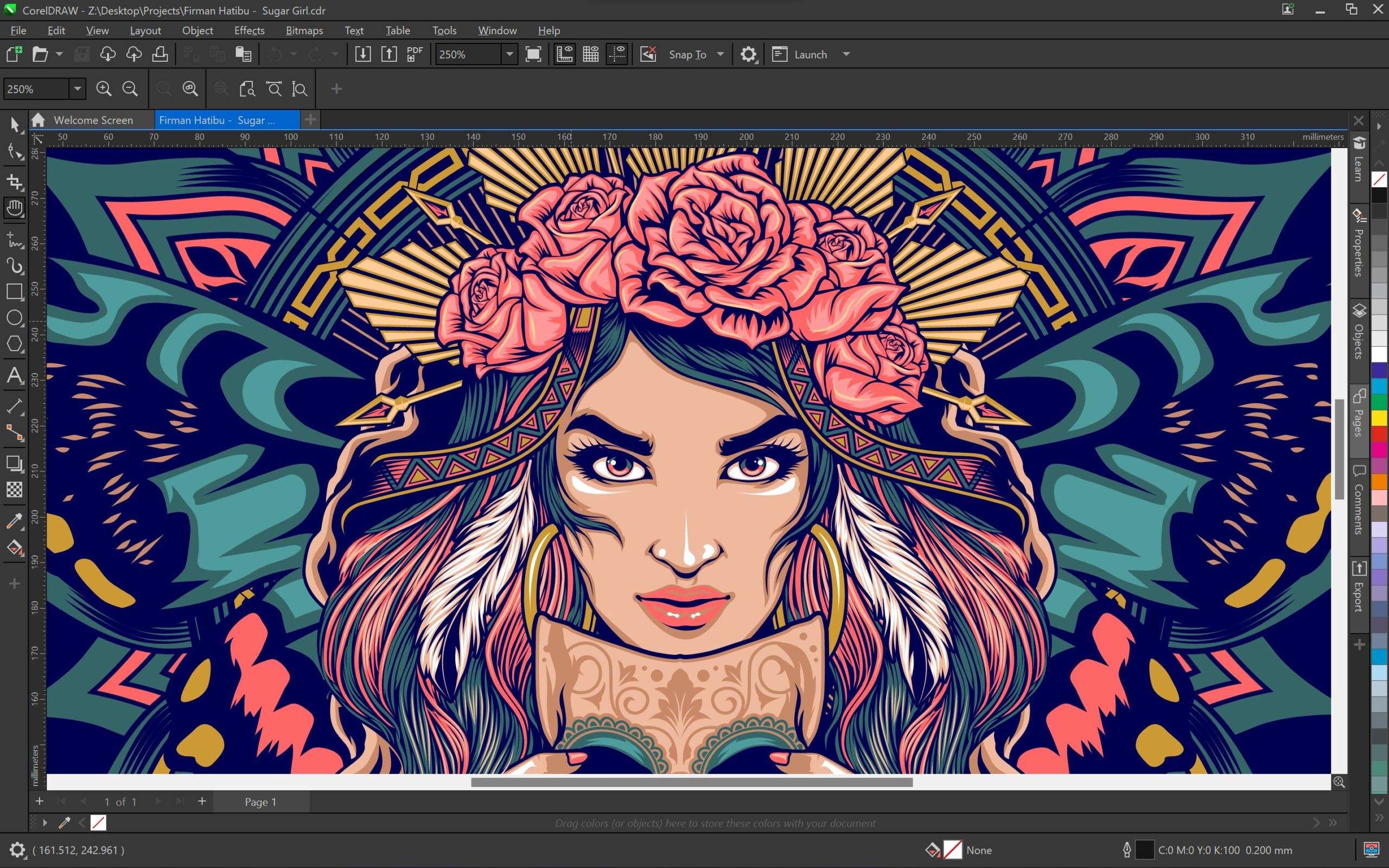
The suite’s core, CorelDRAW, provides an extensive array of tools for vector graphics creation and page layout. Professionals can engage in sophisticated logo design, technical illustration, and the creation of complex artwork using its precise drawing and shaping tools. Key features include:
- Multi-page document capabilities for managing varied layouts within a single file.
- Advanced typography control with full OpenType support for professional font handling.
- Robust object management systems that facilitate easier manipulation and organization of elements in detailed designs.
- Tools specifically for logo creation, enabling brand identity development with scalable vector graphics.
Professional Photo Editing with Corel PHOTO-PAINT
Corel PHOTO-PAINT serves as the suite’s powerful raster image editor, offering professional capabilities for photo retouching, compositing, and digital painting. It supports a full range of operations on pixel-based images. This version introduces significant AI enhancements, including:
- Intelligent AI-powered photo effects, such as AI Style Transfer, to apply artistic looks to images.
- Comprehensive layer support for complex image manipulation and compositing.
- Non-destructive editing options that allow for adjustments without permanently altering original image data.
- A suite of image retouching utilities for detailed cleanup, enhancement, and color correction.
High-Quality Bitmap-to-Vector Conversion and Asset Management
Streamlining the process of working with scanned artwork or low-resolution bitmaps, CorelDRAW Graphics Suite includes PowerTRACE. This utility offers sophisticated tools for converting raster images into editable vector graphics with remarkable accuracy. Additionally, the suite enhances workflow efficiency through:
- Corel Font Manager for organizing, managing, and previewing fonts.
- Extensive libraries of templates, clip art, and fountain fills to accelerate design processes.
- Utilities for asset management, helping users organize and access design elements efficiently.
Collaborative Workflows via CorelDRAW.app and Cloud Integration
CorelDRAW Graphics Suite 26.2 significantly enhances collaborative capabilities, particularly through the integrated CorelDRAW.app. This web-based application allows for real-time co-editing and review, making it easier for teams to work together on design projects, regardless of their location. The cloud integration also provides expanded file format support within the online environment, ensuring seamless project sharing and version control across different platforms and with external collaborators.
Performance Enhancements and Interface Improvements in Version 26.2
The latest version of CorelDRAW Graphics Suite, 26.2, focuses on delivering a more responsive and user-friendly experience. Key improvements include enhanced performance for faster document opening and rendering times, which is critical for handling complex design files. Interface refinements aim to provide greater accessibility, visual consistency across applications, and an overall more intuitive user experience for professionals managing demanding workloads.
Use Cases in Industry and Design Projects
CorelDRAW Graphics Suite is employed across a wide variety of professional applications. Its versatility makes it an essential tool for:
- Print Design: Creating brochures, posters, packaging, and other print collateral with precise color management and layout tools.
- Signage Production: Designing large-format graphics for banners, vehicle wraps, and storefronts with robust vector capabilities.
- Marketing Materials: Developing digital and print assets for advertising campaigns, social media, and corporate branding.
- Illustration: Producing detailed technical illustrations, concept art, and complex vector artwork for various media.
- Multidisciplinary Projects: Integrating vector graphics, photo editing, and layout into comprehensive publishing and web design projects.
Frequently Asked Questions
What new collaboration features does CorelDRAW Graphics Suite 26.2 offer?
Version 26.2 introduces enhanced web-based collaboration through CorelDRAW.app with smoother real-time co-editing, expanded file format support, and better commenting tools, facilitating efficient teamwork on design projects. This allows multiple users to contribute to or review designs concurrently.
Can Corel PHOTO-PAINT in CorelDRAW Graphics Suite 26.2 apply AI effects to photos?
Yes, the PHOTO-PAINT application now includes AI-powered photo effects such as AI Style Transfer and AI Art Effects, allowing users to apply artistic styles to images intelligently and creatively. These features leverage artificial intelligence to generate sophisticated visual transformations.
What file formats does CorelDRAW support for vector and raster graphics?
CorelDRAW uses its proprietary CDR format for vector graphics and supports a wide range of industry-standard bitmap formats for raster images, ensuring compatibility with professional workflows and output requirements. This broad compatibility facilitates integration with other design and production tools.



Reviews
There are no reviews yet.