

Download CyberLink PowerDirector Ultimate 2026 v24.0 – Advanced Video Editing Suite with AI Tools
CyberLink PowerDirector Ultimate 2026 v24.0 is a flagship video editing software developed by CyberLink Corp., designed for professionals and advanced content creators. This suite offers a robust set of tools for sophisticated video production, incorporating AI-driven enhancements, high-performance rendering, and collaborative features. It caters to a wide range of users, including filmmakers, marketing professionals, YouTubers, and social media creators who require powerful yet accessible video editing capabilities.
Overview of CyberLink PowerDirector Ultimate and Its Role in Video Production
CyberLink PowerDirector has established itself as a comprehensive video editing solution known for balancing advanced functionality with an intuitive user experience. Developed by CyberLink Corp., a company recognized for its multimedia software expertise, PowerDirector Ultimate is engineered to meet the demands of professional video workflows. It provides a platform for creators to produce high-quality content, from short social media clips to complex cinematic projects, leveraging cutting-edge technology to streamline the editing process and enhance final output.
Advanced AI-Powered Video Editing Features
CyberLink PowerDirector Ultimate 2026 integrates sophisticated Artificial Intelligence tools designed to automate complex tasks and unlock new creative possibilities. These AI capabilities significantly reduce production time and elevate the quality of video and audio elements.
AI Speech Enhancement and Dubbing
The AI Speech Cleaner feature is engineered to intelligently remove distracting background noise from audio tracks, ensuring dialogue is crisp and clear. Complementing this is the AI Dubbing function, which allows users to generate multilingual voiceovers for their videos, expanding content reach and accessibility without requiring extensive re-recording sessions.
Unified AI Style Transfer and Object Tracking Tools
Style AI enables users to apply artistic styles to their video clips, transforming footage into stylized visuals with a few clicks. Object AI introduces advanced capabilities for motion tracking, allowing creators to detect specific objects within a video and apply effects or text that follow their movement seamlessly across the timeline. This is crucial for attention-grabbing edits in marketing and social media content.
Performance Engine ‘Nexus’ for Enhanced Editing and Rendering
The 2026 version of PowerDirector Ultimate features the new Nexus engine, a high-performance core designed to accelerate video editing and rendering processes. This engine significantly improves playback performance for high-resolution footage, including 4K and 8K formats, by optimizing multi-threaded CPU utilization and leveraging multi-GPU configurations. Users can expect faster rendering times and smoother real-time previewing, even in demanding projects.
Multi-Track, 360° Video, and Motion Graphics Capabilities
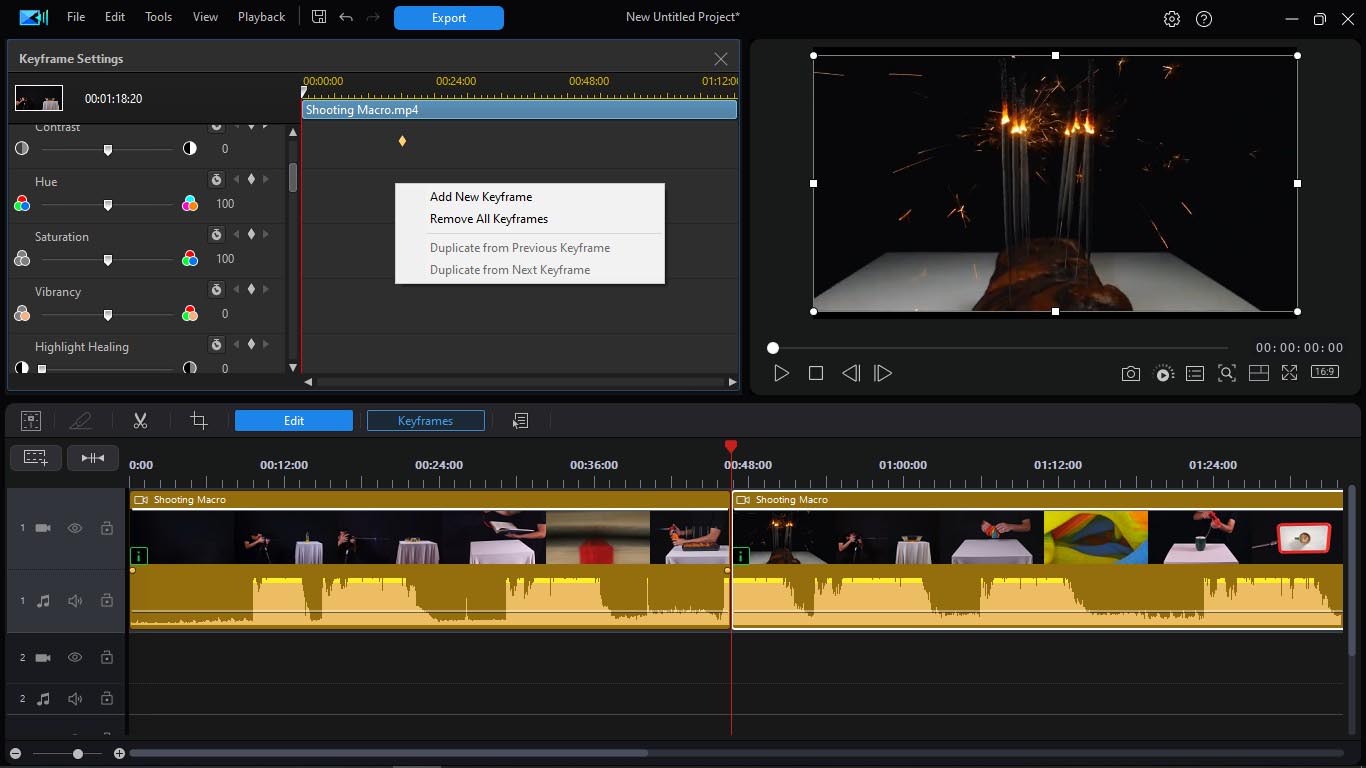
PowerDirector Ultimate provides extensive tools for complex video compositions and immersive content creation. Its multi-track timeline supports up to 100 tracks, allowing for intricate layering of video, audio, and effects. The software is also equipped for 360° video editing, offering features for stabilization and reframing immersive footage. Additionally, its capabilities extend to advanced motion graphics through tools like Particle Designer and Title Designer, along with a robust Picture-in-Picture (PiP) designer and a sophisticated mask designer for masking and compositing effects.
Comprehensive Color Grading and Audio Editing
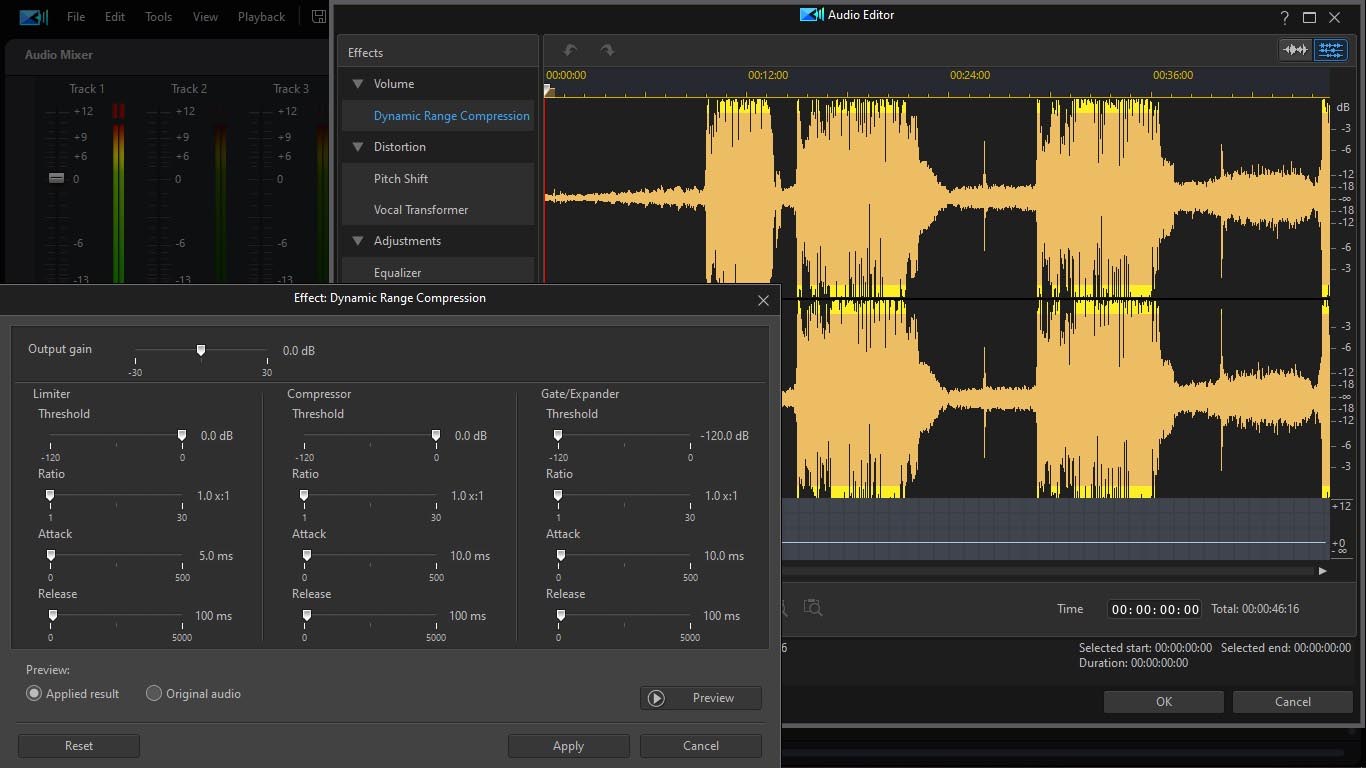
For precise visual control, PowerDirector Ultimate includes advanced color grading tools, supporting the application of Look-Up Tables (LUTs) and providing visual feedback through waveform and vectorscope displays. The integrated audio editing suite offers tools for audio restoration, enabling users to clean up recordings, balance levels, and enhance overall sound quality for professional-grade productions.
Format Support and Export Flexibility Including Live Streaming
This version of CyberLink PowerDirector Ultimate ensures compatibility with modern video standards, featuring support for AV1 encoding and HDR10+ formats for superior visual fidelity. It offers a wide array of export options optimized for various devices, social media platforms, and professional workflows, ensuring content is ready for any distribution channel. The software also includes integrated functionality for live streaming, enabling creators to broadcast directly to platforms like YouTube and Twitch.
Collaboration and Cloud-Based Project Sharing in PowerDirector 2026
Recognizing the evolving needs of professional video teams, PowerDirector 2026 introduces cloud-based project sharing capabilities, currently available as a beta feature. This functionality allows multiple editors to access and contribute to the same video project, fostering teamwork and streamlining collaborative workflows irrespective of geographical location, all managed through a cloud environment.
Frequently Asked Questions
What new AI features does CyberLink PowerDirector Ultimate 2026 offer?
The 2026 version introduces AI Speech Cleaner for background noise removal, AI Dubbing to create voiceovers in various languages, and a unified AI Style Transfer engine for consistent artistic effects across clips. These tools enhance workflow efficiency and creative control, simplifying complex audio adjustments and artistic stylization.
Can CyberLink PowerDirector Ultimate 2026 edit 360° videos and support 8K playback?
Yes, it includes a comprehensive set of 360° video editing tools such as stabilization and reframing, alongside the ‘Nexus’ engine that supports up to 50% faster 8K timeline playback and rendering. This ensures smooth handling of high-resolution footage and immersive content.
Is it possible to collaborate on projects with other editors using PowerDirector Ultimate 2026?
PowerDirector 2026 introduces a cloud-based project sharing feature (currently in beta) that allows multiple editors to work on different segments of the same video project collaboratively. This functionality streamlines team-based video production workflows.





Reviews
There are no reviews yet.