

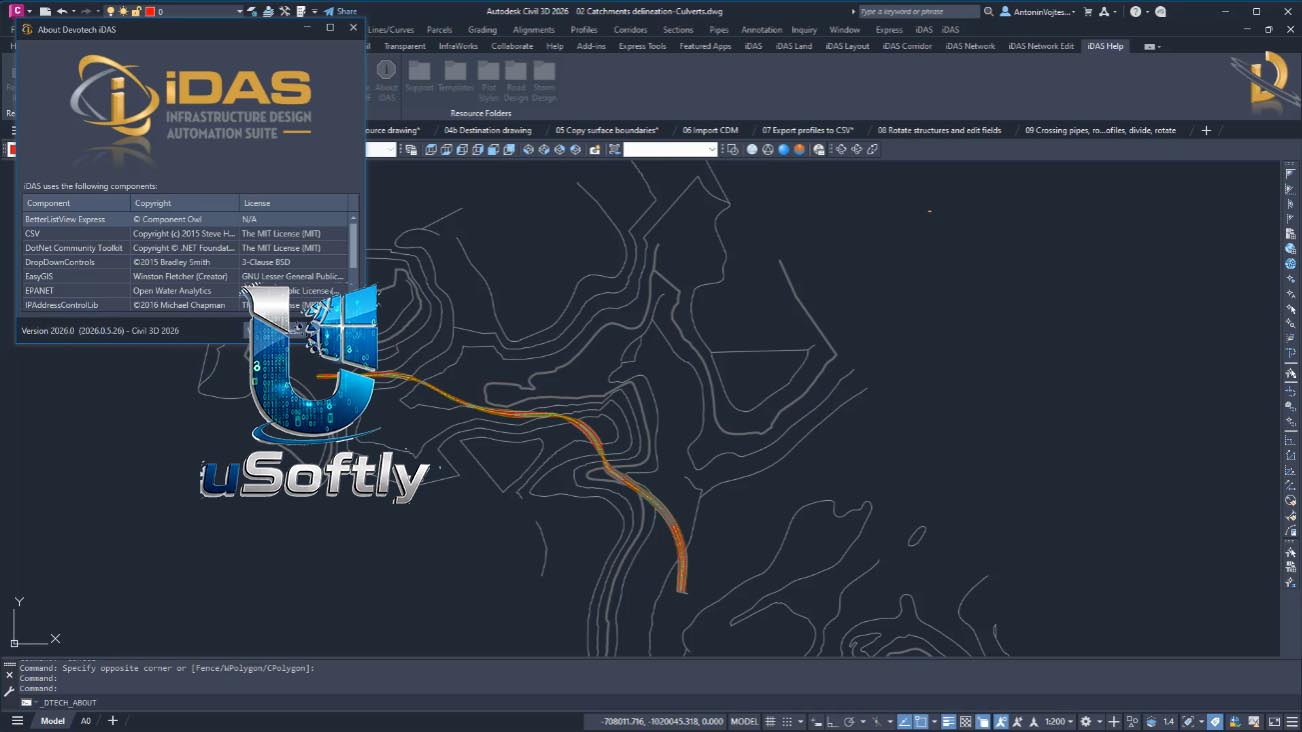
Devotech iDAS 2027 – Civil Infrastructure Design Automation Suite for Autodesk Civil 3D
Devotech iDAS (Infrastructure Design Automation Suite) is a specialised add‑on for Autodesk Civil 3D that dramatically extends the software’s native capabilities in the fields of road design, stormwater and sewer networks, bulk water pipelines, and surface modelling . Rather than replacing Civil 3D, iDAS adds a comprehensive layer of automation, wizards, and bulk‑editing tools that let engineers move from conceptual design to construction drawings in a fraction of the usual time.
The tool is built around the philosophy that engineers should focus on design decisions, not manual modelling. It converts simple AutoCAD polylines and Civil 3D objects into intelligent pipe networks, corridors, and catchments within seconds . Once the network is created, iDAS performs integrated analysis—for example, sizing pipes automatically based on flow and velocity—all without leaving the Civil 3D environment.
Devotech iDAS 2027 is the most recent version of the software, continuing the annual release cycle. The exact version number is likely 12.x or 13.x, as previous versions included 12.2 and 12.5 updates . It supports Autodesk Civil 3D versions 2022 through 2026, with the 2027 version expected to add support for Civil 3D 2027.
Primary Users
Devotech iDAS 2027 is designed for civil engineers, infrastructure designers, and municipal engineering professionals who specialize in road, bulk water, stormwater, and sewer network design . It serves professionals who need to:
-
Convert basic lines and polylines into intelligent infrastructure networks in seconds using step‑by‑step wizards
-
Automate the creation of horizontal alignments, vertical profiles, corridors, and construction drawings
-
Analyse water, sewer, and stormwater networks directly within Civil 3D without exporting data to external applications
-
Bulk‑edit multiple objects (pipes, structures, profile views) simultaneously to accelerate repetitive tasks
-
Produce construction‑ready plan sheets and quantity reports from a single, dynamic model
Key Features & Capabilities
Road and Corridor Design
-
Convert Polylines to Corridors: Instantly generate horizontal alignments, vertical profiles, profile views, corridors, and surfaces from simple polylines
-
Conditional Subassemblies: Use intelligent subassemblies that automatically adapt to road edge conditions—for example, applying a mountable kerb on the high side and a channel on the low side
-
SANRAL‑Compliant Assemblies: Includes subassemblies for cut/fill, median barriers, and retaining walls per South African road authority standards
-
Intersection Wizard: Automatically creates intersections between two corridors, including bellmouth generation
Water, Sewer, and Stormwater Networks
-
Polyline‑to‑Network Conversion: Convert existing polylines into complete pipe networks (water, sewer, or stormwater) with a single command
-
Integrated Analysis: Analyse networks in real time using an internal SWMM engine (version 5.2.4) for stormwater and a built‑in solver for bulk water networks
-
Bulk Editing: Swap multiple pipes, adjust inverts or cover for entire networks, and grade multiple pipes at once
-
System Curve Analysis: Evaluate pump performance and system curves for bulk water pipelines
-
Comprehensive Pipe Catalog: Includes a library of pipes and structures, with options for custom parts—for example, Amanzi Starway pipes, asbestos cement, and Marley HDPE pipes
Survey and Surface Modelling
-
TMH11‑Compliant Template: Civil 3D template based on the South African TMH11 standard
-
Surface Import/Export: Import surfaces from ModelMaker TOT files, Civil Designer DAT files, and export to GeoTIFF
-
Catchment Creation: Create catchments, flow paths, and watersheds directly from a surface
Plan Production and Documentation
-
Corridor Production Wizard: Creates plan and profile sheets for all selected corridors with minimal post‑editing
-
Quantity Calculations: Generate pipe and structure quantities, as well as excavation quantities according to SABS 1200
-
Bulk View Editing: Modify multiple profile views and section views simultaneously—adjusting height, datum, and alignment in one operation





Reviews
There are no reviews yet.