

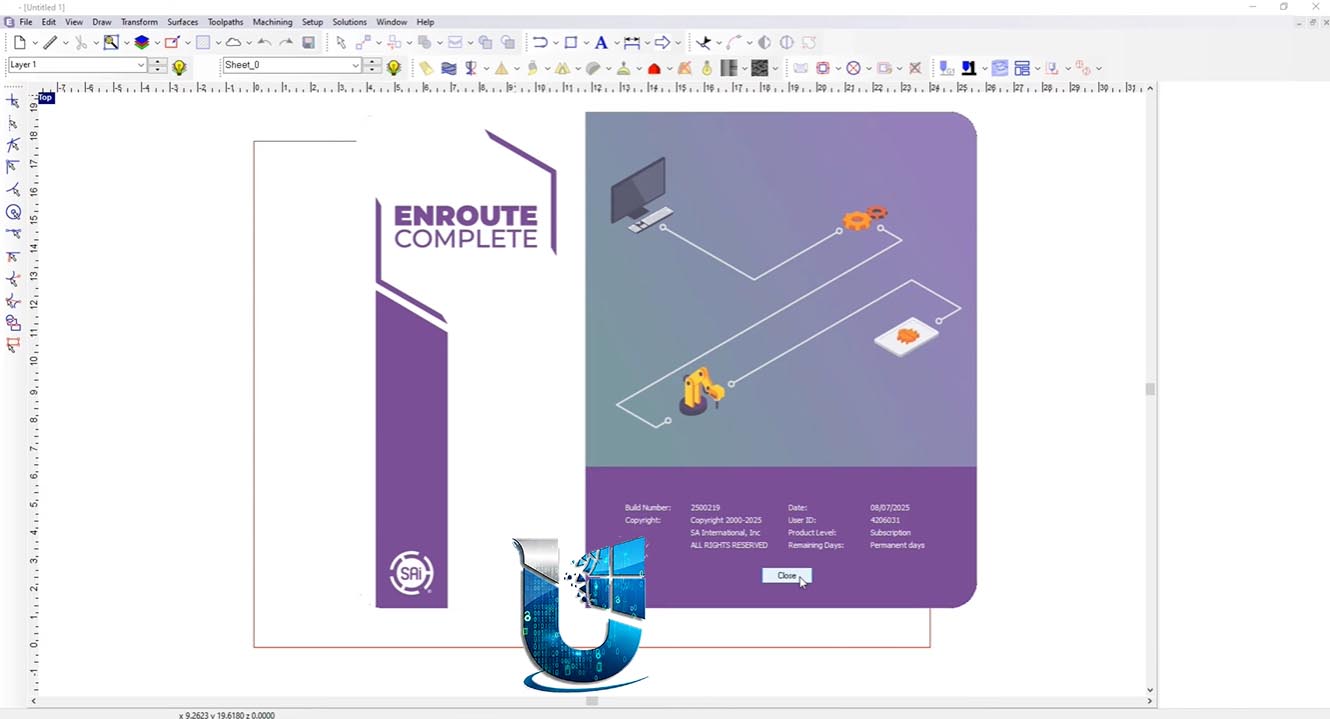

Download EnRoute 25 – CNC Routing and Sign-Making Software
EnRoute 25 is specialized CNC routing and sign-making software developed by CADLink Technology Corporation. Designed for the manufacturing industry, it caters specifically to professionals in CNC machining, sign making, woodworking, and cabinet production. This software focuses on optimizing the design-to-production workflow, providing essential tools for creating cut-ready designs and efficient toolpath generation for complex routing and engraving tasks.
Overview of EnRoute 25 in Mechanical Manufacturing
EnRoute serves as a critical application within the mechanical manufacturing software ecosystem, particularly for businesses engaged in Computer Numerical Control (CNC) routing and sign production. Developed by CADLink Technology Corporation, this version builds upon established capabilities with targeted enhancements aimed at improving efficiency and precision. Its primary user base includes professionals in signage, woodworking, and manufacturing sectors who require robust software for translating digital designs into physical components through routing and engraving processes.
Advanced Routing and Engraving Features for Precision Manufacturing
EnRoute introduces several advanced features designed to enhance the precision and efficiency of CNC routing and engraving operations. These capabilities are crucial for producing high-quality finished products and streamlining the overall manufacturing workflow.
- Automatic Holes in Text: The new “Add Holes to Text” feature automates the process of creating necessary holes within text elements. This is particularly vital for cut-ready signage production, ensuring that enclosed parts of letters are properly routed out with accurate toolpaths, significantly reducing manual preparation time and potential errors.
- Improved 3D Corner Engraving: Enhancements to 3D corner engraving settings, including a new plunge rate option, offer users greater control over the quality of engraved details. This allows for cleaner, more precise corners and transitions in three-dimensional designs, elevating the aesthetic and professional finish of manufactured parts.
Streamlining Workflow with Enhanced Object and Toolpath Management
Efficient management of design elements and toolpaths is fundamental to high-volume manufacturing. EnRoute 24.2 targets these areas to improve workflow not only for simple jobs but also for complex projects.
- Grouped Object Management: The software now maintains the integrity of grouped objects throughout the toolpathing process. This means that elements intended to be cut or engraved together remain associated, simplifying the management of intricate designs and ensuring consistent application of toolpath strategies.
- Improved Import Handling: EnRoute features enhanced import handling, particularly for designs containing grouped elements. This allows for more straightforward integration of external design files, preserving the intended structure and relationships between objects, which is crucial for time-sensitive manufacturing environments.
Cloud Integration and Backup Solutions for Project Security
Data security and accessibility are paramount in modern manufacturing. EnRoute incorporates cloud-based solutions to safeguard projects and user settings.
- Cloud Archiving: Users can leverage cloud archiving capabilities to store project files and critical software settings online. This feature provides a secure backup solution, enabling robust data recovery in the event of hardware failure or accidental data loss.
- Work Continuity: The integration of cloud backup facilitates seamless work continuity. Professionals can more easily transition between different workstations or access their project data remotely, ensuring that work can continue without interruption regardless of location or device.
Support Tools and User Experience Improvements
Usability and accessibility of support resources are key to user productivity. EnRoute includes several updates aimed at enhancing the overall user experience and providing better access to assistance.
- Support File Generator: A new Support File Generator has been introduced, simplifying the process of collecting essential system information. This tool is invaluable for technical support teams, enabling them to diagnose and resolve user issues more efficiently.
- Dimension Settings Relocation: The application’s dimension settings have been relocated to improve user experience. This adjustment allows for quicker access and management of measurement parameters within the software interface.
- Quick Access via Double-Click: The ability to open job files or specific elements with a simple double-click further enhances usability, reducing the number of steps required to access and edit design components.
Practical Applications and Use Cases in Industry
EnRoute is engineered to address the practical demands of various industrial applications, offering tangible benefits in day-to-day operations for CNC routing and related manufacturing tasks.
- Signage Production: In the sign-making industry, the software is used to design and create dimensional letters, logos, and complex sign faces. Features like “Add Holes to Text” and precise engraving are critical for producing professional-grade signage efficiently.
- Woodworking and Cabinetry: For woodworkers and cabinet manufacturers, EnRoute supports the creation of custom furniture components, intricate inlays, and detailed joinery. Its toolpath optimization ensures clean cuts and accurate fits for cabinet parts and decorative elements.
- Mechanical Parts Fabrication: In custom parts fabrication, the software enables the precise routing of materials like plastics, metals, and composites. The ability to handle complex geometries and manage grouped objects is essential for producing functional mechanical components according to strict specifications.
Frequently Asked Questions
How does the “Add Holes to Text” feature improve sign-making with EnRoute?
The “Add Holes to Text” feature automatically inserts holes in text designs, which is essential for cut-ready signage production. By ensuring accurate toolpaths for routing letters with enclosed spaces, this capability significantly reduces manual preparation time and the likelihood of errors in the final output.
What advantages does cloud backup provide in EnRoute?
Cloud backup in EnRoute allows users to securely save projects and settings online, offering easy recovery in case of device issues and enabling a seamless transition between multiple workstations. This ensures data integrity and workflow continuity for projects of any scale.
Can EnRoute handle complex grouped designs during CNC routing?
Yes, EnRoute keeps grouped objects intact after applying toolpaths. This capability simplifies the management of complex designs by ensuring that related elements are processed consistently, which is crucial for maintaining design integrity throughout the manufacturing process.





Reviews
There are no reviews yet.