
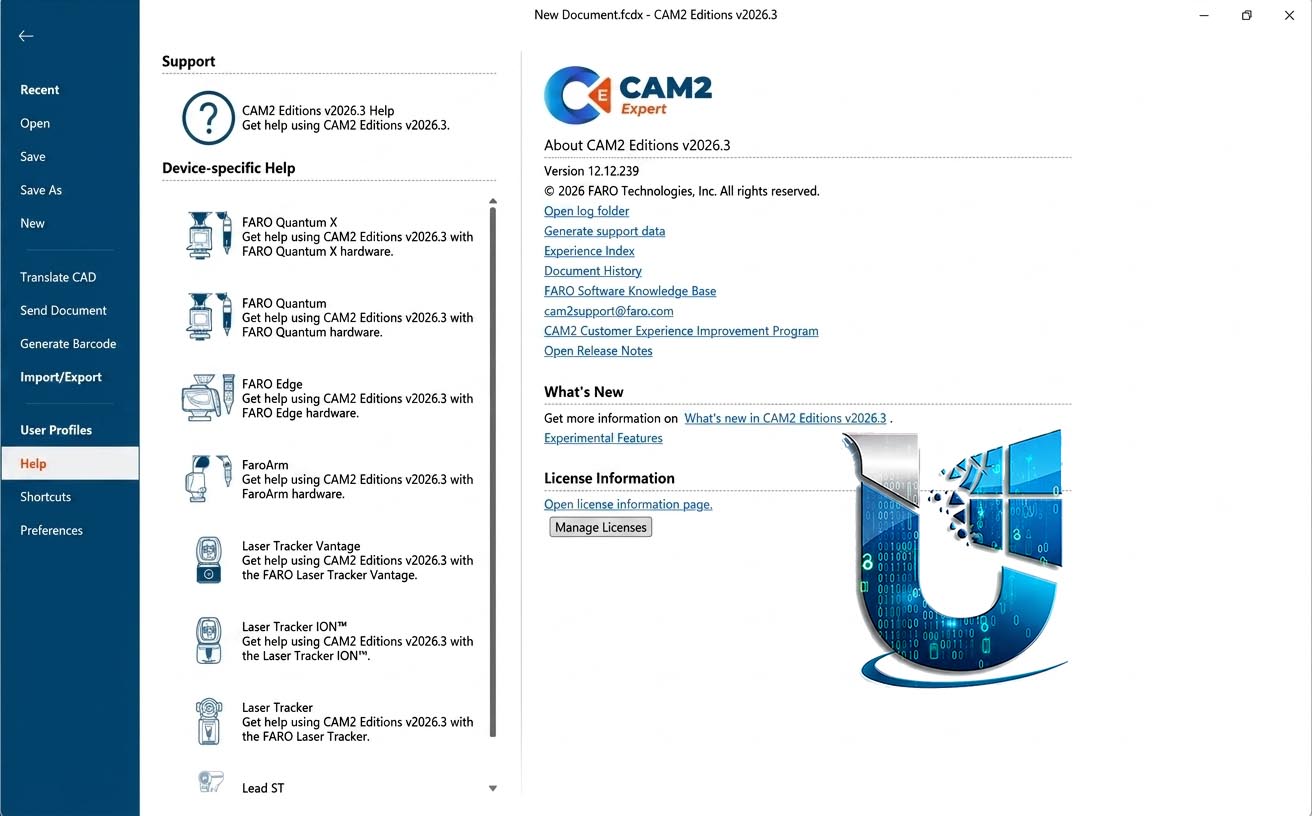
FARO CAM2 Expert Edition 2026.3: Flagship Metrology Software for Probing & Scanning
FARO CAM2 Expert Edition 2026.3 is FARO’s flagship metrology software, combining the full capabilities of both probing and scanning into a single, comprehensive package. It is designed to be the ultimate companion for all FARO metrology solutions, including FaroArms, Laser Trackers, and handheld scanners, providing a unified workflow for quality assurance and inspection tasks.
Version 2026.3 is the latest major release, distributed via FARO InTouch, which simplifies software management and enables automatic updates.
🎯 Primary Users
This professional metrology software is designed for:
-
Quality Control & Inspection Engineers performing dimensional analysis and first-article inspections with both probing and scanning techniques.
-
Manufacturing & Production Teams conducting in-process inspections and verifying part quality against CAD models.
-
Metrology Specialists requiring a unified software solution for all FARO measurement devices.
-
Aerospace & Automotive Quality Teams ensuring component compliance with engineering specifications.
-
Tool & Die Makers verifying complex geometries and reverse-engineering parts.
⚡ Key Features & Capabilities
🔧 Hardware Compatibility
CAM2 Expert Edition is compatible with the complete FARO ecosystem, including:
-
FaroArm series (all models)
-
FARO Gage for portable measurement
-
FARO Vantage Laser Tracker with 6Probe
-
FARO 8-Axis systems
-
FARO Leap ST handheld scanner
-
FAROBlu Laser Line Probe and other CREAFORM scanning solutions
📊 Unified Probing & Scanning
The Expert Edition merges the full functionality of both CAM2 Probe Professional and CAM2 Scan Professional in one environment. This allows users to:
-
Perform tactile measurements with probing arms and laser trackers for precise point data.
-
Capture high-density point clouds with handheld scanners for complex surface inspection.
-
Switch seamlessly between probing and scanning workflows within a single project.
🛠️ Advanced Analysis & Reporting
-
Reliable CAD Alignment: Align point cloud and probed data to CAD models with advanced algorithms.
-
Precise Feature Extraction: Extract and analyze complex geometries such as tubing, paraboloids, and cross-sections.
-
Powerful Analysis Tools: Includes GD&T analysis, color maps for deviation comparison, and comprehensive reporting.
-
Automated Inspection Routines: Create and run repeatable inspection programs (QuickTools) for efficient workflows.
🆕 What’s New in Version 2026.3
While specific release notes for 2026.3 are not detailed in the search results, the 2026.3 version continues the evolution of the Expert Edition, building on enhancements from recent releases. Key features available in the Expert Edition include:
-
Point Cloud “Protect” & “Replace” Data: Allows users to protect selected areas of a point cloud from deletion or to replace specific areas with higher-resolution scans, streamlining workflow.
-
Manual Iterative Alignment Adjustment: Users can manually adjust point cloud alignments by entering offsets and rotations, useful for casting inspection workflows.
-
Target Registration: Register multiple scans using common targets, ideal for large components that cannot be captured in a single scan.
-
Context Search Bar: A context-sensitive search bar helps users quickly find operations available within the current workspace.
-
Hide CAD & Features when Scanning: Improves user experience by hiding CAD models and features during point cloud scanning for better visibility.





Reviews
There are no reviews yet.