
Download Graitec Advance PowerPack 2027 for Revit – Ultimate BIM Productivity Enhancer
Graitec Advance PowerPack 2027 for Revit is an advanced productivity tool by Graitec, designed to significantly enhance Autodesk Revit’s functionality for BIM (Building Information Modeling) workflows. This software extension is crucial for professionals in structural engineering, architecture, and construction, offering specialized features that extend Revit’s capabilities for detailed design and project management.
🏗️ Primary Users
This professional BIM productivity toolkit is designed for:
-
Structural Engineers & Detailers who need to automate reinforcement detailing and streamline complex modeling tasks .
-
BIM Managers & Coordinators looking to enforce company standards, validate models, and boost team productivity.
-
Architects & Designers who want to enhance their Revit workflows with specialized tools for annotation, view management, and family creation.
-
Construction Professionals who rely on accurate, clash-free models and automated documentation for project delivery.
Overview of Graitec Advance PowerPack
What is Advance PowerPack?
Graitec Advance PowerPack is a comprehensive suite of tools built to augment Autodesk Revit. It addresses numerous day-to-day tasks for users in the AEC (Architecture, Engineering, and Construction) sector, focusing on streamlining workflows, improving detailing accuracy, and boosting overall project efficiency within the BIM environment.
Who Develops PowerPack?
Advance PowerPack is developed by Graitec, a company founded in 1986. Graitec specializes in providing advanced CAD/CAE software solutions for civil and structural engineering, architecture, and construction industries, with a specific focus on extending the capabilities of leading design platforms like Autodesk Revit.
Key Features and Capabilities
Rebar Layout Automation
This feature automates the complex and time-consuming process of creating and managing rebar layouts in Revit models. It provides intelligent tools that help users generate accurate reinforcement drawings, assign correct bar marks, and ensure adherence to project standards, significantly reducing manual effort and potential errors.
Enhanced Annotation and Tagging Tools
Advance PowerPack incorporates intelligent annotation and tagging features that simplify the documentation process. These tools allow for more efficient placement of dimensions, labels, and callouts, ensuring that all project elements are clearly and consistently represented in drawings, which is vital for structural detailing.
Batch View and Sheet Management
The software offers robust capabilities for managing views and sheets in large Revit projects. Features such as batch view creation, naming, and sheet organization streamline the process of preparing construction documentation, helping teams maintain control over project deliverables and reduce administrative overhead.
Intended Users and Applications
Target Audience
Graitec Advance PowerPack is designed for a wide range of professionals within the BIM ecosystem, including:
- Structural engineers requiring advanced detailing and analysis tools.
- Architects seeking to enhance their Revit modeling and documentation capabilities.
- BIM managers and coordinators aiming to standardize workflows and improve team collaboration.
- Drafters and technicians focused on detailed design and drawing production.
- Construction professionals needing efficient project documentation and management.
Industry-Specific Use Cases
The software finds extensive application across various construction and engineering disciplines:
- Structural Engineering: Automating the placement and detailing of concrete reinforcement (rebar) for foundations, beams, and slabs.
- Architecture: Enhancing the creation of detailed architectural models and construction documentation.
- Construction Firms: Streamlining the production of shop drawings and managing project documentation efficiently.
- Precast Concrete Design: Facilitating detailed design and fabrication drawings for precast elements.
Impact on Workflow Efficiency
These latest enhancements directly contribute to greater workflow efficiency. By automating repetitive tasks and providing more intuitive tools for complex operations like rebar detailing and view management, Advance PowerPack 2026.1 allows users to complete projects faster, reduce errors, and focus more on design and analysis rather than administrative tasks.
Integration and Compatibility
Seamless Integration with Revit
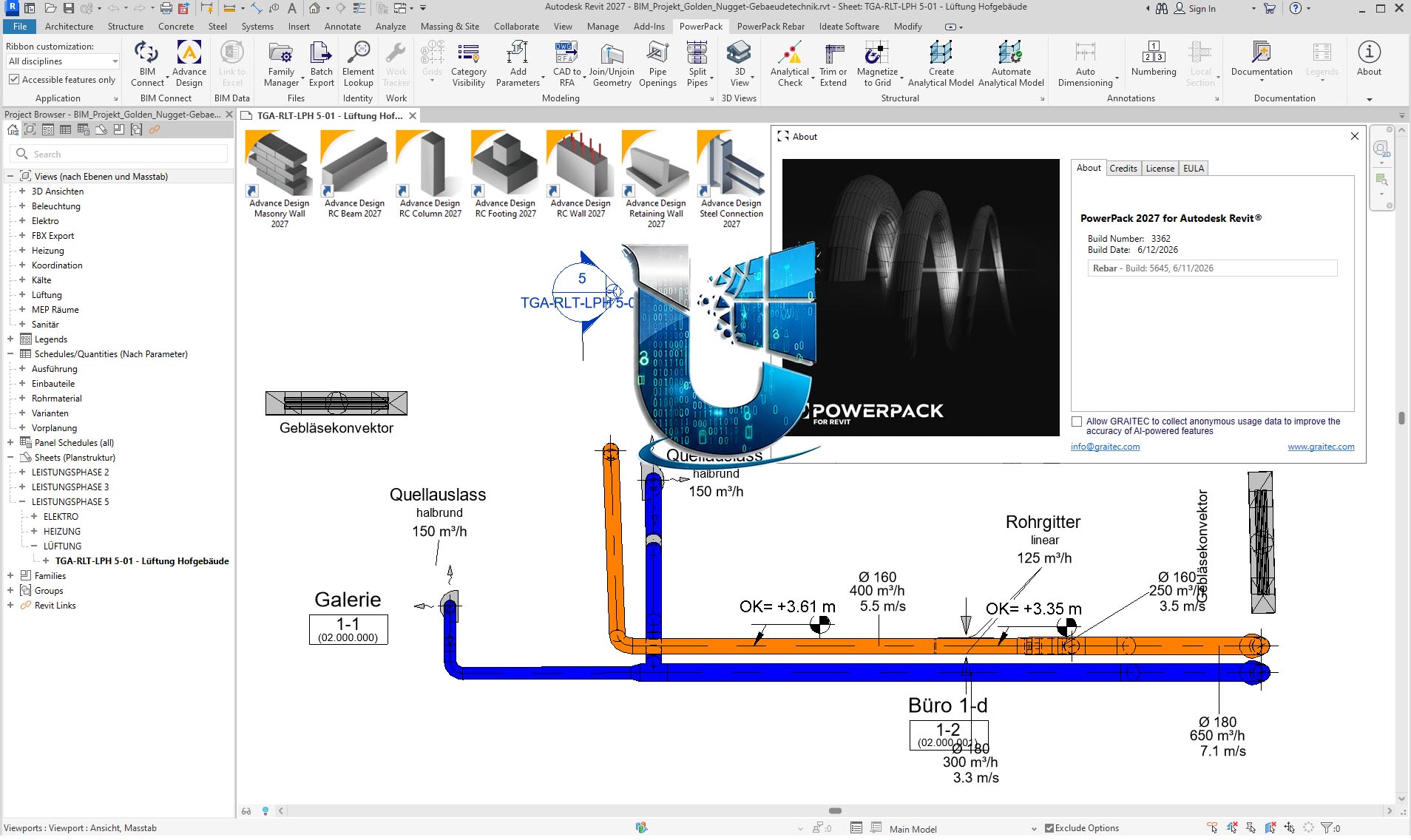
Advance PowerPack is developed as an add-in for Autodesk Revit, ensuring deep integration with the native Revit environment. This allows users to access its powerful tools directly within the familiar Revit interface, leveraging existing project data and workflows without significant disruption.
Cross-Platform Support
While primarily an enhancement for Revit, Advance PowerPack complements Graitec’s broader software portfolio. This means users can benefit from integrated workflows that may involve other Graitec products, ensuring a cohesive solution across different stages of the engineering and construction lifecycle.
Getting Started with Graitec Advance PowerPack
Installation Information
To ensure optimal performance and access to all features, it is recommended to install Graitec Advance PowerPack 2026.1 following the developer’s guidelines. Proper installation within the Autodesk Revit environment is key to unlocking the full potential of its BIM software enhancements and Revit productivity tools.
Frequently Asked Questions
What types of projects can benefit from Graitec Advance PowerPack?
Graitec Advance PowerPack is ideal for structural engineering projects, architectural designs, and construction management. It enhances productivity for users dealing with reinforcement layouts, annotation, and project setup, making it suitable for a wide array of complex building and infrastructure developments.
How does Advance PowerPack improve BIM workflows?
The PowerPack automates numerous tasks within the Revit environment, such as batch processing views and managing family updates, allowing teams to maintain compliance and efficiency throughout the project lifecycle. This leads to reduced manual effort and fewer errors in BIM projects.
What are the key improvements in version 2027?
The latest version includes enhanced rebar tools, updated international standards, improvements in annotation placement, and overall performance optimizations, making the software faster and more user-friendly. These updates focus on streamlining structural detailing and BIM tasks.



Reviews
There are no reviews yet.