

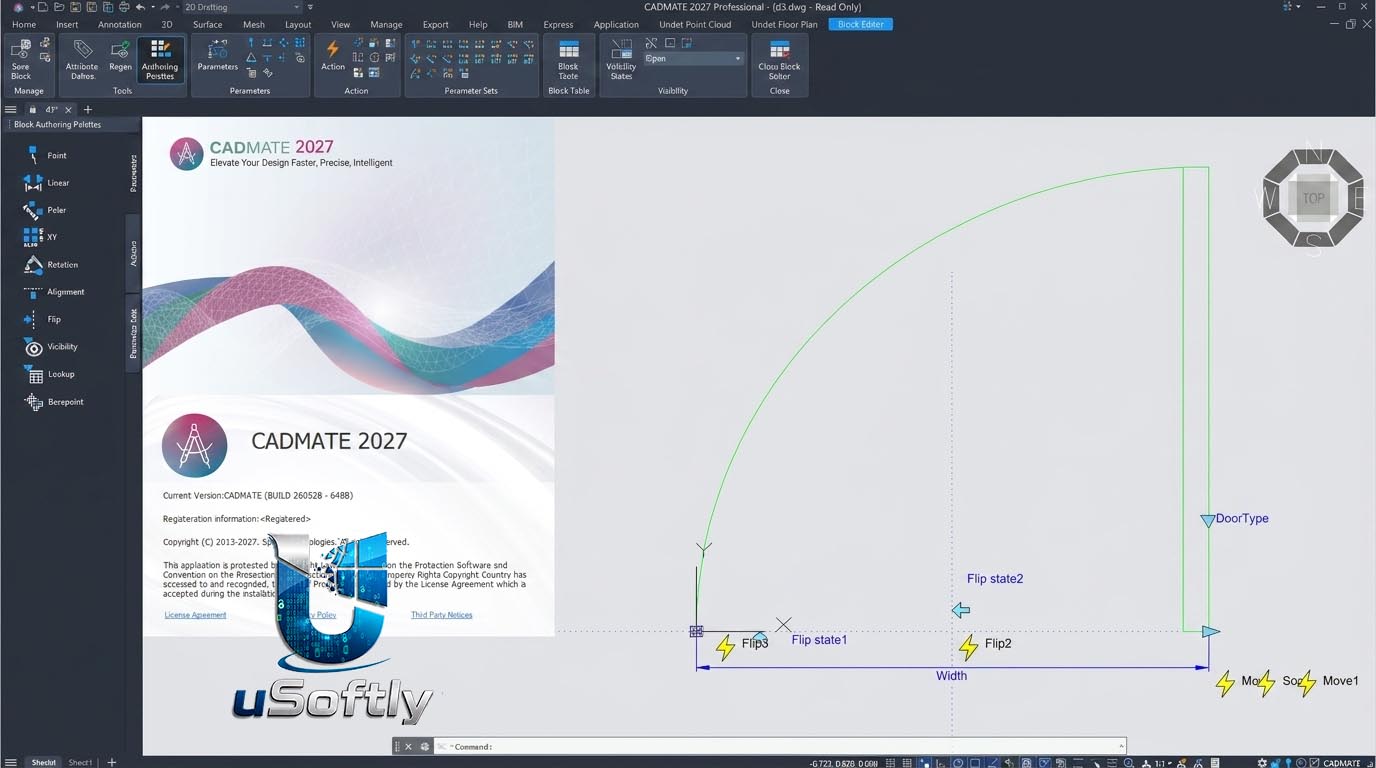
Gstarsoft CADMATE 2027: High‑Compatibility 2D/3D CAD Software
CADMATE 2027 is a professional 2D/3D CAD solution that emphasises high DWG compatibility, a familiar user interface and a much lower total cost of ownership compared to market‑leading CAD packages. Built on the same core technology as GstarCAD, CADMATE shares its proven high‑performance geometry kernel and native DWG support.
The software is offered in several editions, with the Professional version including full 3D solid modelling, advanced plotting tools, PDF import, external reference management and dynamic blocks.
The 2026 release introduces a modernised ribbon interface, faster performance (up to 6× quicker block editing, 4.5× faster EXTEND) and new features such as parametric constraints, drawing comparison, batch merge and an enhanced data extraction tool.
????♂️ Primary Users
CADMATE is designed for engineers, architects, designers, drafters and construction professionals who need a reliable, familiar 2D drafting and 3D modeling environment without the high cost of mainstream CAD software.
-
Civil & structural engineers – create floor plans, sections, elevations, site layouts.
-
Mechanical engineers – produce part drawings, assemblies and 2D shop documentation.
-
Architects & interior designers – develop construction drawings, space plans and 3D visualisations.
-
Construction & manufacturing firms – use affordable licences across teams.
-
CAD users migrating from AutoCAD – keep similar commands, icons and workflows.
⚡ Key Features & Capabilities
????️ 2D Drafting & Design
-
Native DWG/DXF support – open, edit and save AutoCAD® files without conversion.
-
Familiar AutoCAD‑like interface – ribbon or classic menu, nearly identical command aliases (e.g. L, C, TR, O).
-
Smart dimensioning & annotation – automatic dimension, multileader, text tools.
-
Layers, blocks & Xrefs – full layer management, dynamic blocks, external references.
-
Productivity tools – batch plot, batch purge, drawing compare, drawing merge, quick select.
-
PDF underlay & import – convert PDF geometry into editable CAD objects.
???? 3D Modelling (Professional Edition)
-
Solid modelling – extrude, revolve, sweep, loft and boolean operations.
-
Surface & mesh tools – create and edit 3D surfaces and meshes.
-
Navigation & visualisation – 3D orbit, shading, realistic view styles, steering wheels.
-
Compatibility – exchange 3D data via STEP, IGES, SAT, 3DS, STL.
⚙️ Advanced & Automation Tools
-
Parametric constraints – geometric and dimensional constraints plus a dedicated Parameters Manager for precise control of object sizes and relationships.
-
DWG Compare – highlight differences between drawings using revision clouds; export results as snapshot drawings.
-
Drawing Merge – batch analyse, split and merge drawings via Xrefs; export drawing lists to
.lstfiles. -
Data extraction – extract object properties into tables for automatic BOM (bill of materials) generation.
-
GstarCAD 365 integration – cloud collaboration for team‑based projects.
???? Interoperability
-
Import formats – DWG, DXF, DWF, PDF, DGN, SAT, STEP, IGES, 3DS, STL, BMP, JPG, PNG, TIF.
-
Export formats – DWG, DXF, PDF, DWF, DWFx, WMF, EMF, SAT, STL, EPS, SVG, BMP.
-
IFC & RVT (BIM data) – import/export Industry Foundation Classes files and edit Revit data.
???? What’s New in Version 2027
-
Modernised interface – cleaner ribbon, better organised panels.
-
Faster core performance – 2.9× faster drawing opening, 4.2× faster layout switching, 6× faster block editing.
-
Dimensional constraints & Parameters Manager – full parametric control over geometry.
-
DWG Compare & Drawing Merge – improved version tracking and batch workflows.
-
Enhanced PDF import – more accurate geometry transfer.
-
Data extraction tool – generate schedules and tables directly from drawing objects.
-
Improved 3D navigation – sun line enhancements and better visual styles.
???? System Requirements
| Component | Minimum | Recommended |
|---|---|---|
| OS | Windows 7/8/10 (64‑bit) | Windows 10/11 Pro (64‑bit) |
| CPU | 2.0 GHz dual‑core | 3.0+ GHz multi‑core (Intel i7/Xeon or AMD Ryzen 7) |
| RAM | 4 GB | 16 GB or more |
| Graphics | 1 GB GPU, OpenGL 3.0, DirectX 11 | 4 GB GPU, 106 GB/s bandwidth, DirectX 11/12 |
| Storage | 2 GB free | 10 GB SSD |
???? Industry Applications
-
Architecture & building design – floor plans, elevations, sections, schedules, 3D massing.
-
Mechanical engineering – part drawings, assembly diagrams, 2D shop documentation.
-
Civil & infrastructure – site layouts, road alignments, utility drawings.
-
Interior design – space plans, furniture layouts, 3D visualisations.
-
General manufacturing – 2D manufacturing drawings, sheet metal flat patterns






Reviews
There are no reviews yet.