

Download HitPaw Video Converter 4.6.4 – Comprehensive Multimedia Conversion and Editing Toolkit
HitPaw Video Converter 4.6.4 is a versatile multimedia toolkit developed by HitPaw, a company specializing in video processing solutions. This all-inclusive software is designed to handle video and audio conversion, basic editing, downloading from popular platforms, and file compression. Catering to a wide audience, including content creators, social media managers, educators, and business professionals, it aims to streamline multimedia workflows through an intuitive interface and robust feature set, making advanced video processing accessible to users of all skill levels.
An Overview of HitPaw Video Converter and its Practical Applications
HitPaw Video Converter serves as a central hub for managing various multimedia tasks. It combines the capabilities of a high-performance video converter, a user-friendly downloader, a screen recorder, and a suite of essential video editing tools. This integration allows users to efficiently convert files, capture screen content, and make quick edits without switching between multiple applications. The software is particularly beneficial for professionals in content creation and education who require a reliable tool for preparing and sharing multimedia content across different platforms and devices.
Multiformat Conversion and High-Speed Processing Capabilities
Support for 1000+ Video and Audio Formats
The software boasts extensive compatibility, supporting conversion to and from over 1000 video and audio formats. This comprehensive range includes widely used types such as MP4, MOV, AVI, and MKV for video, and MP3, AAC, FLAC, and WAV for audio, ensuring that users can handle virtually any media file they encounter.
Hardware Acceleration Technologies
Leveraging cutting-edge GPU acceleration, HitPaw Video Converter utilizes NVIDIA NVENC, AMD, and Intel QSV technologies. This significantly speeds up video and audio conversion processes, delivering high-speed performance while preserving the integrity and quality of the original media files. Hardware acceleration is crucial for handling large files and batch processing efficiently.
Batch Processing and Device-Optimized Presets
HitPaw Video Converter enhances workflow efficiency through its batch processing capabilities, allowing users to convert multiple files simultaneously. It also offers a wide array of device-optimized presets tailored for popular smartphones, tablets, gaming consoles like PlayStation and Xbox, and social media platforms, ensuring seamless playback on various target devices and online services.
Integrated Video Downloading and Recording Features
Built-In Video Downloader for Over 10,000 Websites
The software includes a powerful built-in downloader that supports more than 10,000 popular video hosting websites, including platforms like YouTube, Vimeo, and TikTok. Users can download videos in various resolutions and formats, facilitating offline viewing and content repurposing.
Screen and Webcam Recording Functions
HitPaw Video Converter provides integrated screen and webcam recording functionality. This feature is ideal for creating tutorials, recording presentations, capturing gameplay, or conducting video conferences, offering options to record specific screen areas or the entire desktop along with system audio.
Essential Video Editing Tools and Compression Features
Basic Editing Functions for Quick Multimedia Adjustments
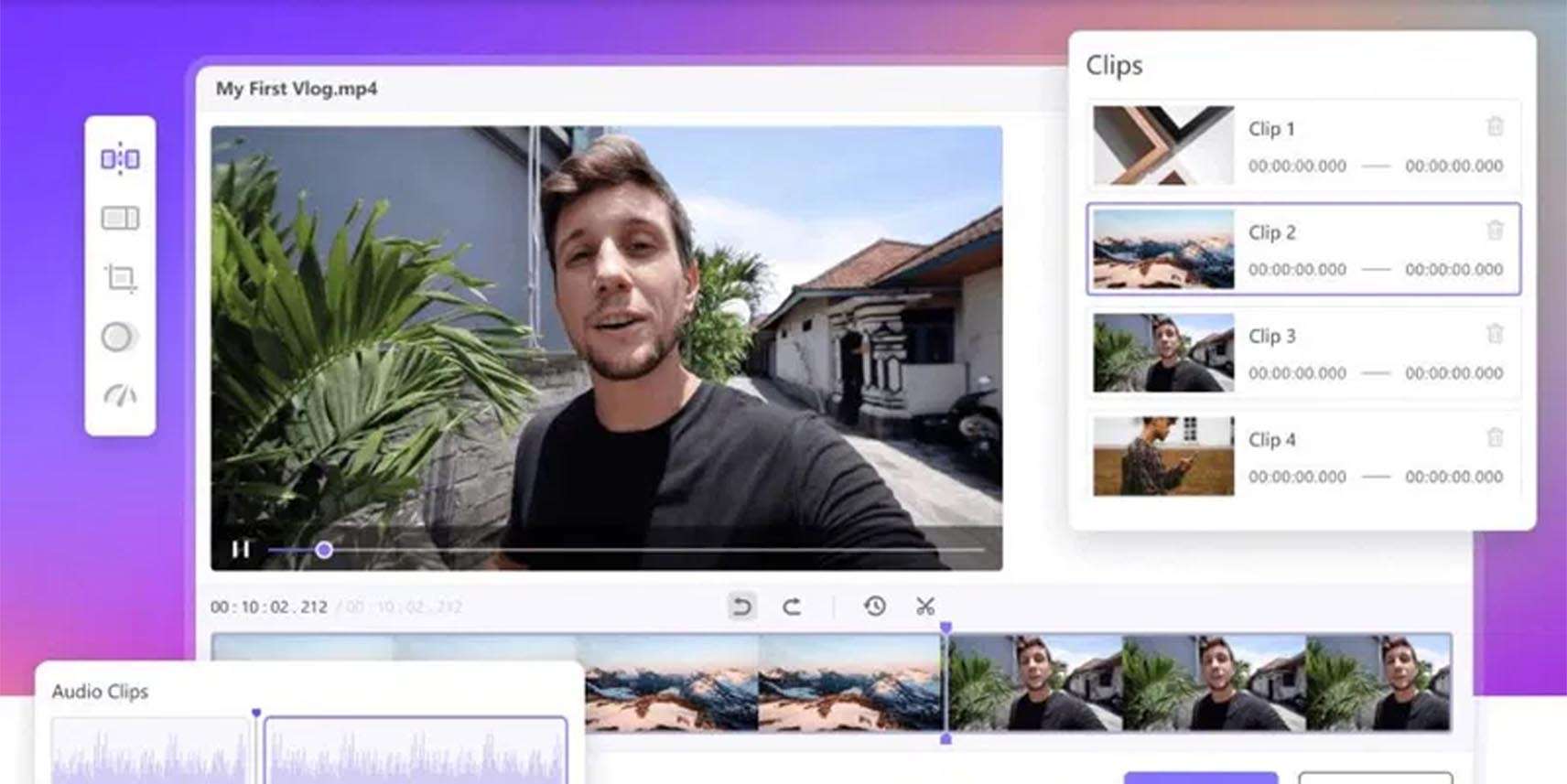
For immediate media adjustments, the software includes a set of basic yet effective editing tools. Users can trim, crop, rotate, and merge video clips. Additionally, features such as applying visual filters and effects, adding subtitles, watermarks, background music, and custom logos enable quick content enhancement without needing specialized editing suites.
Efficient File Compression Without Significant Quality Loss
HitPaw Video Converter offers an intelligent file compression feature designed to reduce video file sizes significantly. This function is essential for users who need to share large media files via email, cloud storage, or social media, ensuring that compression occurs with minimal perceptible loss in video and audio quality.
Performance Improvements and New Features in Version 4.6.4
The latest version, 4.6.4, introduces several key improvements focused on enhancing user experience and software performance. This update includes an optimized download engine for increased reliability and speed, expanded GPU support for broader hardware compatibility, and the addition of new video effects and filters to enhance editing capabilities. These enhancements contribute to greater stability and overall efficiency in multimedia processing tasks.
Real-World Usage Scenarios and Industry Applications
HitPaw Video Converter finds application across various professional and personal contexts. Content creators utilize it to convert footage for different social media platforms, download reference videos, and perform quick edits. In education, instructors can use it to prepare lecture materials, record screen demonstrations, and convert videos for online learning platforms. For business professionals, the software aids in creating polished video presentations, compressing large video files for meetings, and ensuring consistent branding through watermarking.
Frequently Asked Questions
How many video and audio formats does HitPaw Video Converter support?
HitPaw Video Converter supports over 1000 video and audio formats, including popular ones like MP4, MOV, AVI, MKV for video, and MP3, AAC, FLAC for audio. It also includes support for more niche and newer codecs to ensure wide compatibility.
Can HitPaw Video Converter utilize my computer’s GPU to speed up video conversion?
Yes, HitPaw Video Converter supports hardware acceleration using technologies such as NVIDIA NVENC, AMD, and Intel QSV, enabling faster video and audio conversion while maintaining high output quality.
Does HitPaw Video Converter include tools for basic video editing?
The software offers essential editing tools including trimming, cropping, rotating, merging clips, adding filters and subtitles, and overlaying watermarks or background music for quick video enhancements.






Reviews
There are no reviews yet.