

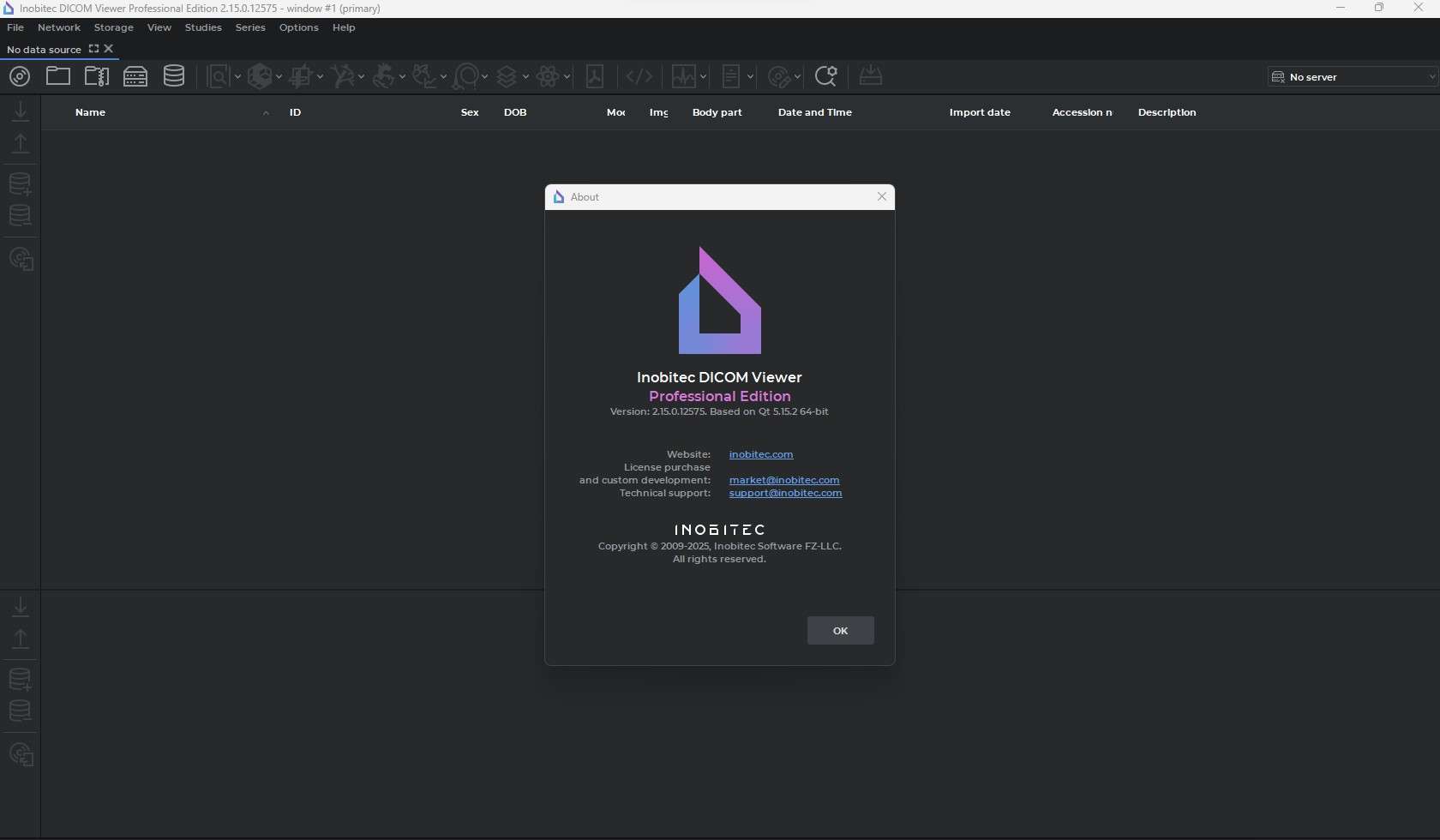
Download Inobitec DICOM Viewer Pro 2.18 – Lightweight Medical Image Viewer
Inobitec DICOM Viewer Pro 2.18 is a specialized medical imaging application designed for the efficient loading, display, and analysis of images in the DICOM format. Developed by Inobitec LLC, this software serves healthcare professionals, radiologists, and medical educators who require a lightweight viewer for offline medical image analysis. It plays a vital role in examining various imaging modalities by providing essential tools for visual assessment and navigation directly on local files.
Overview of Inobitec DICOM Viewer Pro and Its Role in Medical Imaging
Inobitec DICOM Viewer Pro is a DICOM viewer software application focused on enabling users to easily access and interpret medical images. The DICOM (Digital Imaging and Communications in Medicine) standard is crucial in healthcare, ensuring interoperability between imaging devices and systems. This viewer is particularly suited for standalone use, allowing professionals to review studies without needing complex PACS integration. Its primary utility lies in providing a direct interface for examining CT scans, MRIs, X-rays, and ultrasound images stored in the DICOM format, supporting diagnostic workflows and educational purposes within the radiology and medical imaging fields.
Core Image Viewing and Navigation Features
The software offers fundamental tools necessary for effectively examining DICOM images, ensuring that users can manipulate and understand the visual data presented.
Standard Image Manipulation Tools
Inobitec DICOM Viewer Pro provides essential image manipulation functionalities. Users can adjust window and level settings to optimize contrast and brightness, thereby enhancing the visibility of details within the images. Standard zoom and pan operations allow for closer inspection of specific regions of interest. For dynamic imaging sequences, such as those from cardiac or interventional procedures, the cine playback feature enables the review of multi-frame studies, crucial for understanding temporal changes.
Study and Series Browsing Capabilities
Efficiently navigating through patient imaging data is a key aspect of clinical review. This viewer allows users to browse through different studies and series associated with a patient’s DICOM files. It typically presents an overview of available series and their associated metadata, such as acquisition parameters and patient information, facilitating a structured approach to reviewing case history.
Measurement and Annotation Functionalities for Visual Assessment
Beyond basic viewing, Inobitec DICOM Viewer Pro incorporates tools to support preliminary analysis and communication of findings.
The software includes basic annotation and measurement capabilities designed to assist in visual assessment. Professionals can utilize tools to measure distances and angles directly on the images, which can be helpful for assessing lesion size or anatomical relationships. Annotation features allow users to add textual notes or markers to specific image areas, useful for highlighting findings, marking regions for further review, or preparing educational material.
Compatibility and System Optimization
Designed with efficiency in mind, Inobitec DICOM Viewer Pro is engineered to run smoothly on a variety of Windows systems, particularly those with more limited hardware resources.
This DICOM image analysis tool excels in its ability to load local files and folders directly, making it perfect for offline use. It supports a wide range of common DICOM modalities. A significant aspect of its design is its optimization for 32-bit Windows environments, which makes it an excellent choice for older computers or workstations where performance might be a concern with more resource-intensive applications. This focus on 32-bit Windows compatibility ensures broader accessibility for education and quick clinical reviews.
Comparison with Other DICOM Viewers and Use Cases
While other DICOM viewers exist, Inobitec DICOM Viewer Pro carves out a specific niche through its focus on lightweight performance and ease of use for offline analysis.
Compared to more comprehensive solutions that may require extensive setup or operate within a PACS environment, Inobitec DICOM Viewer Pro offers a streamlined experience for immediate review of local DICOM files. It can be seen as a valuable tool for quick clinical reviews by radiologists, a supplementary resource for medical students learning to interpret imaging studies, or for researchers examining specific datasets. Its less complex feature set makes it ideal for users who do not require advanced post-processing or system integration.
Real-World Applications in Clinical and Educational Settings
Inobitec DICOM Viewer Pro finds practical application across various professional scenarios within the healthcare and educational domains.
Radiologists and clinicians can use this medical imaging software for rapid assessment of patient scans during rounds or consultations where access to a full PACS workstation is not immediately available. Educators can employ the viewer to demonstrate specific anatomical features or pathological findings to students, utilizing the annotation and measurement tools to draw attention to critical aspects of the images. The ability to review multi-frame studies is particularly useful for modalities like ultrasound or CT angiography, aiding in the evaluation of dynamic processes or volumetric data.
Frequently Asked Questions
What types of medical images can Inobitec DICOM Viewer Pro open?
Inobitec DICOM Viewer Pro supports common DICOM modalities including CT, MRI, X-ray, and ultrasound images, allowing users to view and analyze local DICOM files and folders offline. This broad compatibility ensures it can handle a wide range of diagnostic imaging data.
Can I use Inobitec DICOM Viewer Pro on older Windows computers?
Yes, the software is optimized for 32-bit Windows environments, making it suitable for older computers or systems with limited resources. Its lightweight design ensures efficient performance even on less powerful hardware.
What are the basic measurement tools available in Inobitec DICOM Viewer Pro?
The software includes basic annotation and measurement tools such as distance and angle measurements, which aid in simple visual assessment and image analysis. These tools are valuable for basic diagnostic evaluation and educational purposes.




Reviews
There are no reviews yet.