

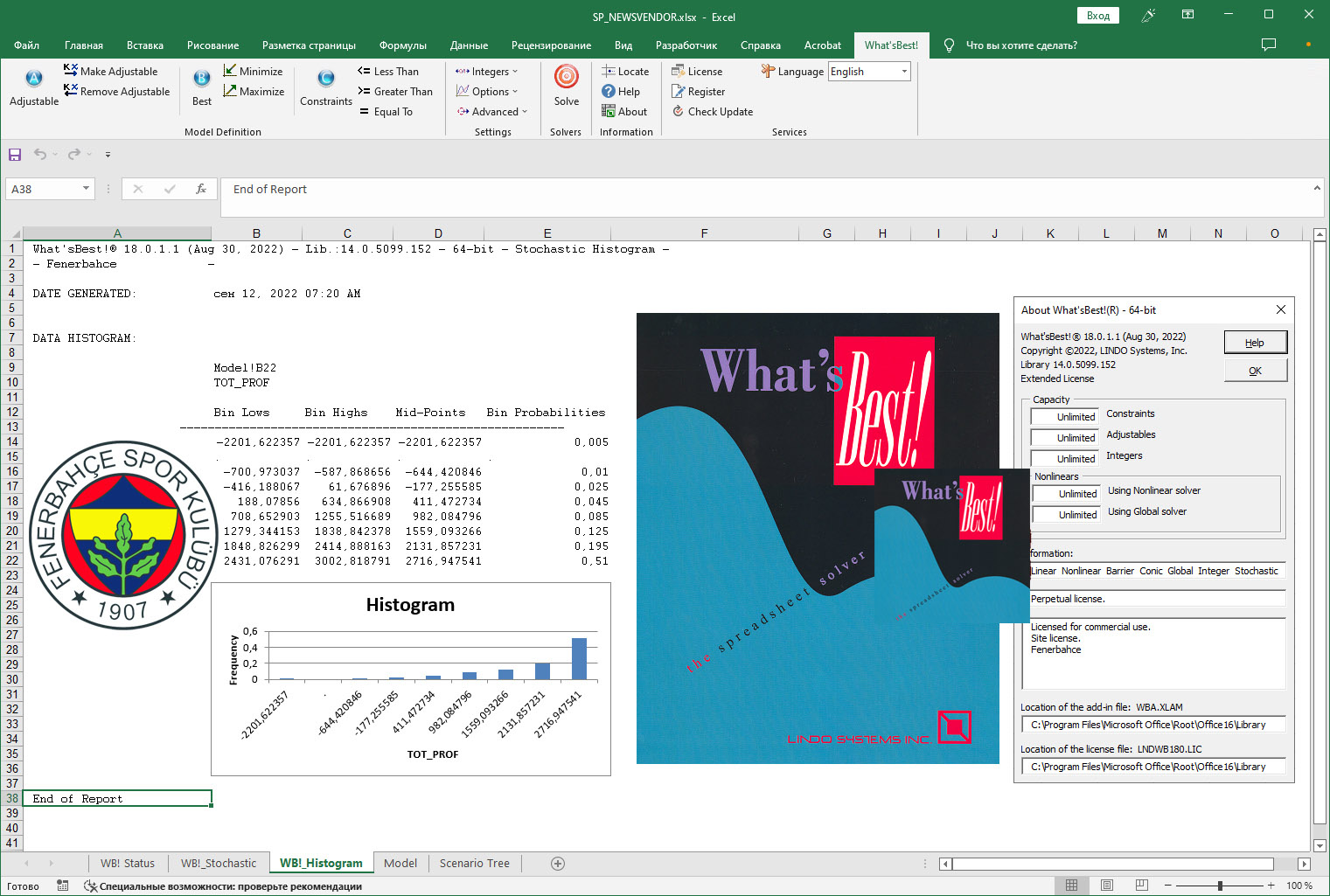
Download Lindo What’sBest – Powerful Optimization Add-in for Excel
Developed by Lindo Systems, Lindo What’sBest is a robust optimization software designed to enhance Microsoft Excel’s analytical capabilities. This powerful Excel add-in enables users in fields such as business analytics, operations research, and logistics to perform complex mathematical modeling and optimization tasks directly within their familiar spreadsheet environment. Its historical roots, originally developed for Lotus 1-2-3 before adapting to Excel, underscore its long-standing relevance and adaptability in scientific and business computation.
Introduction to Lindo What’sBest
Overview and History
Lindo What’sBest is an optimization software solution that operates as an add-in for Microsoft Excel. It transforms the spreadsheet interface into a sophisticated environment for mathematical modeling, supporting a wide range of optimization problems. Originally introduced for Lotus 1-2-3, the software evolved to seamlessly integrate with Microsoft Excel, offering users a familiar platform for advanced analytical work. This evolution highlights Lindo Systems’ commitment to leveraging common user tools for complex computations.
Key Features of Lindo What’sBest
- Seamless integration with Microsoft Excel, allowing users to conduct optimization tasks within their existing workflows.
- Advanced capabilities for linear and nonlinear modeling, facilitating the solution of complex mathematical problems.
- Support for integer and stochastic programming, broadening the scope of manageable optimization scenarios.
- User-friendly interface complemented by comprehensive documentation, making advanced analytics accessible.
Applications of Lindo What’sBest in Various Industries
Lindo What’sBest provides essential tools for professionals across several key industries. In logistics, it aids in optimizing routing, scheduling, and inventory management. Financial analysts utilize its capabilities for portfolio optimization and risk assessment, while manufacturing sectors employ it for production planning, resource allocation, and efficiency improvements. The software’s adaptability makes it a valuable asset for decision-making processes that require rigorous quantitative analysis.
Optimization Capabilities and Analytical Tools
The software empowers users to tackle diverse optimization challenges through specialized analytical tools. It is adept at solving problems involving linear programming, where objectives and constraints are linear, and nonlinear modeling, which accommodates more complex, curved relationships. Furthermore, Lindo What’sBest supports integer programming for decision variables that must be whole numbers and stochastic modeling to account for uncertainty and variability in data. This comprehensive suite allows for detailed mathematical modeling scenarios.
Real-World Use Cases of Lindo What’sBest
Professionals leverage Lindo What’sBest for tangible project improvements. For instance, businesses use it to optimize supply chains by determining the most efficient distribution networks and inventory levels, thereby reducing costs and improving delivery times. It is also applied in resource allocation, where companies can determine the optimal deployment of personnel, equipment, or capital to maximize output or minimize expenditure. These applications demonstrate its practical utility in complex operational decision-making.
Comparing Lindo What’sBest with Competitor Software
When compared to other optimization software, Lindo What’sBest distinguishes itself through its deep integration with Microsoft Excel. This direct interface simplifies model building and analysis for users already proficient with spreadsheets. While other software may offer specialized features, Lindo What’sBest provides a powerful, yet accessible, combination of robust computational speed and analytical depth for linear, integer, and nonlinear programming within a widely used platform.
Conclusion and Getting Started
Lindo What’sBest offers a significant advantage for professionals seeking to enhance their analytical capabilities within the familiar Microsoft Excel environment. Its comprehensive optimization tools, from linear to stochastic modeling, combined with its user-friendly design, make it an indispensable asset for complex decision-making. By integrating advanced mathematical modeling directly into spreadsheet workflows, Lindo What’sBest empowers users to achieve greater efficiency and insight in their business and operational analyses.
Frequently Asked Questions
What types of optimization can Lindo What’sBest perform?
Lindo What’sBest supports a broad spectrum of optimization tasks, including linear programming, integer programming, nonlinear programming, and stochastic modeling. This versatility enables users to address a wide array of complex quantitative problems effectively within a single application.
Is Lindo What’sBest easy to use for beginners?
Yes, Lindo What’sBest is designed with user-friendliness as a core principle. It features comprehensive documentation and an intuitive interface that allows individuals new to optimization to begin building and solving models without requiring extensive prior knowledge of specialized software environments.
How does Lindo What’sBest integrate with Microsoft Excel?
Lindo What’sBest functions as a seamless add-in for Microsoft Excel. This integration allows users to define, solve, and analyze optimization models directly within their Excel spreadsheets, eliminating the need to transfer data or switch between different applications for their modeling and analysis needs.






Reviews
There are no reviews yet.