
Make & Mill for CIM 24: Hybrid Additive & Subtractive Dental CAM Software
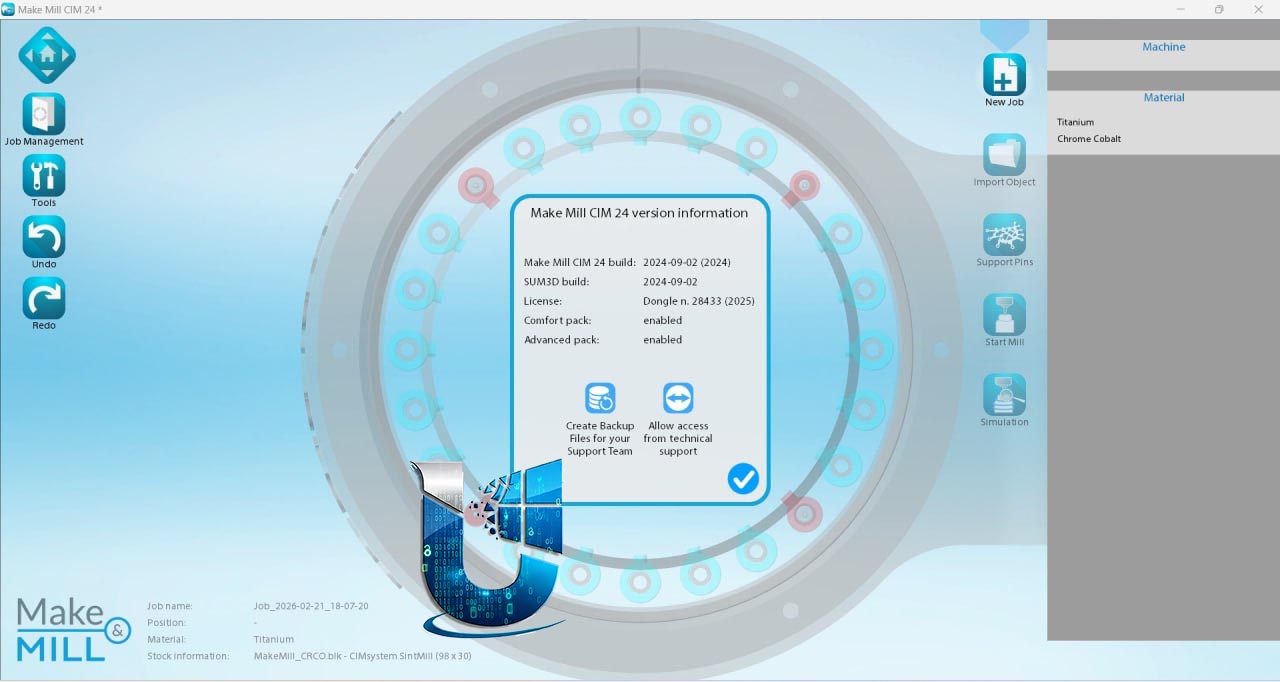
Make & Mill 24 is the latest version of CIMsystem’s dedicated dental CAM software, designed specifically to manage sintering and milling workflows . It is available as a standalone CAM application or as an advanced add‑on module for MillBox, adding subtractive manufacturing capabilities to MillBox’s core functionality.
Unlike traditional CAM tools that only handle milling, Make & Mill is optimized for hybrid workflows: it supports both subtractive techniques (milling from discs/blocks) and additive techniques (sintering metal or resin objects). Once an object is created using additive technology, the software can seamlessly mill the object itself to deliver the precision and fine surface finish that only subtractive manufacturing can provide.
???? Primary Users
-
Dental Lab Technicians preparing restorations (crowns, bridges, implant bars) for 5‑axis milling and post‑processing.
-
Dental Lab Owners seeking a single CAM platform to manage both subtractive (milling) and additive (3D printing) workflows.
-
Production Managers optimizing material usage by combining different manufacturing technologies.
-
Chairside Practices using in‑house milling for same‑day restorations.
-
Milling Center Operators running disc/block nesting and toolpath generation for high‑throughput production.
⚡ Key Features & Capabilities
???? Hybrid Additive & Subtractive Workflow
| Capability | Description |
|---|---|
| Sintering Support | Manage the entire post‑processing chain for additively manufactured objects. |
| Pre‑milling of Connectors | Partially pre‑cut connectors to reduce manual finishing effort (requires strategy update) . |
| Two‑Sided Milling | Mill from both sides of the plate for perfect surface quality on all nested parts . |
????️ Protective Cup & Interface Management
| Feature | Benefit |
|---|---|
| Bulk Protective Cup Application | Apply the same offset amount to all restorations at once (new in 2025) – previously only possible individually or in groups . |
| Screw Hole Protective Cups | Reduce tool consumption and calculation time; now handles cases where none of the connections have a screw hole . |
| Multiple Interface Protection | Select several connections simultaneously and apply the same protection type, saving valuable preparation time . |
???? Precision & Calibration Tools
| Tool | Function |
|---|---|
| Calibration Check | Use a dedicated calibration tool (hardware sold separately) to verify machine calibration and ensure the software performs calculations perfectly “at zero” . |
| Touch Probe Support | Center the workpiece, verify reference point positioning, and compensate for printing‑related errors. Perform dimensional verification against the reference STL . |
⚙️ Nesting & Machining
| Function | Description |
|---|---|
| Offset Mesh | Select specific areas (e.g., occlusal surfaces) to add excess material, compensating for calibration errors and improving final finish . |
| Overlay Check | Automatic alert when objects are too close, preventing collisions and protecting your project . |
| Replace Function | Replace objects even when they are linked to connectors, preserving position and connections . |
| Secondary Axis Detection | Improve finishing of complex objects while reducing manual operations and operator error . |
???? Integration
-
Pyramis Integration – One‑click switch to CIMsystem’s 3D printing software (Pyramis), maintaining the same project context without extra steps .
-
Centring References – Automatically insert centring marks for measurement checks



Reviews
There are no reviews yet.