

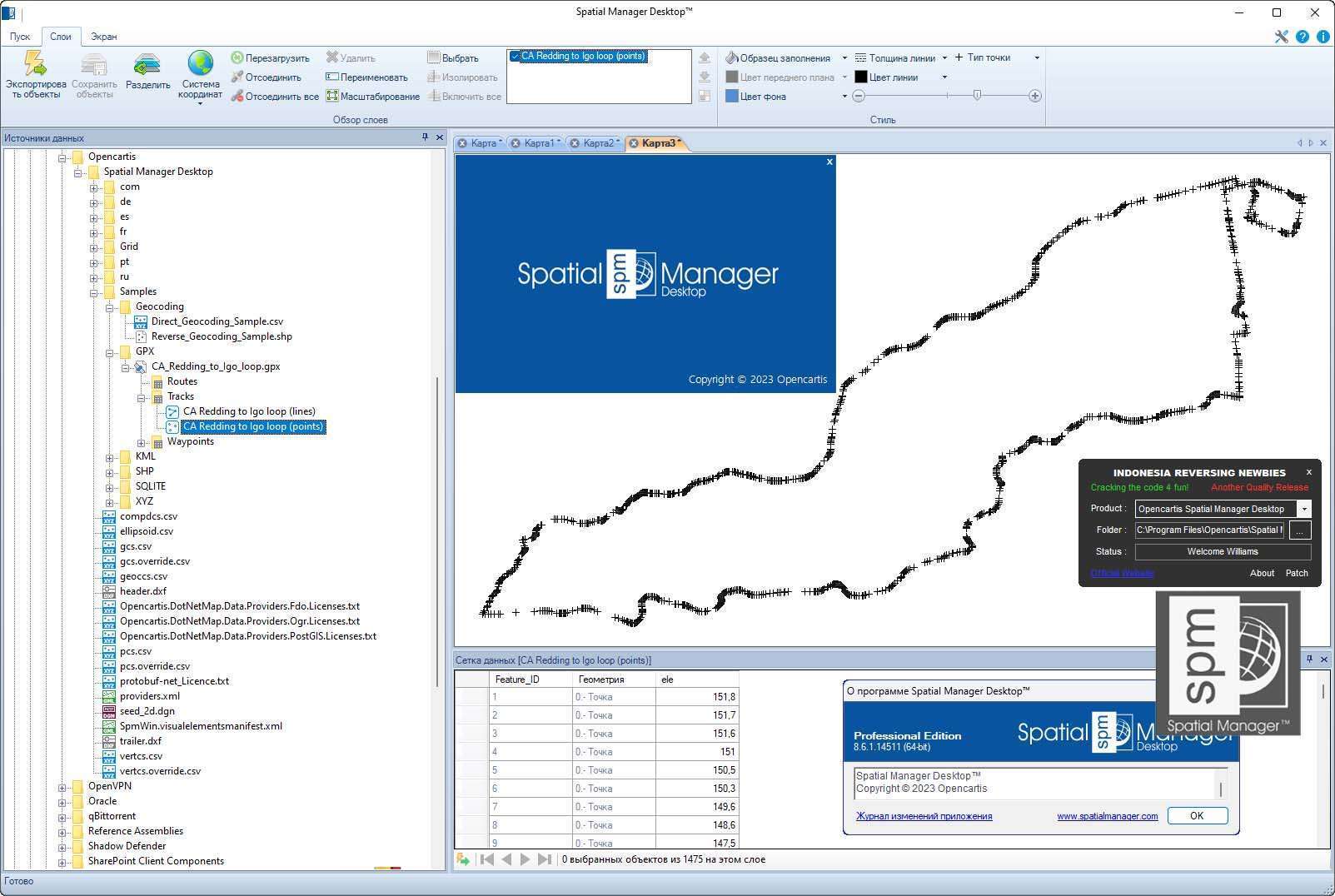
Download Opencartis Spatial Manager Desktop 9.0.3 – Efficient Spatial Data Management
Opencartis Spatial Manager Desktop 9.0.3 is a specialized software application designed for the efficient management and manipulation of spatial data. Developed with professionals in Geographic Information Systems (GIS), urban planning, and civil engineering in mind, this tool provides a robust set of functionalities for handling complex geospatial information within a familiar CAD environment. Its capabilities are particularly relevant for tasks involving infrastructure management and detailed spatial analysis.
Overview of Opencartis Spatial Manager Desktop
Introduction to the Software
Opencartis Spatial Manager Desktop serves as a vital tool for professionals working with spatial and geographic information. It bridges the gap between CAD functionalities and GIS data management, offering a comprehensive platform for users to import, edit, analyze, and export spatial datasets. This software is tailored for tasks requiring precision and complex data handling, making it suitable for demanding technical workflows in fields like urban planning and infrastructure development.
Key Tools and Functionalities
Spatial Data Management Features
The software is equipped with a suite of features designed for effective spatial data management and processing. These tools enable users to streamline workflows and enhance the accuracy of their geospatial projects. Key functionalities include:
- Data import and export capabilities for a wide range of spatial formats.
- Tools for editing and transforming spatial data to meet project-specific requirements.
- Features for geocoding and spatial referencing to ensure data accuracy.
- Advanced querying and filtering options to extract specific information from large datasets.
- The ability to perform complex spatial analysis to derive insights and create new data objects.
Supported File Formats and Integration
Opencartis Spatial Manager Desktop offers broad compatibility with various spatial data formats, crucial for interoperability in professional environments. It supports the reading and writing of industry-standard file types, including KML and KMZ, which are essential for using data with web-based mapping services. Furthermore, the software is designed to integrate with different spatial servers, facilitating seamless data exchange and access across networked systems. This comprehensive format support ensures that professionals can work with diverse data sources without encountering compatibility issues.
Background Maps and Customization Options
To enhance the contextual understanding of spatial data, Opencartis Spatial Manager Desktop incorporates dynamic background maps. Users can leverage popular online mapping services such as Google Maps and OpenStreetMap directly within the application. This feature allows for the overlay of project data onto real-world geography, providing richer visualization and aiding in more informed decision-making. The ability to customize these background maps offers flexibility, allowing professionals to tailor their viewing environment to specific analytical or planning needs.
Real-World Applications and Use Cases
Professionals in urban planning and civil engineering utilize Opencartis Spatial Manager Desktop for a variety of critical projects. In urban planning, the software aids in land-use analysis, zoning, and the visualization of development proposals. For civil engineering, it supports tasks related to infrastructure design, such as managing utility networks, planning road construction, and assessing environmental impacts. The software’s capabilities in data transformation and spatial analysis are instrumental in managing large-scale infrastructure projects and ensuring efficient resource allocation.
Efficiency Tools for Routine Operations
Recognizing the repetitive nature of many GIS and CAD tasks, Opencartis Spatial Manager Desktop includes tools designed to improve operational efficiency. Features aimed at automating routine operations help users save time and reduce the potential for manual errors. This can include batch processing capabilities, specialized scripts, or command-line arguments for executing common tasks. By streamlining repetitive workflows, the software allows professionals to focus more on complex analysis and strategic decision-making rather than on time-consuming data manipulation.
Conclusion
Opencartis Spatial Manager Desktop 9.0.3 offers a powerful and versatile platform for managing spatial data, making it an invaluable asset for professionals in GIS, urban planning, and civil engineering. Its comprehensive features, broad file format support, and integration capabilities, combined with tools for enhancing efficiency, position it as a leading solution for complex geospatial challenges. Professionals seeking robust spatial data management and analysis within a CAD framework will find this software instrumental in their project workflows.
Frequently Asked Questions
What types of spatial data can Opencartis Spatial Manager handle?
Opencartis Spatial Manager can read and write a wide variety of spatial data formats, including KML and KMZ, and supports integration with various spatial servers for data management. This extensibility allows for seamless integration into existing data infrastructures and workflows, accommodating diverse project requirements.
Can I perform spatial analysis with Opencartis Spatial Manager?
Yes, the software includes features for performing spatial analysis, allowing users to generate new objects and insights based on existing spatial data. This capability is crucial for extracting meaningful information from geographic datasets for informed decision-making in planning and engineering.
What are the advantages of using dynamic background maps?
Dynamic background maps enhance the visualization of spatial data, allowing users to leverage popular services like Google Maps and OpenStreetMap for improved context and detail in their projects. These maps provide a familiar, real-world reference, significantly aiding in the interpretation and analysis of project-specific data layers.





Reviews
There are no reviews yet.