

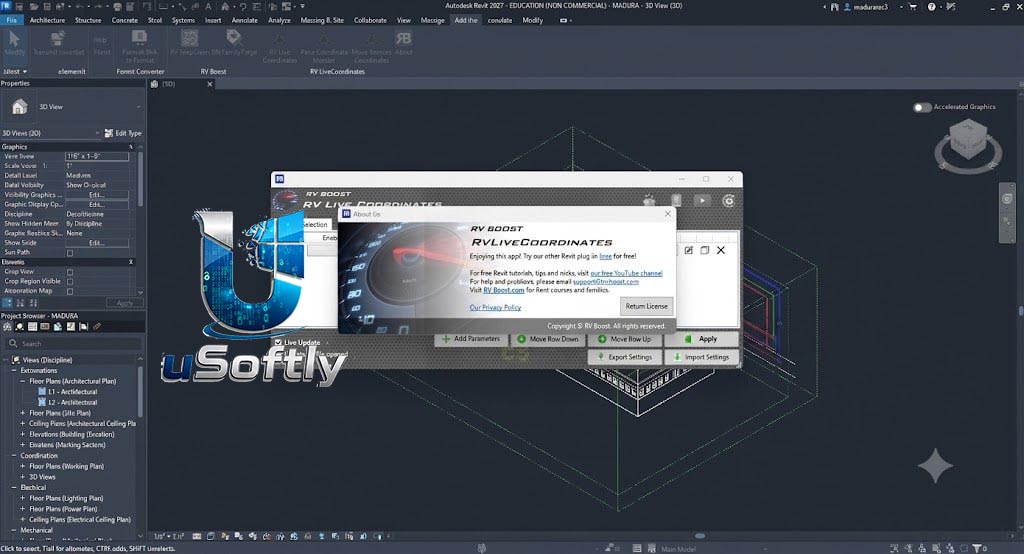
RV Boost RV Live Coordinates 2027 v1.3.0 for Autodesk Revit – Automated, Real-Time Coordinate Tracking and Batch Element Movement for Revit
RV Live Coordinates is a powerful Revit add-in that automates the tracking, reporting, and updating of XYZ coordinates for any element in your model . Unlike manual methods or cumbersome Dynamo scripts, RV Live Coordinates provides a configurable, real-time solution that updates coordinate parameters automatically as elements are moved .
The 2027 v1.3.0 version is the latest release, fully compatible with Autodesk Revit 2027 . It builds on the core functionality of tracking both point-based and curve/line-based elements and introduces or refines advanced capabilities such as batch-moving elements to specified coordinates, support for any coordinate system , and the ability to export and import coordinate settings for consistency across projects.
Primary Users
RV Live Coordinates 2027 v1.3.0 is designed for BIM Managers, Structural Engineers, Architects, and Revit Power Users who need precise, real-time element location tracking and automated data entry. It is ideal for professionals who:
-
Manage complex coordination models requiring accurate coordinate reporting for construction set-out
-
Need to update element positions from external data sources like surveyor-provided CSV files
-
Require consistent coordinate tracking across multiple linked Revit files
-
Seek to eliminate manual data entry errors by automating coordinate reporting
-
Work with large models where manual coordinate checking is inefficient
Key Features & Capabilities
Core Automation
-
Automated Coordinate Reporting: Eliminates the need for manual updates of XYZ parameters. Once configured, parameters automatically update as elements are moved in the model
-
Real-Time Live Updates: Maintains up-to-date coordinate values in the background, saving time and preventing errors
Flexibility and Versatility
-
All Coordinate Systems Supported: Works with Shared Coordinates, Project Base Point, Survey Point, and Internal Origin, using either Project North or True North
-
Multiple Element Reference Points: Allows you to choose exactly which point on an object to report coordinates from, including insertion points, bounding box centers, solid centroids, start/end points, and nested marker families
-
Supports All Location Types: Works with both point-based elements (e.g., columns, furniture) and curve/line-based elements (e.g., beams, walls, slanted columns)
Batch Element Movement
-
Move Elements to Coordinates: Allows specifying custom XYZ values in element parameters and provides easy commands for batch-moving elements to those locations
-
Excel/CSV Integration: Enables importing coordinate updates from external sources (e.g., Excel, CSV) from surveyors or contractors, allowing bulk updates with a single click
Verification and Visualization
-
Coordinate Marker Placement: Generates coordinate markers using a family of your choice to verify reported coordinates
-
CSV Import/Export: Export coordinates to CSV for checking in Excel or import updated coordinates from external sources
Consistency and Workflow
-
Save & Load Settings: Configure parameter links once, export the settings, and import them into any other Revit model for consistent coordinate reporting across projects
-
Category-Specific Configuration: Allows setting different coordinate mapping configurations for individual Revit categories
-
Custom Filters: Use Revit filters to target only elements passing specific criteria, preventing unintended movement of nested components
What’s New in RV Live Coordinates 2027 v1.3.0
The v1.3.0 release ensures full compatibility with Autodesk Revit 2027 . While specific new features for this exact version are not detailed in the search results, the product line has seen significant enhancements leading up to this release:
Batch Move to Coordinates
Enables users to specify custom XYZ values in element parameters and batch-move elements to those locations, integrating seamlessly with CSV import workflows
Advanced Coordination and Markers
Refined support for nested components and improved coordinate marker placement, allowing users to use custom marker families or those provided by RV Boost
Settings Management
The ability to export and import coordinate settings from RV Live Coordinates ensures consistency across multiple Revit projects





Reviews
There are no reviews yet.