

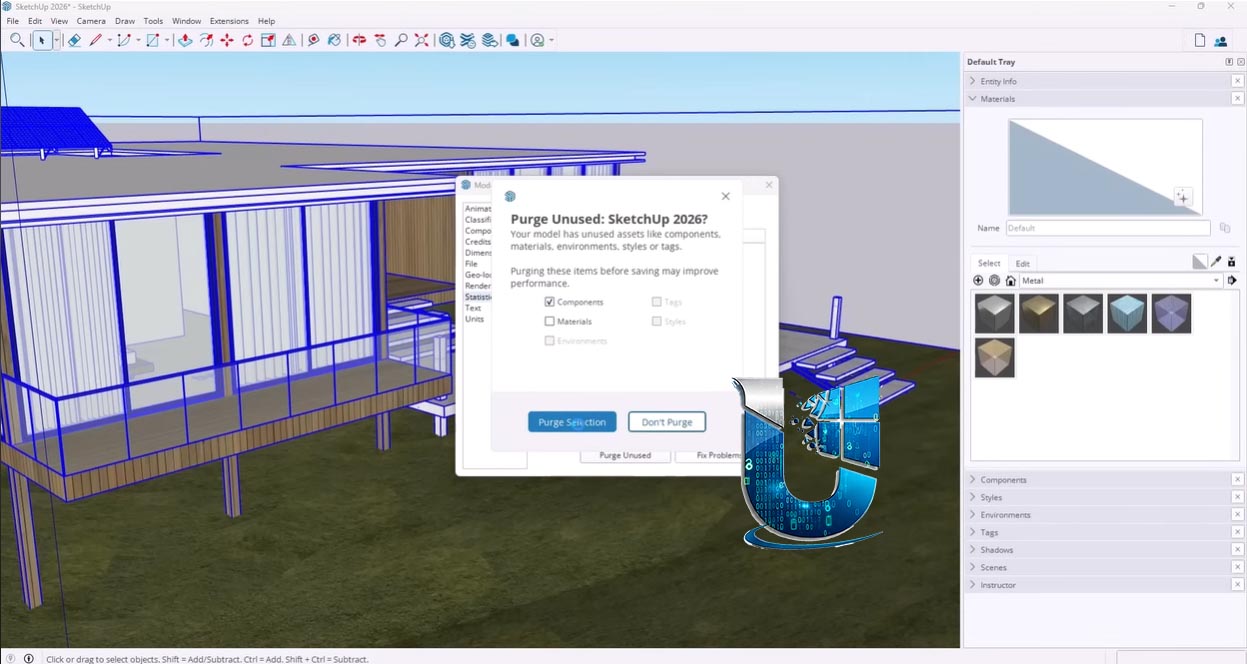
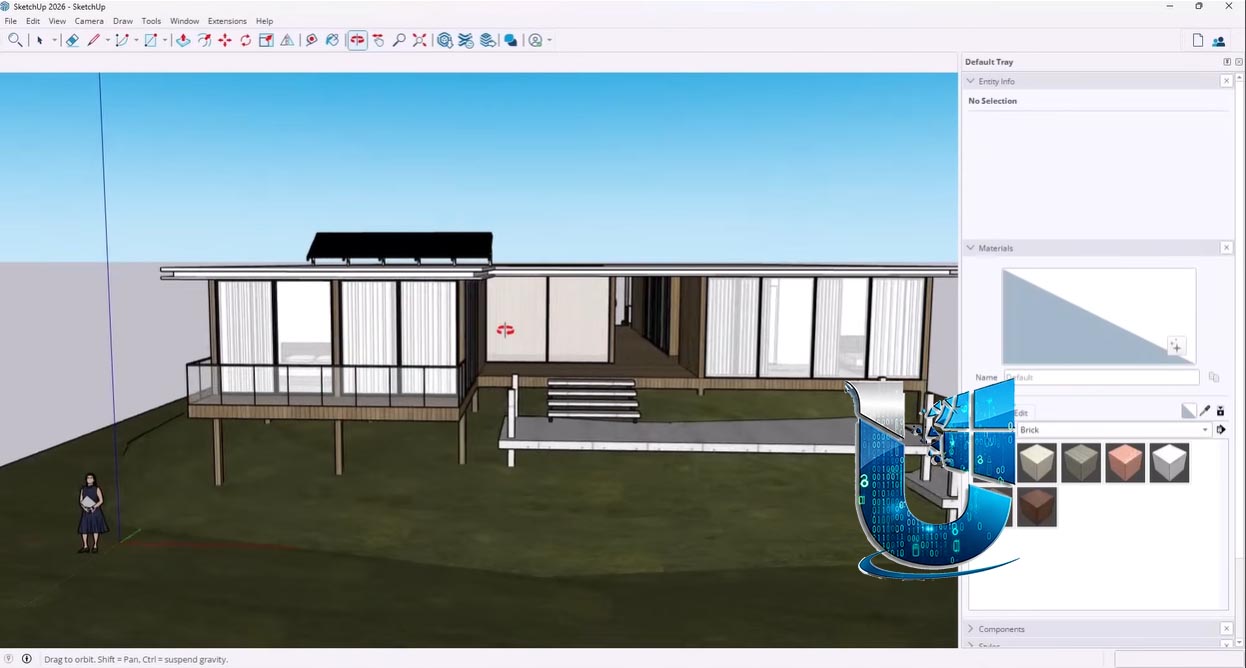
Download SketchUp Pro 2026 – Leading 3D Modeling Software for Design Professionals
SketchUp Pro 2026 is a versatile 3D modeling software developed by Trimble Inc., designed to cater to professionals in architecture, interior design, construction, product design, and manufacturing. Initially launched in 2000, the software has evolved significantly, offering powerful tools for creating, modifying, and presenting designs in three dimensions. Its user-friendly interface and extensive capabilities make it a preferred choice for visualizing complex projects from concept to completion.
Overview of SketchUp Pro 2026
History and Development
SketchUp originated as a product of @Last Software in 2000, rapidly gaining recognition for its intuitive approach to 3D modeling. Its acquisition by Google in 2006 and later by Trimble Inc. in 2012 marked key phases in its development, each contributing to its growth and feature enhancements. Trimble Inc. has continued to refine SketchUp, particularly with the introduction of the Pro version, integrating advanced functionalities tailored for professional workflows.
Core Features and Capabilities
Advanced 3D Modeling Tools
SketchUp Pro 2026 provides a robust suite of 3D modeling tools that enable precise design creation. Users can leverage features for dimensional accuracy, geometric manipulation, and the construction of complex forms. The software’s push-pull technology simplifies the extrusion of flat surfaces into 3D objects, making it efficient for iterative design processes. Its capabilities extend to creating detailed models with accurate dimensions suitable for construction and manufacturing specifications.
2D Documentation and Presentation
Beyond 3D modeling, SketchUp Pro integrates powerful tools for creating professional 2D documentation. The Layout application, included with SketchUp Pro, allows users to compile 3D model views into technical drawings, presentations, and detailed project plans. This feature is crucial for communicating design intent accurately to clients and construction teams, converting 3D models into industry-standard 2D deliverables.
Integration with 3D Warehouse and Extensions
A significant advantage of SketchUp Pro is its seamless integration with the 3D Warehouse, a vast online repository of user-generated and manufacturer-provided 3D models. This resource allows designers to quickly populate their models with furniture, fixtures, and environmental elements, speeding up the design process. Furthermore, SketchUp Pro supports a wide ecosystem of extensions (plugins) that can be added to expand its functionality, offering specialized tools for rendering, analysis, and custom modeling tasks.
Applications in Architecture and Construction
In the architecture and construction sectors, SketchUp Pro 2026 is extensively used for conceptual design, building design, and site planning. Its intuitive interface facilitates rapid visualization of building forms, massing studies, and spatial arrangements. Professionals utilize SketchUp to create detailed architectural models, generate construction documents, and visualize project phasing. The ability to import and export multiple file formats ensures compatibility with other industry-standard software, supporting integrated project delivery workflows. Specific use cases include designing residential and commercial buildings, urban planning studies, and interior space layouts that require precise spatial planning and visualization.
Collaboration and Usability Features
SketchUp Pro 2026 is designed with collaboration in mind, offering features that facilitate teamwork and project sharing. Tools for creating and managing scenes allow users to capture specific views of their models for presentations or documentation. The software’s import/export capabilities enable seamless data exchange between team members and with consultants using different platforms. While SketchUp itself might not be a full BIM authoring tool, its models can be effectively used in BIM workflows for visualization and design validation, contributing to better project coordination and communication among stakeholders.
Comparison with Similar Software
When compared to other 3D modeling software, SketchUp Pro 2026 distinguishes itself through its remarkable ease of use and a learning curve that is generally less steep than that of more complex CAD or BIM applications. While software like Autodesk Revit is specifically built for BIM with robust data management capabilities, SketchUp excels in conceptual design and quick visualization. Its strength lies in its direct modeling approach and extensive library of components via 3D Warehouse, making it ideal for initial design exploration and presentation-quality renderings, setting it apart from primarily parametric or data-centric modeling platforms.
Real-World Use Cases
Professionals across various fields leverage SketchUp Pro 2026 for diverse applications. Architects use it for creating building designs, from initial concepts to detailed construction documents. Interior designers employ SketchUp to model spaces, select appropriate furnishings, and visualize the final aesthetic. In construction, it aids in project planning, clash detection, and site logistics visualization. Product designers and manufacturers utilize SketchUp for rapid prototyping and product visualization. The software’s flexibility also extends to landscape architecture, set design, and even woodworking, demonstrating its broad applicability in bringing visual ideas to tangible 3D representations.
Frequently Asked Questions
What are the key new features in SketchUp Pro 2026?
SketchUp Pro 2026 introduces several enhancements, including advanced modeling tools that refine precision and workflow efficiency, along with improved integration with the 3D Warehouse for easier asset management. Updates to the Layout application also bolster its capabilities for professional 2D documentation and presentation, streamlining the creation of construction documents and client reports.
How does SketchUp Pro differ from SketchUp Free?
SketchUp Pro offers a comprehensive suite of professional tools not found in SketchUp Free. Key differences include advanced modeling features, robust 2D documentation and presentation capabilities via Layout, access to a vast library of import/export file formats, and the ability to utilize a wide range of third-party extensions. These advanced features are essential for professional architectural, construction, and design workflows.
Can SketchUp Pro be used for BIM (Building Information Modeling)?
While SketchUp Pro is fundamentally a 3D modeling tool rather than a dedicated BIM authoring platform, it plays a valuable role in BIM workflows. It excels at the conceptual and design development stages of BIM projects, allowing for rapid visualization and iteration. Models created in SketchUp Pro can be exported to other BIM software, and through extensions, users can integrate more BIM-specific data and processes, facilitating a more holistic approach to Building Information Modeling.



Reviews
There are no reviews yet.