

Download Thea For Rhino v4.5.257 – Physically Based Rendering Plugin for Rhino 3D
Thea For Rhino v4.5.257 is an advanced, physically based rendering plugin for Rhinoceros 3D, developed by Altair Engineering. This powerful tool is specifically designed to enhance visualization workflows within the Rhino 3D environment, catering to professionals in architecture, product design, jewelry design, automotive visualization, and manufacturing. It brings sophisticated rendering technologies directly into the native CAD application, enabling users to create highly realistic visualizations without needing to switch software.
Advanced Rendering Technology Tailored for Rhino 3D
Developed by Altair Engineering, a company renowned for its simulation and visualization software, Thea For Rhino offers a tightly integrated rendering solution for Rhinoceros 3D. This plugin is crucial for industries demanding photorealistic output, such as architectural visualization where accurate daylight simulation is key, and product design where material properties must be rendered with precision. The deep integration ensures that assets and scene data remain synchronized, promoting a fluid transition from design modeling to final rendering.
Versatile Rendering Engines for Interactive and Physically Accurate Visualization
Thea For Rhino provides a selection of rendering engines engineered to meet diverse project requirements, balancing speed with physical accuracy.
Presto Hybrid GPU+CPU Engine
The Presto engine leverages both Graphics Processing Units (GPUs) and Central Processing Units (CPUs) for rapid rendering. It supports compute unified device architecture (CUDA) and OpenCL, enabling fast, interactive visualization with features like global illumination and advanced AI denoising. This makes it ideal for users needing quick design feedback and efficient render production.
Adaptive Unbiased CPU Engine
For scenarios demanding the highest level of scientific accuracy, the Adaptive Unbiased CPU engine employs advanced path tracing techniques. This engine is particularly suited for rendering complex light interactions, realistic reflections, and subsurface scattering effects, making it an essential tool for intricate designs in jewelry and product visualization where material fidelity is paramount.
Real-Time Interactive Rendering (IR)
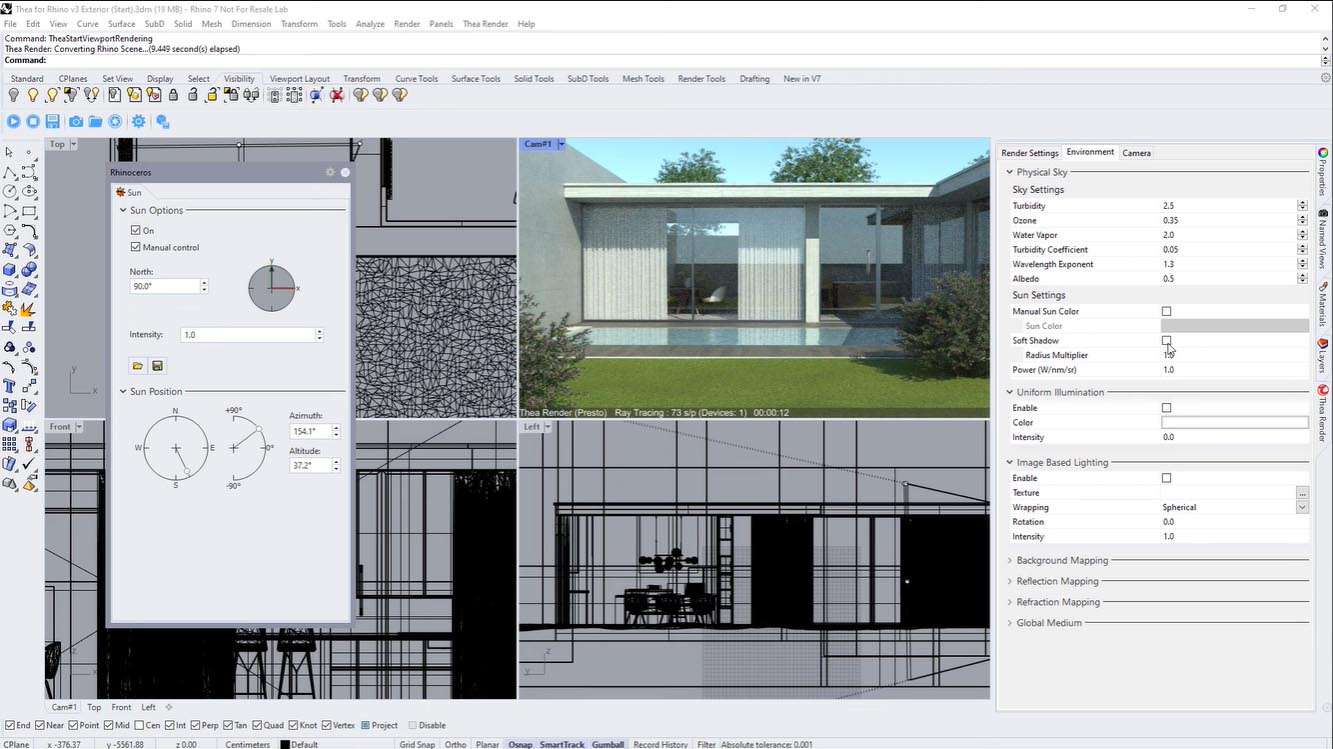
Thea For Rhino includes a real-time interactive rendering mode directly within the Rhinoceros 3D user interface. This feature allows designers to see immediate updates to their models as changes are made, facilitating an intuitive and iterative design process without any interruption.
Comprehensive Material and Lighting Systems for Photorealism
Achieving photorealism requires sophisticated control over materials and lighting, which Thea For Rhino delivers through its advanced system.
Physically Based Material Editor
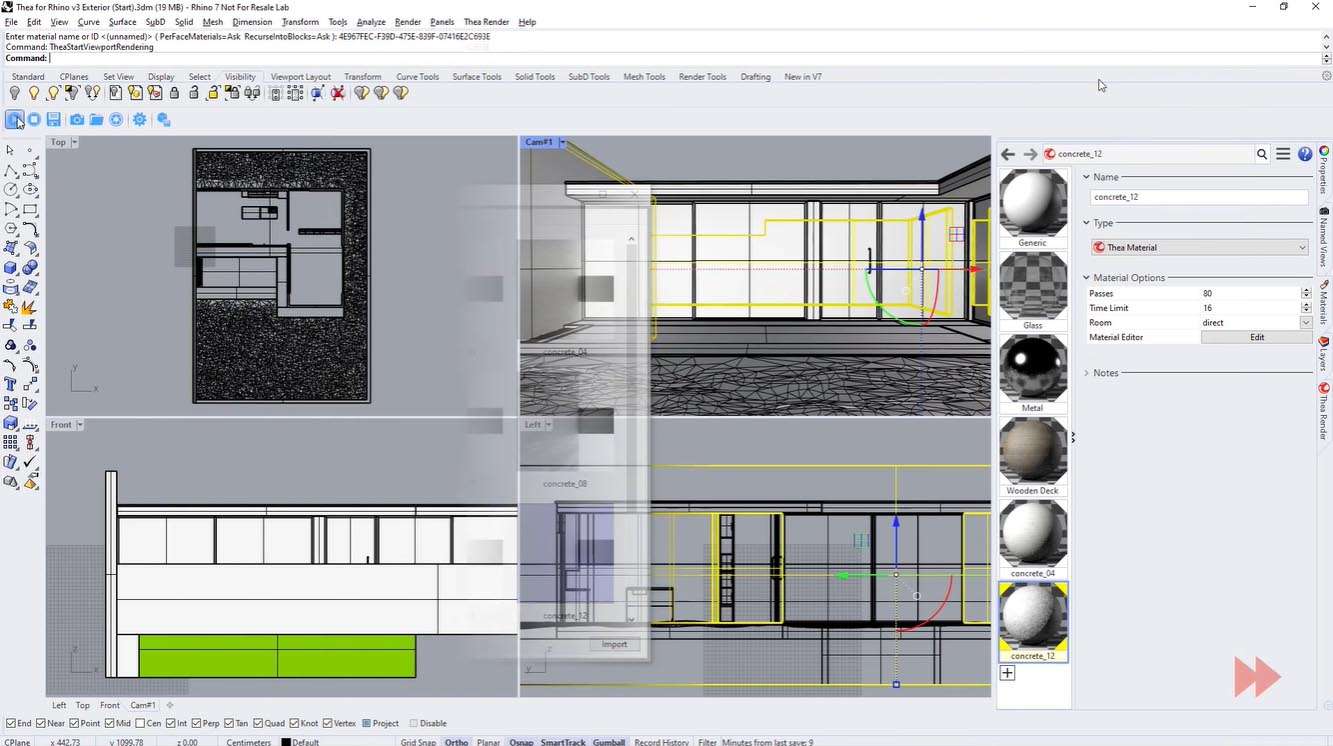
The plugin features a robust physically based material editor that supports complex, layered materials. Users can simulate effects such as subsurface scattering for translucent objects, thin film interference for iridescent surfaces, and utilize procedural textures for intricate surface details. A comprehensive library of presets further aids in the rapid creation of realistic materials.
Accurate Lighting Models
Accurate lighting simulation is fundamental to photorealistic rendering. Thea For Rhino offers a detailed sun and sky system, High Dynamic Range Image (HDRI) environment lighting for realistic ambient illumination, and photometric IES lights to replicate real-world light fixture profiles. Emissive materials can also be defined, and interactive light editing tools provide direct manipulation within the scene.
Optimized Performance and Compatibility Enhancements in Version 4.5.257
Version 4.5.257 of Thea For Rhino introduces significant performance improvements and expanded compatibility.
- Full support for Rhinoceros 3D version 9 ensures seamless integration with the latest Rhino releases.
- Enhanced hybrid rendering optimizations are implemented for the newest GPU architectures, including NVIDIA RTX 40-series and AMD RDNA 3, delivering faster render times.
- Improved AI denoising algorithms further reduce render times while maintaining high image quality.
- Expanded photometric profiles and new procedural texture nodes provide greater flexibility and realism in lighting and material creation.
Powerful Post-Processing and Workflow Integration Features
Beyond core rendering, Thea For Rhino equips users with tools for final image refinement and efficient production pipelines.
- The Thea Darkroom offers a non-destructive post-processing suite directly within the plugin, allowing adjustments to exposure, contrast, and color balance.
- The software supports the export of multiple render channels, such as diffuse, reflection, and shadow passes, for advanced compositing in external image editing software.
- Network rendering capabilities enable distributed rendering across multiple machines, significantly reducing rendering times for complex projects.
Use Cases Illustrating Thea For Rhino in Industry
Thea For Rhino is utilized across various design disciplines to produce high-fidelity visualizations.
- Architects use it for detailed daylight simulation studies and client presentations, accurately depicting how natural light interacts with building spaces throughout the day.
- Product designers rely on its physically based materials and accurate lighting to showcase product aesthetics, material finishes, and reflective surfaces for marketing and review.
- Jewelry designers employ the unbiased engine’s capabilities for rendering gemstones with precise refractive and dispersive properties, alongside accurate metal finishes.
- Automotive designers leverage its realistic rendering of complex surfaces, paint shaders, and lighting conditions to visualize vehicles in various environments.
- Manufacturers and industrial designers use it to create compelling visualizations of machinery, components, and finished goods for product development and sales.
Frequently Asked Questions
How does Thea For Rhino integrate with Rhinoceros 3D software?
Thea For Rhino integrates deeply as a native plugin within Rhino’s interface, allowing seamless synchronization of models, materials, and layers without the need for exporting or switching applications. This ensures a streamlined workflow from design to photorealistic rendering.
What rendering technologies does Thea For Rhino support?
Thea For Rhino features three main rendering engines: Presto (a hybrid GPU+CPU engine for fast interactive previews), Adaptive (an unbiased CPU engine for ultimate accuracy), and Interactive Rendering that offers real-time updates within Rhino’s workspace.
What new features are included in Thea For Rhino version 4.5.257?
This version includes optimized hybrid rendering for the latest NVIDIA RTX 40-series and AMD RDNA 3 GPUs, full Rhino 9 support, advanced AI denoising improvements, expanded IES lighting profiles, and new procedural texture nodes enhancing material control.






Reviews
There are no reviews yet.