

Download Topaz Photo Pro 1.2.0 – Advanced AI-Powered Photo Editing Software
Topaz Photo Pro 1.2.0 is an advanced AI photo editing software developed by Topaz Labs, a company specializing in AI-driven visual tools. This version integrates multiple specialized AI models for photo upscaling, denoising, and sharpening into a unified, non-destructive, layered editing platform. It is designed for professional photographers, photo editors, and visual content creators seeking to enhance images with cutting-edge artificial intelligence without compromising image quality or workflow flexibility.
Unifying AI-Powered Tools for Professional Photo Enhancement
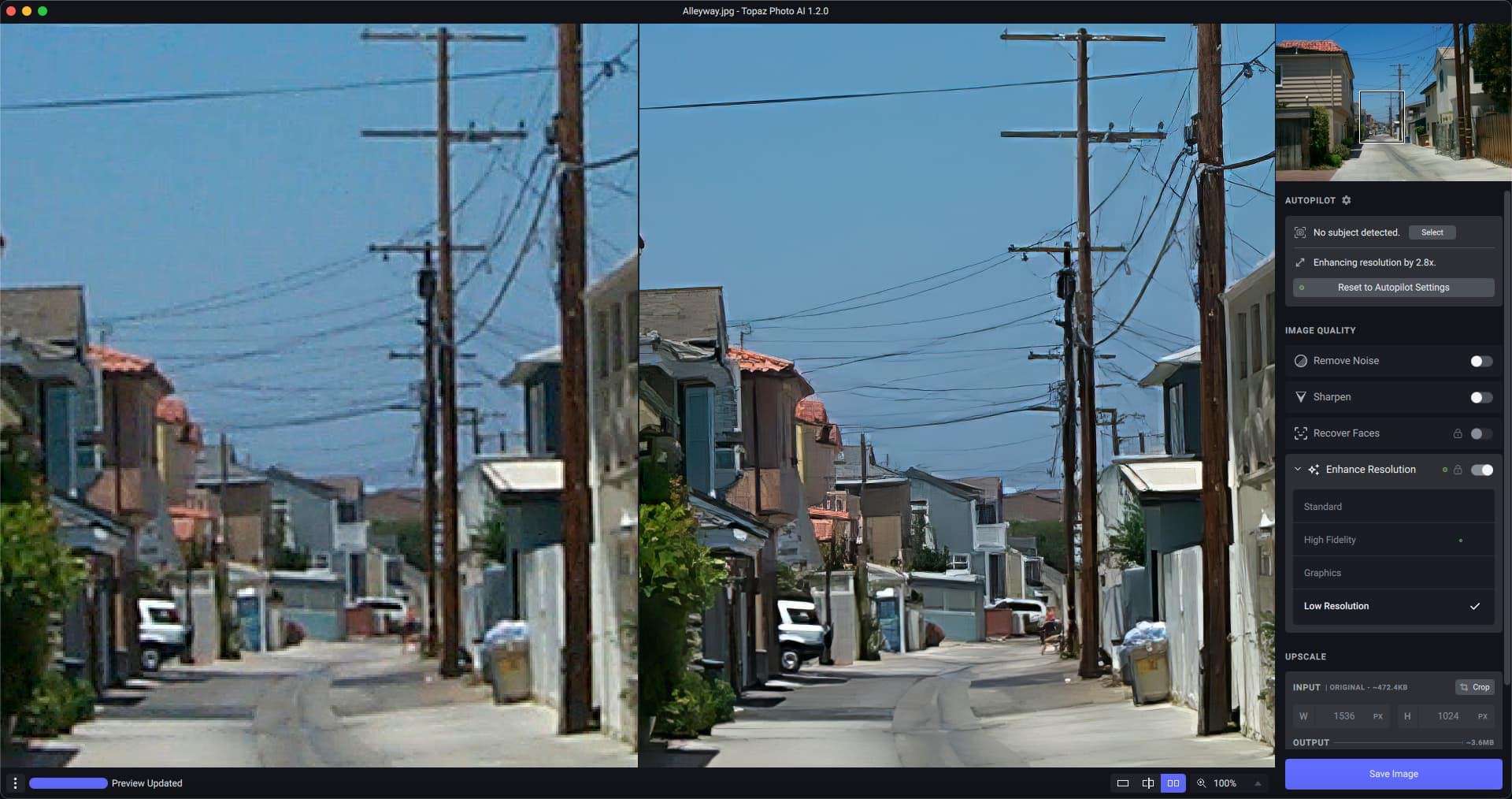
Topaz Photo Pro distinguishes itself by consolidating several powerful AI enhancement technologies into a single, cohesive application. Users can access advanced AI upscaling for critical detail reproduction, AI denoise tools for pristine low-light photography, and intelligent sharpening functions. This integrated approach simplifies the photo editing process for professionals by eliminating the need to manage multiple standalone AI applications, offering a streamlined path to superior image quality.
Layer-Based Non-Destructive Editing for Maximum Flexibility
The software features a sophisticated layer-based editing environment that supports non-destructive workflows. This allows users to apply various AI enhancements independently to different image areas using advanced masking tools. Each adjustment made with AI models can be re-edited or fine-tuned at any stage without degrading the original image data. This flexibility is crucial for professional photographers who require precise control over their edits and the ability to iterate on creative decisions.
Key AI Enhancements and Adaptive Sharpening Techniques
Topaz Photo Pro leverages proprietary AI models to deliver exceptional image improvements. Its capabilities include advanced photo upscaling for print resolution, effective AI denoise for cleaning up noisy images from high ISO settings, and artifact-free sharpening. A significant feature in version 1.2.0 is adaptive sharpening, which intelligently analyzes image content to apply sharpening contextually, enhancing textures and details precisely where needed without over-sharpening or introducing halos.
Optimized Performance with GPU Acceleration and Expanded Format Support
Performance is a critical aspect of AI-intensive software, and Topaz Photo Pro 1.2.0 enhances processing speeds through improved GPU acceleration. It utilizes NVIDIA CUDA, AMD ROCm, and Apple Metal to leverage compatible graphics cards for faster AI computations. This results in quicker processing times for large files and complex edits. Furthermore, the software offers robust support for modern camera RAW formats and high-bit-depth image files, ensuring compatibility with the latest professional digital cameras.
Streamlined Workflow and Integration with Popular Software
Designed to fit seamlessly into professional workflows, Topaz Photo Pro 1.2.0 includes features for efficient batch processing using customizable “recipes” or presets. It also facilitates smooth integration with industry-standard applications like Adobe Photoshop and Adobe Lightroom through flexible export options. The user interface has been refined for improved usability, making powerful AI editing tools accessible and manageable for everyday professional use.
Real-World Applications for Photographers and Visual Creators
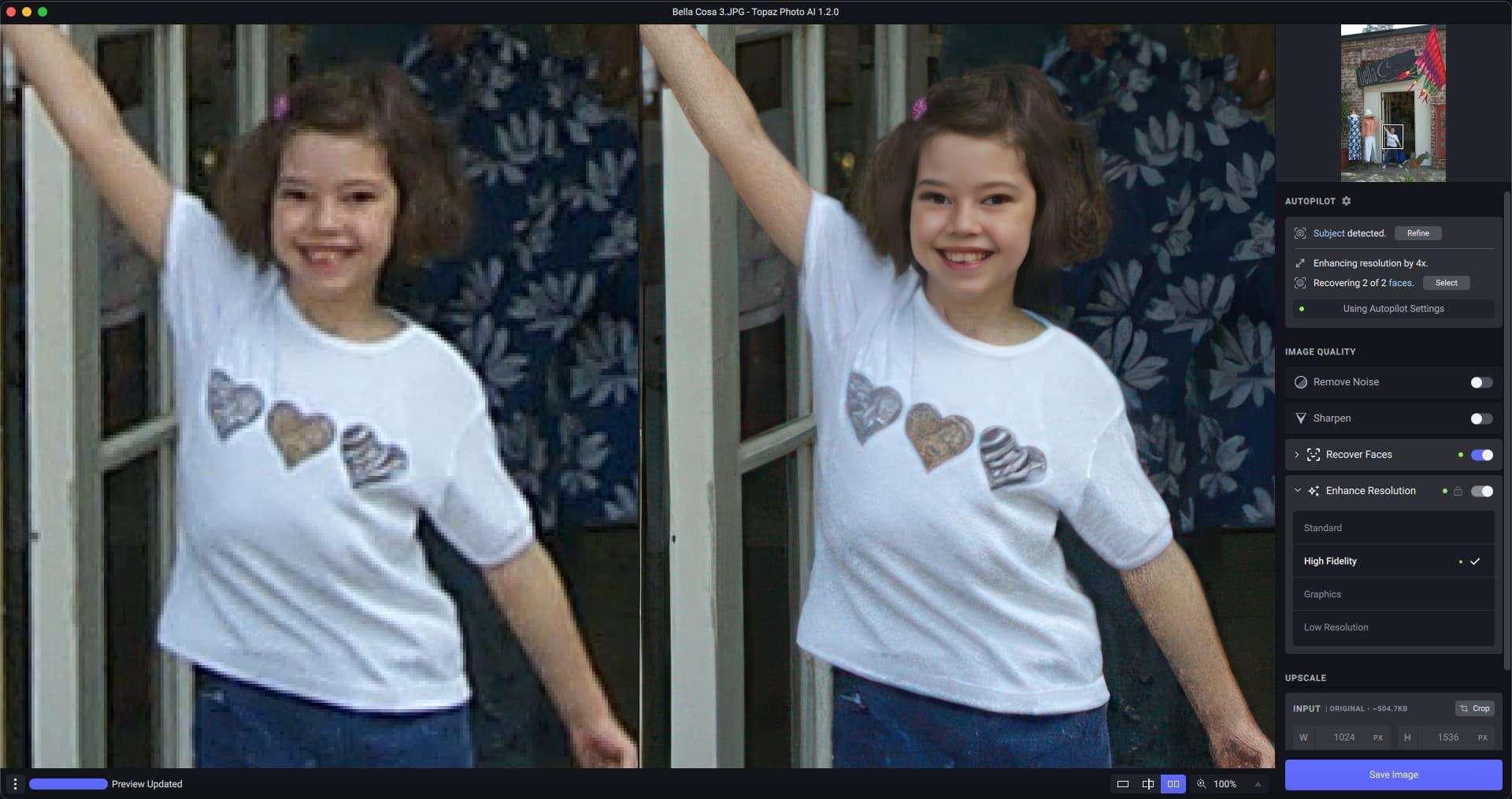
Professional photographers can utilize Topaz Photo Pro to enhance image quality for various applications, such as preparing photos for large-format printing where detail and clarity are paramount. It is also invaluable for restoring old photographs by reducing noise and sharpening faded details. Visual content creators can employ its AI capabilities to achieve polished, high-impact imagery for marketing, editorial, or artistic projects, ensuring their work meets the highest standards of visual fidelity.
Frequently Asked Questions
What makes Topaz Photo Pro different from standalone AI photo editing tools?
Topaz Photo Pro combines AI upscaling, denoising, and sharpening into one unified, non-destructive editing workspace, streamlining the enhancement workflow without needing to switch between separate applications. This integration provides a more cohesive and efficient environment for users performing multiple AI-driven adjustments.
Does Topaz Photo Pro support GPU acceleration for faster processing?
Yes, version 1.2.0 of Topaz Photo Pro improves GPU support with NVIDIA CUDA, AMD ROCm, and Apple Metal, enabling faster AI computations and smoother performance on compatible hardware. This optimization significantly reduces processing times for demanding AI tasks.
Can I use Topaz Photo Pro within my existing Adobe Photoshop or Lightroom workflow?
Absolutely, Topaz Photo Pro supports seamless export options to Adobe Photoshop and Lightroom, allowing users to incorporate enhanced images into their broader editing pipelines. This interoperability ensures that the software complements existing professional workflows rather than disrupting them.





Reviews
There are no reviews yet.