

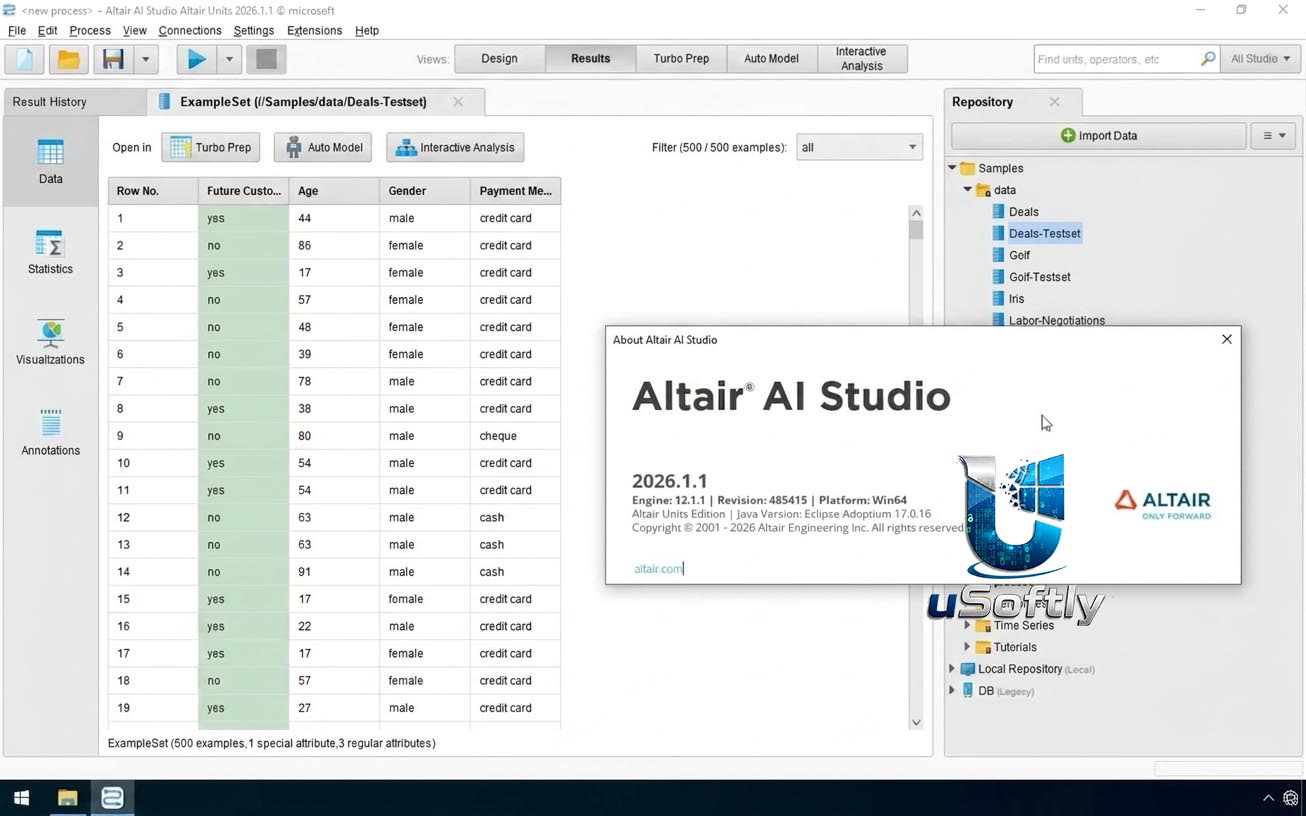
Altair RapidMiner AI Studio 2026.1.1 Win/Linux64 – The Leading Visual Data Science Platform for Building, Validating, and Deploying AI and Machine Learning Models
Altair AI Studio (formerly RapidMiner Studio) is a leading data science and AI platform that combines data integration, visual workflow design, automated machine learning (AutoML), and generative AI capabilities in a single environment . Recognised as a Leader in the Gartner Magic Quadrant and trusted by over 1 million users worldwide, the platform enables teams of all skill levels to build, validate, and deploy AI models with confidence .
The 2026.1.1 release brings the latest updates designed to enhance user experience, streamline data operations, and improve overall stability [citation:user]. As of version 2026, the software has been rebranded under the Altair umbrella, offering a seamless, code‑friendly environment with support for both visual drag‑and‑drop and Python/R integration .
A key feature of the current release is the Generative AI extension, available at no extra cost to all licensed users, which provides access to over 300,000 models from HuggingFace as well as OpenAI’s public models like ChatGPT . This enables new use cases such as zero‑shot classification and fine‑tuning of large language models directly within analytics workflows.
Primary Users
Altair RapidMiner AI Studio 2026.1.1 is designed for data scientists, business analysts, engineers, and domain experts across manufacturing, finance, automotive, and healthcare sectors . It serves professionals who:
-
Need a unified platform to prepare data, build machine learning models, and deploy them without switching between different tools
-
Prefer visual, drag‑and‑drop workflows that make data science accessible to non‑programmers
-
Want to accelerate model development with AutoML, automated feature engineering, and time‑series forecasting
-
Require advanced AI capabilities, including access to hundreds of thousands of LLMs for generative AI and data enrichment
-
Need to integrate Python and R code seamlessly within visual workflows for maximum flexibility
Key Features & Capabilities
Visual Drag‑and‑Drop Workflow Builder
-
Intuitive Block‑Based Design: Build complex data pipelines and machine learning workflows without writing code .
-
Comprehensive Operator Library: Access hundreds of built‑in operators for data transformation, feature engineering, modeling, and evaluation .
-
Code‑Friendly Environment: Seamlessly integrate Python, R, and SAS code within visual workflows, ensuring full flexibility for experienced data scientists .
Automated Machine Learning (AutoML)
-
Turbo Prep: Intuitive data preparation with automated cleaning, merging, and formatting .
-
Auto Model: Automatically trains and compares multiple algorithms, selecting the best performing model for classification, regression, clustering, and time‑series forecasting .
-
Feature Engineering: Automated generation of new features to improve model accuracy .
Generative AI Integration
-
Generative AI Extension: Access to 300,000+ models from HuggingFace and OpenAI’s LLMs (including ChatGPT) at no extra cost .
-
Zero‑Shot Classification: Train‑free classification tasks for rapid prototyping .
-
Data Enrichment: Augment traditional machine learning tasks with generative AI for enhanced insights .
-
Fine‑Tuning: Fine‑tune large models (including 175‑billion parameter models) to secure privacy or intellectual property .
-
Innovative Prompting Language: Flexible data injection for generative AI workflows .
Data Connectivity and Integration
-
Multi‑Source Data Ingestion: Connect to files (CSV, Excel), databases, data lakes, IoT streams, and cloud platforms (AWS, Azure, Google Cloud) .
-
Interactive Data Preparation: Visual data exploration and transformation with real‑time feedback .
Model Validation and Deployment
-
ML Ops and Governance: Document model drift, decisions, and performance for regulatory compliance .
-
Seamless Integration: Deploy models to Altair Intelligence Center X for predictive maintenance, anomaly detection, and process optimisation .
Enterprise‑Grade Capabilities
-
Knowledge Graphs: Support for graph databases and parallel graph analytics .
-
Data Fabric: Break down data silos with unified data integration .
-
Scalable Performance: Handle large datasets with optimised architecture and cloud‑based Altair One integration .
What’s New in RapidMiner AI Studio 2026.1.1
The 2026.1.1 release focuses on enhancing user experience, streamlining data operations, and improving overall stability [citation:user]. Key updates include:
Generative AI Extension
-
All licensed users now have access to the Generative AI extension at no additional cost, unlocking new use cases beyond traditional machine learning .
-
Integration with HuggingFace and OpenAI models, including zero‑shot classification and fine‑tuning capabilities .
Enhanced Visual Workflow
-
Improved drag‑and‑drop interface with better performance for large datasets.
-
Streamlined data preparation with Turbo Prep updates for faster cleaning and merging.
Performance and Stability
-
General stability improvements and bug fixes for smoother operation across Windows and Linux64 platforms.
System Requirements
The following are the official system requirements for Altair AI Studio (RapidMiner AI Studio) as documented for the 2026 release :
🖥️ System Requirements
| Component | Minimum | Recommended |
|---|---|---|
| Operating System | Windows 10 (64-bit), Linux (64-bit), or macOS 13/14 | Windows 11 (64-bit) / Latest Linux LTS |





Reviews
There are no reviews yet.