

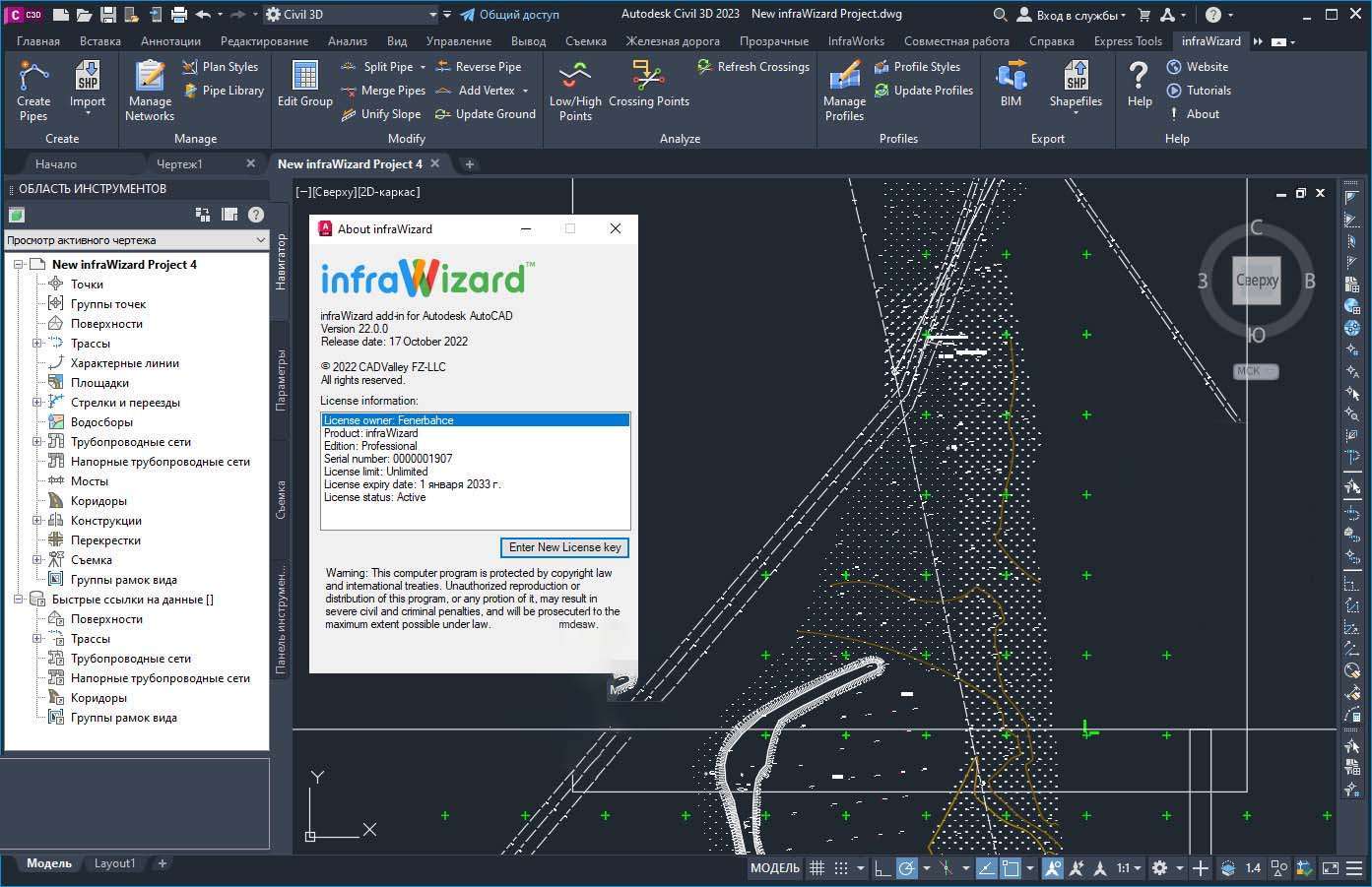
Download CADValley infraWizard 24.0 – Enhance Your Utility Networks Design
CADValley infraWizard 24.0 is a specialized AutoCAD add-in developed by CADValley for the civil engineering sector, focusing on the efficient design of utility networks. This application enhances the capabilities of AutoCAD by providing intelligent tools for creating and managing pipe networks, importing diverse data formats, and integrating with Building Information Modeling (BIM) workflows, thereby improving productivity for utility network designers.
Introduction to CADValley infraWizard
CADValley infraWizard 24.0 is a professional software solution designed as an AutoCAD add-in, specifically built to streamline the complex tasks involved in utility networks design. The software empowers civil engineers with advanced functionalities that go beyond standard AutoCAD features, facilitating more accurate and efficient project completion.
Overview of Features and Applications
This AutoCAD add-in offers a suite of tools tailored for the creation, editing, and management of pipe networks. Its primary application lies within civil engineering projects, enabling professionals to design infrastructure such as water supply systems, sewage networks, and other underground utilities with greater speed and precision. The software’s ability to handle various data inputs and integrate with other systems makes it a versatile tool for modern engineering challenges.
Key Capabilities for Utility Networks Design
CADValley infraWizard provides robust functionalities that directly address the needs of utility networks design. Users can leverage these capabilities to develop detailed and accurate network models within the familiar AutoCAD environment.
Pipe Network Creation and Management
The software facilitates the efficient creation and management of pipe networks. It offers intelligent tools that simplify the design process, allowing engineers to draw, connect, and modify network components with ease. Features include the ability to define pipe properties, manage various network elements, and visualize complex systems, ensuring comprehensive control throughout the design phase. This capability is crucial for developing reliable municipal water supply systems and other critical infrastructure.
Data Integration and Import Options
Effective utility network design often relies on integrating data from multiple sources. infraWizard addresses this requirement with flexible import capabilities.
Supported File Formats and Sources
infraWizard supports the import of various external data formats, crucial for incorporating existing infrastructure information or data from specialized hydraulic modeling applications. This ensures that designs are based on accurate, up-to-date information and can seamlessly integrate with established project datasets.
Innovative Features to Enhance Productivity
CADValley infraWizard 24.0 introduces features designed to automate repetitive tasks and enhance the overall efficiency of the design workflow, setting it apart from standard CAD tools.
Automatic Pipe Fitting Assignments
A standout feature of infraWizard is its capability for automatic pipe fitting assignments. This intelligent functionality reduces the manual effort required to select and place fittings, such as elbows, tees, and reducers, ensuring they conform to design standards and network configurations. By automating these selections, the software significantly speeds up the design process and minimizes potential errors in component placement.
Real-World Applications and Use Cases
The practical applications of CADValley infraWizard span various civil engineering projects where efficient utility network design is paramount. Its specialized tools are designed to tackle the complexities inherent in such projects.
Utilizing infraWizard in Industry Projects
In practical settings, infraWizard is instrumental in designing municipal water distribution systems, storm drainage networks, and sanitary sewer systems. For instance, engineers can use infraWizard to design a complex underground pipe network for a new development, importing existing land survey data and then utilizing the automatic fitting assignment feature to expedite the process. The software’s ability to manage crossing points and ensure proper clearances is vital for the integrity of these underground utilities, making it a valuable asset for large-scale infrastructure projects.
BIM Integration and Exporting Capabilities
Modern engineering projects increasingly rely on Building Information Modeling (BIM) for integrated project delivery. infraWizard supports this trend through its integration capabilities.
Integration with AutoCAD and Navisworks
As an AutoCAD add-in, infraWizard seamlessly integrates within the AutoCAD environment. Furthermore, its capabilities extend to BIM workflows, allowing designs to be exported or linked with platforms like Autodesk Navisworks for clash detection and overall project coordination. This interoperability ensures that utility network designs contribute effectively to the broader BIM model, facilitating better communication and collaboration among project stakeholders.
Frequently Asked Questions
What is CADValley infraWizard, and how does it enhance AutoCAD?
CADValley infraWizard is a powerful add-in for AutoCAD designed specifically for utility networks design. It enhances AutoCAD’s capabilities by allowing users to create complex pipe networks effortlessly and import data from various external sources, saving time and improving accuracy.
How can infraWizard improve productivity in utility network design?
With features like automatic pipe fitting assignments and intelligent editing tools, infraWizard streamlines the design process. It helps users quickly create, edit, and annotate pipe networks, ultimately reducing project turnaround times.
What file formats does CADValley infraWizard support for data import?
infraWizard supports several data formats including Shapefiles, EPANET, and EPASWMM files, allowing users to import data seamlessly from various hydraulic modeling applications.


Reviews
There are no reviews yet.