
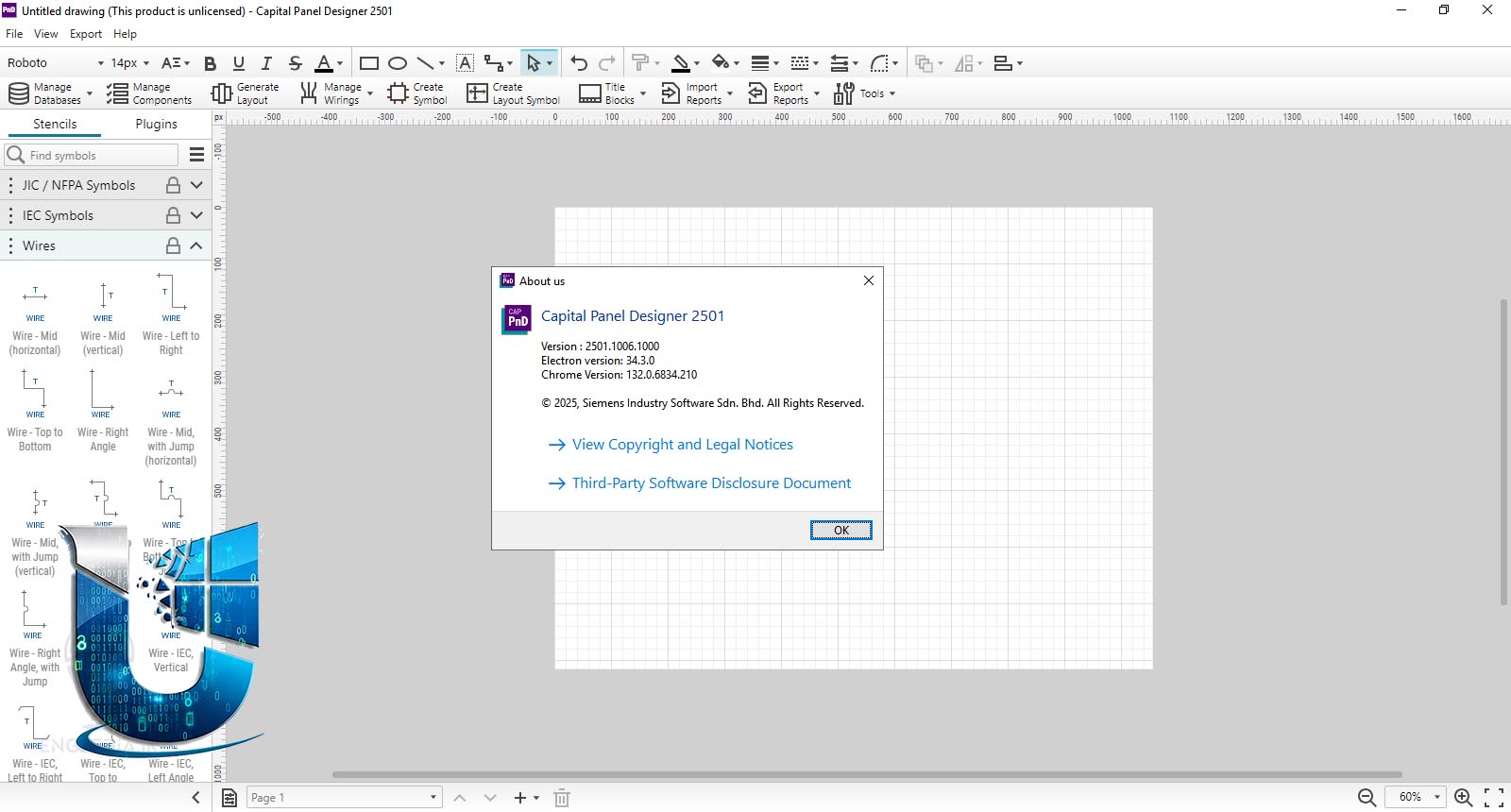
Siemens Capital X Panel Designer 2511: Cloud-Native Electrical CAD Software

Capital X Panel Designer 2511 (formerly Capital Electra X) is Siemens’ fully cloud-native electrical CAD software designed for professional electrical schematic and control panel design . Unlike traditional desktop-bound ECAD tools, Capital X Panel Designer operates entirely in a web browser, enabling engineers to design from anywhere without installation or manual updates.

The software is available in three subscription tiers: Essentials (cloud-only), Standard (cloud + on-premise + hydraulic/pneumatic/P&ID circuits), and Advanced (ECAD/MCAD co-design within Siemens Xcelerator ecosystem) . The offline version, Capital Panel Designer (On-Premise), is available for organizations requiring local infrastructure and enhanced data control.

Version 2511 represents the naming convention following Siemens’ strategic rebranding (Capital Electra X → Capital X Panel Designer) and includes multiple maintenance releases throughout 2025 (builds 1000 through 1004).

???? Primary Users

This professional electrical CAD software is designed for:

  • Electrical Engineers & Control System Designers creating electrical schematics, control panels, and automation systems for industrial machinery, heavy equipment, and medical devices 

  • Automation Engineers & Panel Builders designing wiring diagrams, terminal layouts, and component arrangements for control cabinets

  • Mechatronics Engineers collaborating on electromechanical designs integrating ECAD with MCAD workflows (Advanced tier) 

  • Small-to-Medium Engineering Teams seeking cost-effective, cloud-native solutions without heavy IT infrastructure 

  • Multi-Disciplinary Design Teams requiring real-time collaboration across locations and departments


???? What’s New in Version 2511

☁️ Cloud-Native Architecture

Real-Time Collaboration:

  • Multiple engineers work simultaneously on the same schematics, eliminating version control issues and manual file transfers 

  • Team dashboard with member permissions (owner, edit and share, view only) 

  • Automatic saving, syncing, and version control 

Accessibility:

  • No installation required – works directly in any modern web browser (Chrome recommended) 

  • Access from any device: office, on-site, or remote 

  • Automatic updates – always using the latest version 

???? Intelligent Design Tools

Autowiring (Auto-Cable Routing):

  • Automatically connects wires between symbols, reducing errors and accelerating design 

  • Automatic connection point creation when wires are dropped on another 

  • Connection dots automatically added or removed as wires move

Circuit Reuse:

  • Reuse previously designed circuits to improve efficiency and reduce design time 

  • Standard circuits can be saved and deployed across multiple projects

Intelligent Symbols & Title Blocks:

  • Smart symbols with connection points visible only when editing 

  • Powerful title block system supporting Table of Contents generation

  • Page prefix automation – automatically adds and updates page numbers in symbol references and wire names 

???? Component & Library Management

CADENAS Integration:

  • Access millions of pre-designed, validated components from international manufacturers 

  • Accurate BOMs (Bills of Materials) with reduced manual data entry errors

Component & Cable Management:

  • Assign components and cables to circuits for improved project management 

  • Comprehensive component libraries with intelligent part data

???? Reporting & Documentation

  • Generate detailed, customizable reports for project documentation and analysis 

  • Automated BOM extraction and management

  • Professional drawing outputs for manufacturing

???? Integration & Interoperability

Integration Purpose
CADENAS Access millions of configurable 3D CAD models and electrical components 
Siemens Xcelerator ECAD/MCAD co-design (Advanced tier) 
On-Premise Option Capital Panel Designer for local infrastructure and data control 

???? Additional Capabilities

  • Hydraulic, Pneumatic & P&ID Circuits – Included in Standard tier 

  • Electromechanical Co-Design – Advanced tier for closer ECAD/MCAD collaboration 

  • Team Permissions – Customizable access rights for team members and individual drawings 

  • Custom Title Blocks – Create, group, and reuse intelligent title blocks with automatic centering