

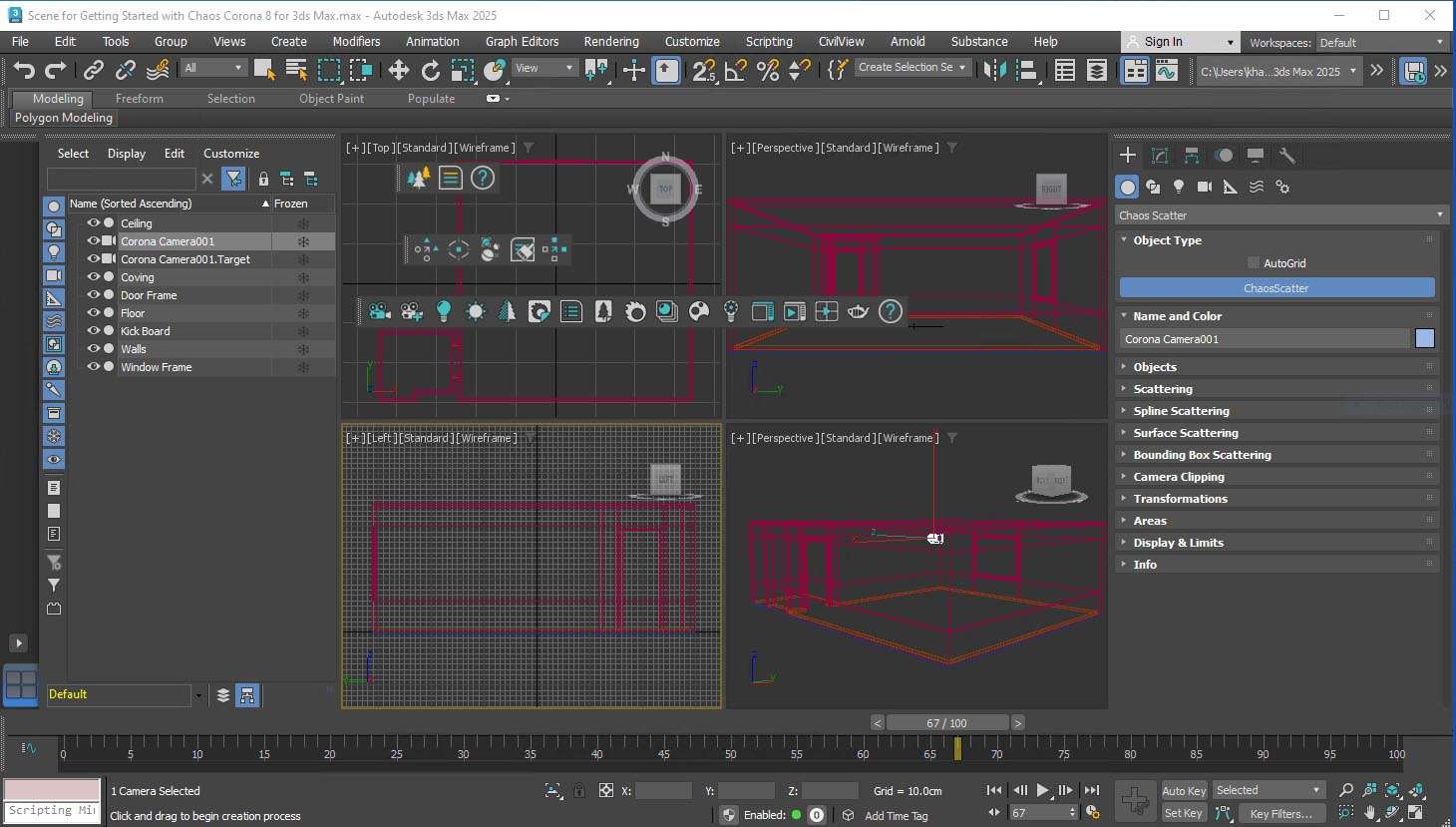
Download Chaos Corona 14 for 3ds Max – Advanced Photorealistic Rendering Plugin
“Chaos Corona 14 for 3ds Max download”
Chaos Corona 14 for 3ds Max is a high-performance, unbiased photorealistic rendering engine developed by Chaos Group, designed as a plugin for Autodesk 3ds Max. This advanced rendering software is widely utilized across industries such as architectural visualization, product design, film and animation production, and interior design, empowering 3D artists and visualization professionals to create exceptionally realistic imagery. It offers a powerful solution for generating high-quality renders with an emphasis on ease of use and workflow efficiency within the 3ds Max ecosystem.
Overview and Application in 3D Visualization
Corona Renderer is renowned for its unbiased, physically-based rendering capabilities, producing photorealistic results by simulating light properties accurately. Version 14 builds upon this foundation with significant enhancements tailored for professionals in architecture visualization, product design, and media production. Its integration within Autodesk 3ds Max streamlines the creation of complex scenes, making it a key tool for delivering marketing visuals, architectural walkthroughs, and detailed product renders.
Rendering Engine and Material System Enhancements
The core of Chaos Corona 14 for 3ds Max is its unbiased rendering engine, which simulates light behavior to achieve true photorealism. Version 14 introduces optimized rendering algorithms that provide cleaner and faster results. The software features an intuitive material editor, supporting advanced physically-based shaders for creating realistic materials such as glass, SSS effects, and car paint. This system allows artists to achieve depth and accuracy in surfaces, crucial for client presentations in interior design and product showcasing.
Lighting Tools and Real-Time Interactive Rendering
Achieving realistic lighting is paramount in 3D rendering, and Corona Renderer 14 excels in this area. It includes robust tools like the Corona Sun & Sky system for naturalistic outdoor lighting and comprehensive support for High Dynamic Range Images (HDRI) for complex environment lighting. Photometric lights can also be accurately simulated. A standout feature is its real-time interactive rendering, which allows users to see instant visual feedback on lighting and material changes directly within the 3ds Max viewport, significantly speeding up scene setup and iteration.
Performance Optimization and Denoising Technologies
Chaos Corona 14 for 3ds Max is engineered for optimized rendering performance. While primarily a CPU-centric renderer, it leverages advanced algorithms to deliver results efficiently. To further enhance workflow speed and reduce render times for final images, it incorporates powerful denoising technologies. This includes a high-quality CPU denoiser and optional acceleration for denoising previews using NVIDIA OptiX technology on compatible GPUs, striking a balance between rendering power and preview responsiveness.
Integration with 3ds Max Workflow and Distributed Rendering Support
Designed specifically as a plugin for Autodesk 3ds Max, Corona Renderer 14 offers deep integration, ensuring a seamless user experience. It works harmoniously with 3ds Max’s native material editors and animation systems, simplifying the transition for existing users. For large-scale projects or tight deadlines, Corona Renderer supports distributed rendering capabilities, allowing render tasks to be spread across multiple machines using tools like Autodesk Backburner to drastically reduce final rendering times and increase overall productivity.
Practical Use Cases and Industry Examples
In architectural visualization, Chaos Corona 14 for 3ds Max is used to create compelling marketing visuals of buildings and interior spaces, helping architects and designers present their concepts with high fidelity. Product designers leverage the plugin for advertising renders, showcasing product details with accurate material properties and lighting. Film and animation studios utilize its photorealistic output for visual effects and motion graphics, while interior designers rely on it for detailed space planning and client presentations.
Compatibility and System Requirements Overview
Chaos Corona 14 for 3ds Max is compatible with a range of Autodesk 3ds Max versions, typically from 2016 up to the latest releases, and operates on 64-bit Windows operating systems. While the primary rendering engine is CPU-based, a compatible NVIDIA GPU is recommended as it can significantly accelerate the denoising process and interactive rendering previews, thereby enhancing the overall workflow efficiency for visualization tasks.
Frequently Asked Questions
What are the main improvements in Corona Renderer 14 for 3ds Max?
Corona Renderer 14 introduces optimized rendering algorithms for faster and cleaner results, enhanced CPU and GPU denoising capabilities, an expanded physically-based material library, improved lighting tools including advanced HDRI handling, and deeper integration with Autodesk 3ds Max workflows. These updates are designed to improve both rendering quality and user efficiency for professionals.
Can Chaos Corona 14 for 3ds Max work without a powerful GPU?
Yes, Chaos Corona 14 primarily uses CPU-based rendering and includes a high-quality CPU denoiser, allowing it to function effectively without a powerful GPU. However, having a compatible NVIDIA GPU can accelerate denoising previews for faster workflow, making it a beneficial addition but not strictly mandatory for core rendering functions.
How does Corona Renderer integrate with Autodesk 3ds Max?
Corona Renderer is deeply integrated into 3ds Max, supporting native materials, animation systems, and providing an intuitive material editor and interactive rendering within the 3ds Max environment, which streamlines the visualization and rendering workflow. This close integration ensures that users can leverage their existing 3ds Max assets and scene setups effectively.






Reviews
There are no reviews yet.