

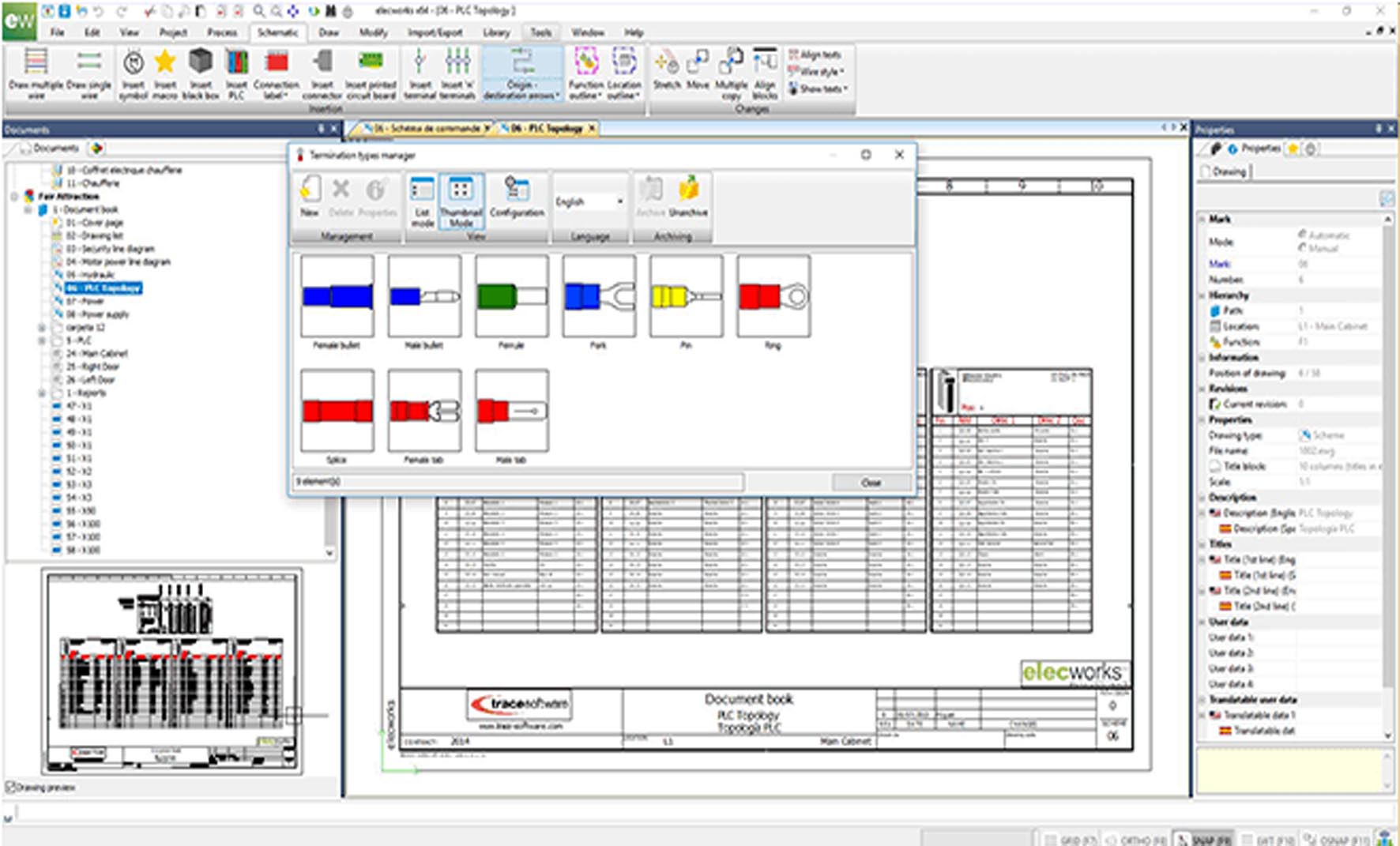
Download Elecworks 2.0.2.5 – Advanced Electrical CAD Software with SolidWorks Integration
Elecworks 2.0.2.5 is a specialized Electrical Computer-Aided Design (ECAD) application developed by Trace Software International. Designed for professionals in electrical design and automation sectors, it facilitates the creation of electrical schematics, control panel layouts, and comprehensive documentation. The software is particularly noted for its tight integration with mechanical CAD platforms such as SolidWorks and DraftSight, streamlining workflows for automation engineers, control panel builders, and machine builders.
Comprehensive Electrical Design and Automation Applications
Elecworks serves as a pivotal tool within the electrical design and automation landscape. It supports a wide range of technical professionals, including electrical designers, control panel builders, automation engineers, systems integrators, machine builders, and maintenance engineers. By focusing on automated electrical schematic design and panel layout, the software bridges the gap between electrical and mechanical design disciplines, often integrating with mechanical CAD software like SolidWorks to provide a unified design environment for complex projects.
Intelligent Database-Driven Electrical Schematic Design
At its core, Elecworks utilizes an intelligent SQL database backend for comprehensive management of electrical project data. This approach ensures that symbols, components, and wiring information are managed efficiently and consistently. Key capabilities include automated wire numbering across schematics, intelligent cross-referencing between different project sheets, and real-time design rule checks that help identify potential errors early in the design process, enhancing schematic accuracy and reliability.
Seamless 3D Panel Layout with Bi-Directional CAD Synchronization
Elecworks offers advanced tools for creating both 2D and 3D electrical panel layouts. A significant feature is its bi-directional synchronization with 3D mechanical CAD models, particularly SolidWorks. This allows electrical components to be accurately placed within the 3D mechanical assembly, facilitating precise positioning, clash detection, and the automated generation of elements such as mounting plates and wire ducting, thereby improving the accuracy of panel construction and integration.
Automated Documentation Generation for Manufacturing and Field Service
Streamlining the transition from design to manufacturing and maintenance, Elecworks automates the generation of critical project documentation. This includes comprehensive bills of materials (BOMs) that are automatically updated as designs change, detailed terminal and connector lists, and precise wire lists. Additionally, the software supports the creation of interactive PDF service manuals, ensuring that all necessary documentation for manufacturing, installation, and field service is readily available and accurate.
Real-Time Collaborative Electrical Project Management
Designed for modern engineering workflows, Elecworks supports real-time collaboration among multiple users. Teams can work concurrently on different aspects of an electrical project, such as power and control sections, with the software ensuring real-time synchronization of all changes. This collaborative environment, combined with continuous error checking, significantly improves project efficiency and reduces the likelihood of design conflicts when multiple contributors are involved.
What’s New in Version 2.0.2.5
Elecworks version 2.0.2.5 introduces several enhancements focused on stability, performance, and user experience. This release features optimizations to the internal database for faster data management and processing. It also includes expanded component libraries from leading manufacturers, providing designers with a wider selection of parts. Improvements to PDF output make documentation more navigable, and enhanced integration with the latest SolidWorks releases ensures a smoother and more reliable electrical-mechanical design synchronization process.
Frequently Asked Questions
What industries benefit the most from using Elecworks software?
Elecworks is widely used in electrical design and automation industries, including control panel building, machine manufacturing, and systems integration, where detailed electrical schematics and panel layouts are essential. These sectors rely on precise documentation and efficient design processes that the software facilitates.
How does Elecworks integrate with mechanical CAD software like SolidWorks?
Elecworks offers a bi-directional link with SolidWorks, synchronizing 2D and 3D panel layouts and allowing electrical designs to align accurately with mechanical components for clash detection and assembly planning. This ensures that the electrical components fit precisely within the overall mechanical structure.
What improvements are included in Elecworks version 2.0.2.5?
Version 2.0.2.5 improves stability, performance, and database efficiency; expands manufacturer part libraries; enhances PDF output navigation; and upgrades SolidWorks integration for smoother electrical-mechanical synchronization. These updates aim to provide a more robust and efficient design experience.






Reviews
There are no reviews yet.