

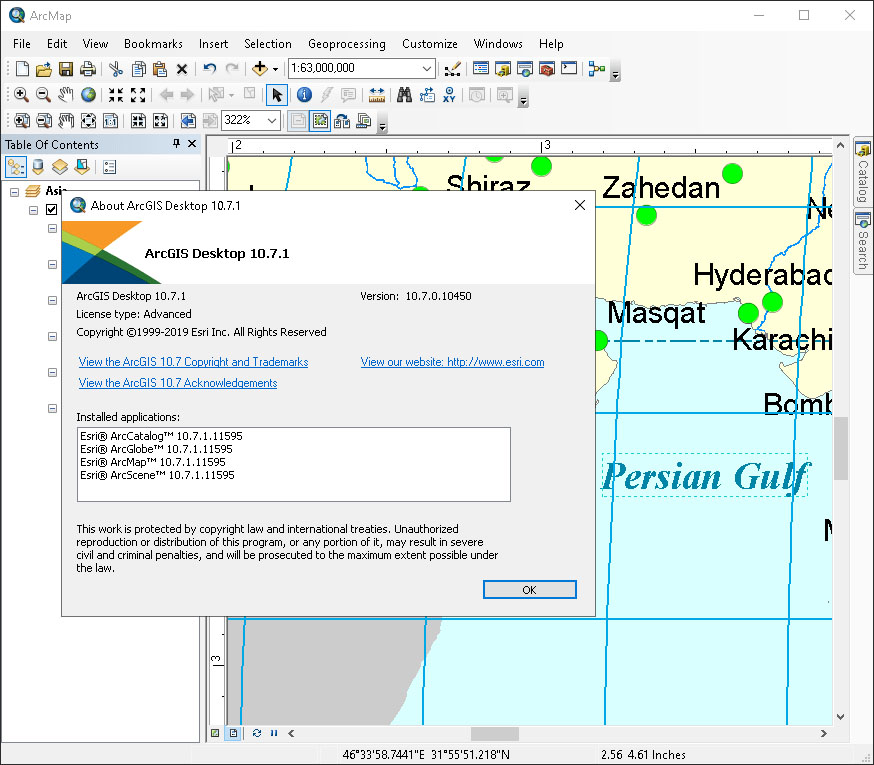
Download ESRI ArcGIS Desktop v10.8.2 – Comprehensive GIS Software for Geospatial Analysis
Developed by the Environmental Systems Research Institute (ESRI), ESRI ArcGIS Desktop v10.8.2 is a powerful Geographic Information System (GIS) software designed for professionals working with maps and geographic information. This comprehensive geospatial analysis solution enables users to create, edit, manage, and analyze spatial data efficiently. It is a foundational tool utilized across various industries including urban planning, natural resource management, environmental science, and land management.
Introduction to ESRI ArcGIS Desktop
Overview and History
ESRI ArcGIS Desktop has long been a leading platform in the GIS software landscape, evolving to meet the complex needs of spatial data professionals. Its development has focused on providing a robust suite of tools for managing and analyzing geographic information. The ArcGIS Desktop application suite offers a complete environment for discovering, interpreting, and visualizing data, as well as for sharing results through maps and globes.
Core Functionality and Use Cases
Applications in Various Industries
The versatility of ArcGIS Desktop makes it indispensable for a wide array of applications. Professionals leverage its capabilities to address critical challenges and optimize decision-making processes.
- In urban planning, ArcGIS Desktop is used for zoning analysis, infrastructure management, and community development planning.
- For environmental studies, it supports ecological modeling, impact assessments, and monitoring of natural resources.
- In natural resource management, users employ it for forestry, geology, and water resource mapping and analysis.
- It is also vital for applications in public safety, emergency response, and utilities management.
Key Features of ArcGIS Desktop v10.8.2
Advanced Mapping and Data Visualization
ArcGIS Desktop v10.8.2 provides a robust set of tools for advanced mapping and data visualization, enabling users to transform raw spatial data into actionable insights.
- 3D Visualization: Create and analyze 3D scenes to better understand terrain, buildings, and infrastructure.
- Data Editing: Tools for precise editing and maintenance of various spatial datasets, ensuring data integrity.
- Spatial Analysis: A comprehensive suite of geoprocessing tools for performing spatial analysis, including suitability modeling, network analysis, and raster analysis.
- Cartography: Powerful tools for creating high-quality thematic maps and professional cartographic products.
Integrations and Compatibility
Data Formats and External Tools
ArcGIS Desktop is designed for interoperability, supporting a wide range of data formats and integrating seamlessly with other systems and tools, thereby enhancing its analytical power and utility within diverse technical environments.
- Supports numerous standard GIS data formats, including shapefiles, geodatabases, and raster formats like GeoTIFF.
- Facilitates data exchange with other software applications through various export and import functionalities.
- Offers integration capabilities with databases and web services, enabling access to live data feeds and enterprise GIS systems.
- Allows automation of repetitive tasks and complex workflows through scripting and geoprocessing models.
Real-World Project Implementation
Case Studies and Success Stories
The widespread adoption of ArcGIS Desktop in professional settings underscores its effectiveness in real-world projects, demonstrating its capacity to solve complex problems across different domains.
- A city planning department utilized ArcGIS to analyze land use patterns and optimize zoning regulations for sustainable urban growth.
- Environmental agencies employ ArcGIS for detailed flood plain mapping and risk assessment, aiding in emergency preparedness and mitigation strategies.
- Natural resource managers have used the software to monitor deforestation rates and manage wildlife habitats, contributing to conservation efforts.
- Infrastructure companies rely on ArcGIS for managing utility networks, ensuring efficient service delivery and maintenance.
Extensions for Enhanced Functionality
Specialized Tools for Specific Needs
ArcGIS Desktop v10.8.2 can be augmented with a variety of specialized extensions, each offering advanced analytical capabilities to address niche requirements and complex geospatial challenges.
- 3D Analyst: Provides advanced tools for 3D visualization, analysis, and impressionistic cartography.
- Spatial Analyst: Offers a broad range of raster-based analysis tools for surface analysis, hydrology, and suitability modeling.
- Network Analyst: Enables complex network routing, service area analysis, and location-allocation modeling.
- Geostatistical Analyst: Tools for sophisticated spatial modeling and prediction of phenomena across geographic areas.
Frequently Asked Questions
What is ESRI ArcGIS Desktop used for?
ESRI ArcGIS Desktop is used for creating, analyzing, and managing spatial data. It provides tools for mapping, spatial analysis, and data visualization, which are essential in fields like urban planning and environmental science. Its comprehensive capabilities help users understand patterns, relationships, and geographic context.
What are the main features of ArcGIS Desktop v10.8.2?
ArcGIS Desktop v10.8.2 includes capabilities for advanced mapping, 3D data visualization, data import and editing, as well as various tools for spatial analysis and automated workflows. The software supports extensive data management and cartographic production.
Can ArcGIS Desktop integrate with other software applications?
Yes, ArcGIS Desktop supports various data formats and can integrate with other software, enhancing its capabilities through collaborative use of different tools. This interoperability allows for seamless data exchange and workflow integration with other enterprise systems and applications.







Reviews
There are no reviews yet.