

Download FumeFX 6.0.2 for 3ds Max – Advanced Fluid Dynamics Simulation Plugin
FumeFX 6.0.2 for 3ds Max is a specialized fluid dynamics simulation plugin developed by Sitni Sati. It is designed for creating and rendering highly realistic gaseous phenomena within the Autodesk 3ds Max environment. This advanced tool is crucial for visual effects (VFX) artists in film, television, and game development, as well as professionals in architectural visualization, military simulation, and motion graphics who require sophisticated simulations of fire, smoke, explosions, and other atmospheric effects.
Overview of FumeFX and Its Role in Visual Effects Production
Sitni Sati’s FumeFX plugin is a cornerstone for generating photorealistic fluid simulations, particularly those involving combustion and atmospheric effects. Integrated directly into Autodesk 3ds Max, it allows artists to craft complex visual elements such as fire, smoke, and explosions with a high degree of control and realism. Its adoption across major visual effects studios for feature films, AAA game cinematics, and detailed architectural visualizations underscores its importance and capability in demanding production pipelines.
Simulation Features Driving Realistic Gaseous Phenomena
Advanced Pyrotechnic Systems
FumeFX excels in simulating complex pyrotechnic effects through its robust and flexible simulation engine. Artists can meticulously control parameters such as temperature-based emission, turbulence noise, and the interaction of various fluid forces. The plugin supports advanced multi-grid simulation techniques, allowing for simulations with greater detail and scale by dividing the simulation domain into smaller, manageable grids that cooperate to compute fluid behavior.
Key aspects of its pyrotechnic simulation include:
- Detailed control over emission sources, including temperature and fuel values.
- Sophisticated turbulence modeling for organic and dynamic fluid motion.
- Multi-grid solver capabilities for simulating large-scale phenomena with high resolution.
- Support for various emitter formats and effector systems to influence fluid behavior.
GPU-Accelerated Real-Time Preview
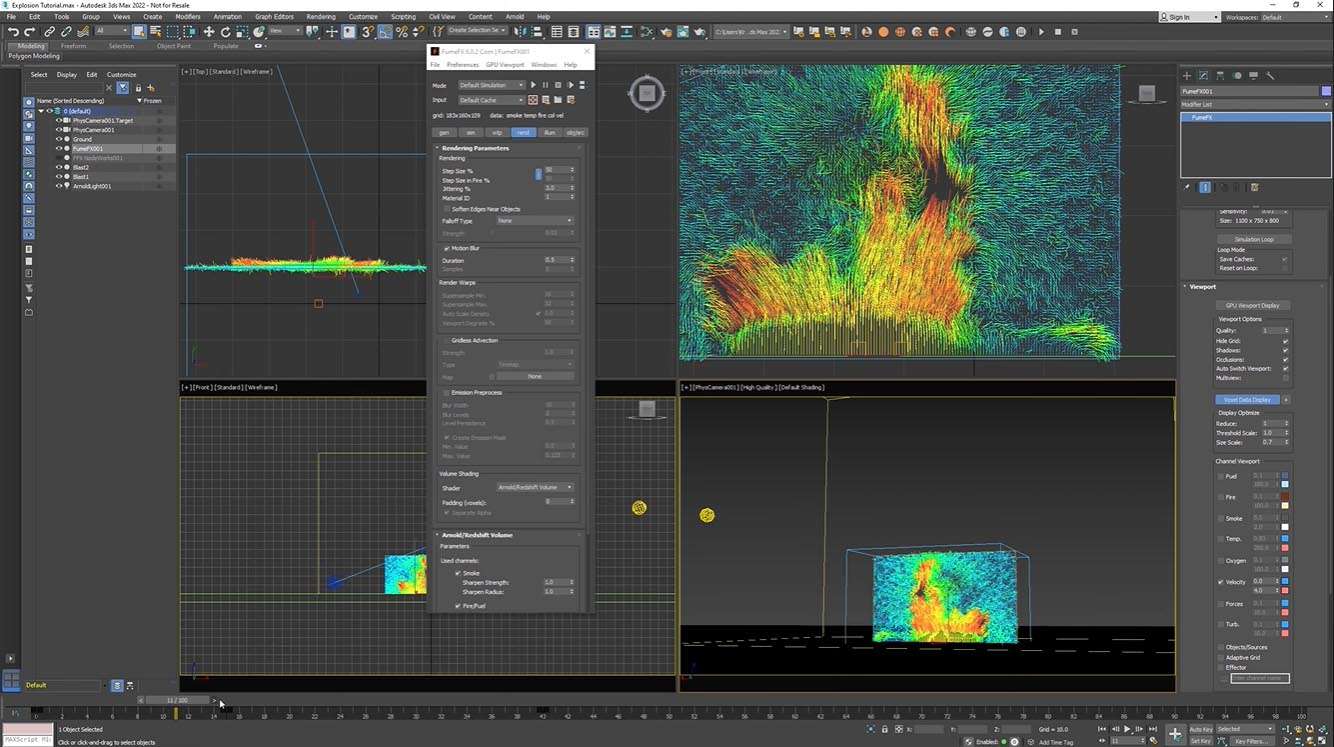
A significant advancement in FumeFX 6.0.2 is the introduction of GPU-accelerated viewport preview. This feature provides artists with near real-time feedback on their simulations directly within the 3ds Max viewport. The GPU acceleration drastically speeds up iterative adjustments, allowing users to quickly modify parameters, experiment with different settings, and visualize the evolving simulation across multiple camera angles without lengthy CPU rendering times.
The GPU preview offers:
- Interactive simulation feedback for faster workflow.
- Previsualization of turbulence effects and overall fluid behavior.
- Multi-view camera inspection for comprehensive scene analysis.
Fluid Dynamics Engine Enhancements
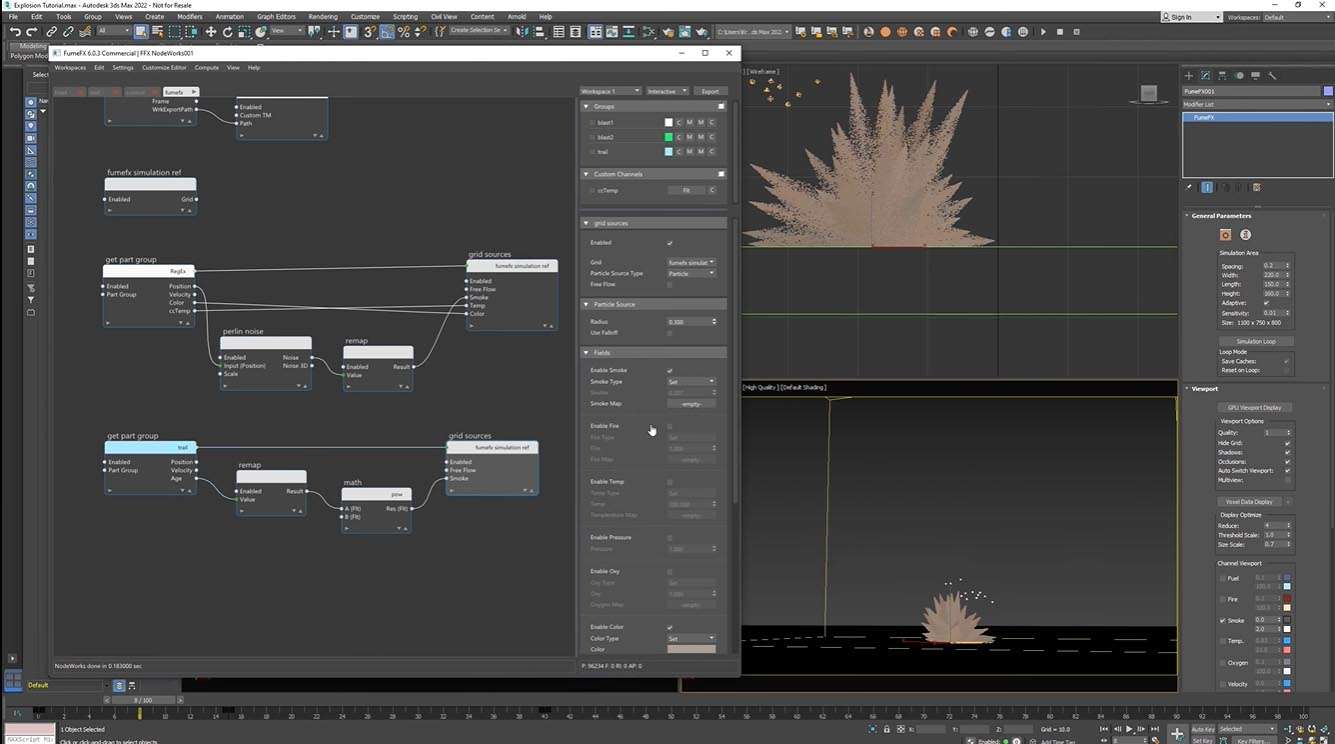
The core fluid dynamics solver in FumeFX has undergone continuous enhancements to improve accuracy, performance, and artistic control. Improvements focus on the stability and efficiency of the simulation calculations, along with tools for visualizing and understanding the complex data generated by the simulation. The source system has also been expanded, offering artists more ways to inject and control the initial conditions of their fluid simulations.
Further engine improvements encompass:
- Solver optimizations for increased stability and speed.
- Advanced vector field visualization tools for debugging and analysis.
- Expanded source system options for dynamic emission control.
Rendering and Compositing Integration for Professional Workflows
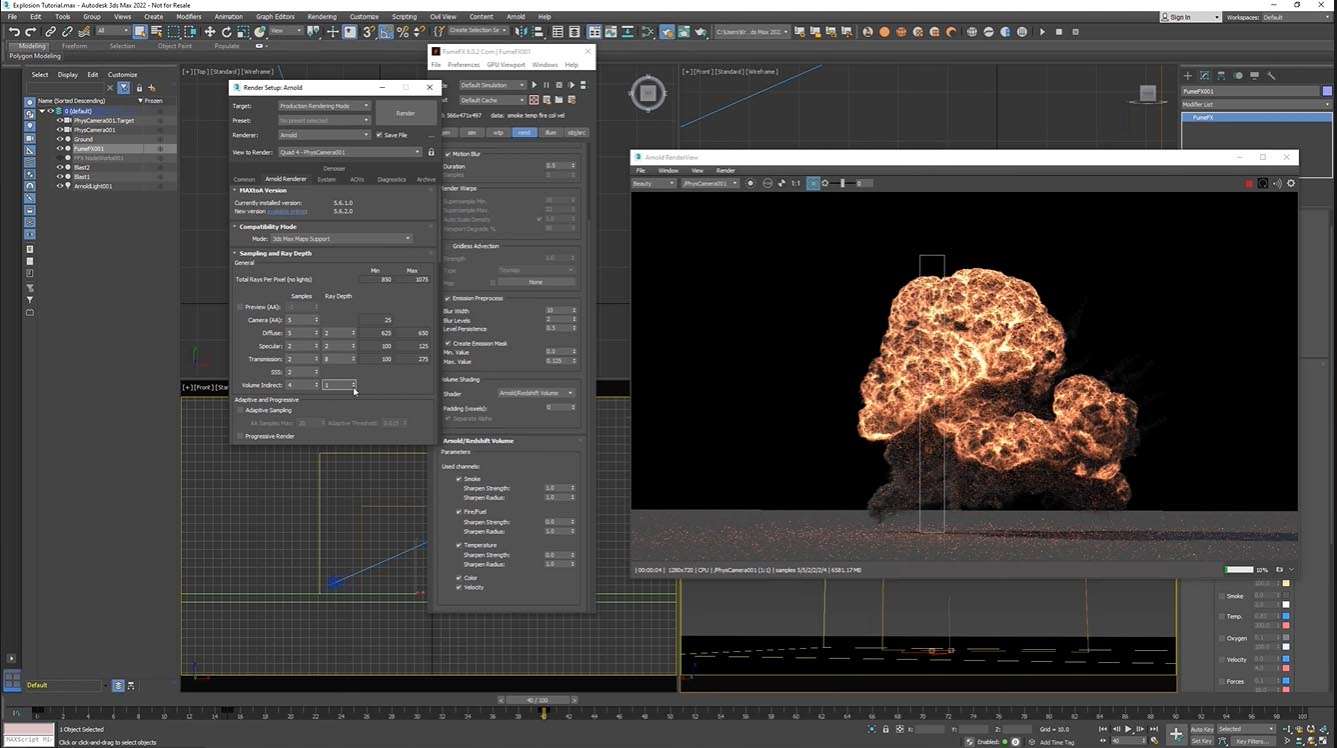
FumeFX is designed for seamless integration into professional rendering and compositing pipelines. It supports extensive multi-pass rendering, enabling artists to output various simulation channels as separate passes for fine-grained control in compositing software. Enhancements to motion blur ensure that fast-moving fluid elements appear natural and integrated with live-action or CG cinematography. The plugin maintains compatibility with leading third-party renderers, including V-Ray, Arnold, and Corona, facilitating a smooth transition from simulation to final image generation.
Key rendering and compositing features include:
- Multi-pass rendering for detailed compositing control.
- Improved motion blur simulation for dynamic elements.
- Broad compatibility with industry-standard renderers such as V-Ray, Arnold, and Corona.
Workflow Improvements and Extensibility
FumeFX 6.0.2 incorporates several workflow enhancements aimed at streamlining the creation process for 3ds Max users. The user interface has been refined for greater ease of use, and an expanded preset system allows for rapid setup of common effects. Furthermore, the integration of a Python scripting API provides significant extensibility, enabling studios to automate tasks, develop custom tools, and integrate FumeFX deeply into their proprietary pipelines. These features support a wide range of Autodesk 3ds Max versions commonly used in professional environments.
Workflow and extensibility features include:
- Refined user interface for intuitive control.
- Expansive library of presets for quick effect creation.
- Python scripting API for studio pipeline automation and customization.
- Support for multiple versions of Autodesk 3ds Max.
Industry Applications and Use Cases
The power and flexibility of FumeFX make it an indispensable tool across numerous demanding industries. Visual effects artists leverage it for creating spectacular fire, smoke, and explosion sequences in feature films and television. In game development, it’s used for crafting dynamic in-game effects and high-fidelity cinematics. Architectural visualization professionals utilize FumeFX to add realistic atmospheric elements like fog and haze to renderings. Additionally, military simulation teams and broadcast motion graphics designers employ the plugin for specialized training scenarios and dynamic graphic design elements, respectively.
Frequently Asked Questions
What new features does FumeFX 6.0.2 introduce for 3ds Max users?
FumeFX 6.0.2 introduces GPU-accelerated viewport preview for real-time simulation feedback, enhanced turbulence noise previsualization, multi-view camera inspection, and expanded rendering options including additional multi-pass elements and improved motion blur. These updates significantly improve workflow speed and simulation realism.
How does FumeFX integrate with Autodesk 3ds Max and other rendering engines?
FumeFX operates as a plugin within Autodesk 3ds Max, offering fluid simulation data compatible with major renderers including V-Ray, Arnold, Corona, and Mental Ray. This integration supports seamless workflows from simulation to final render.
What industries benefit most from using FumeFX for fluid simulations?
FumeFX serves visual effects artists in film, television, and games; architectural visualization specialists needing realistic atmospheric effects; military and disaster simulation teams; and broadcast designers incorporating dynamic fluid elements. Its flexible capabilities enable diverse high-end applications.




Reviews
There are no reviews yet.