

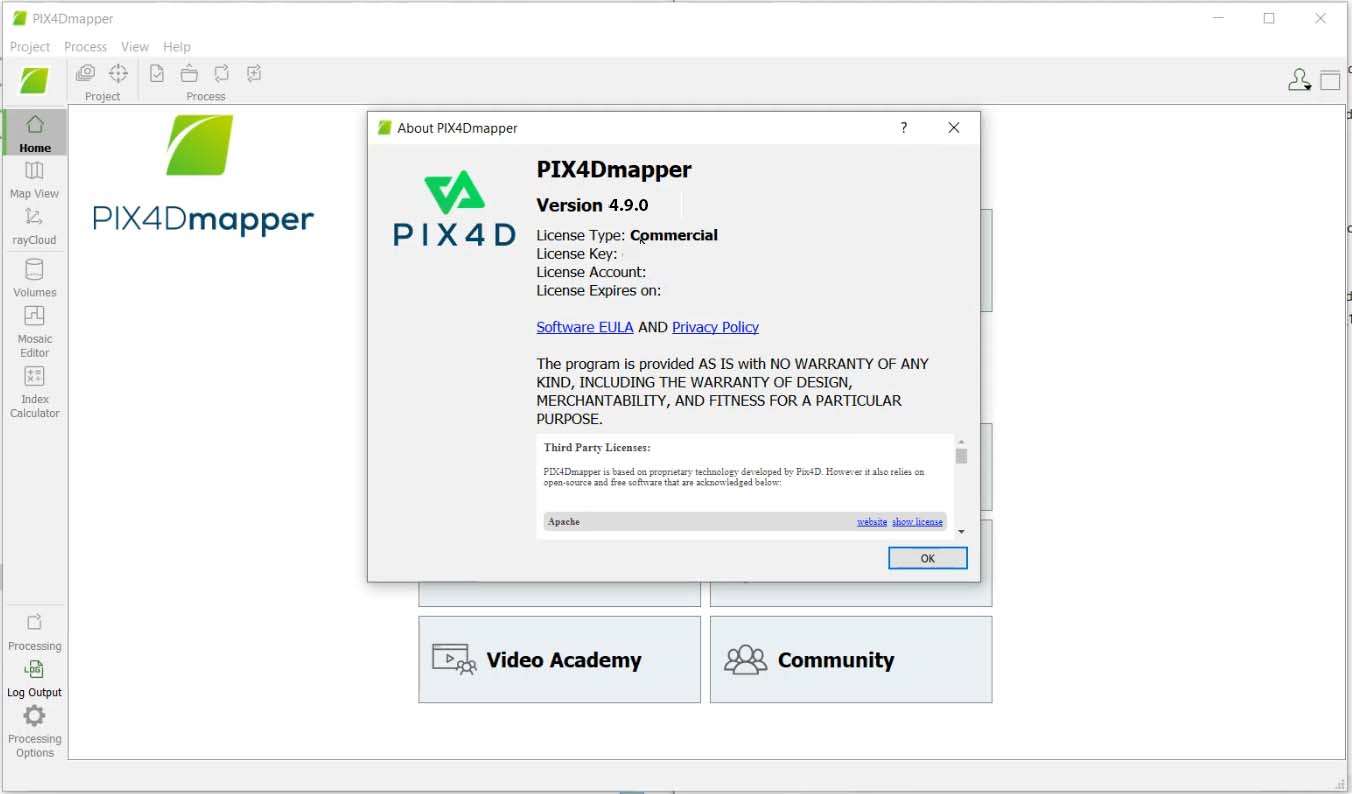
Download Pix4Dmapper – Leading Aerial Photogrammetry Software
Pix4Dmapper is a premier desktop software developed by Pix4D, designed for professional aerial mapping and photogrammetry. It stands out as a comprehensive solution for converting 2D aerial images into precise 2D maps, 3D models, and 3D meshes. This powerful tool is indispensable for professionals in aerial surveying, GIS, environmental monitoring, agriculture, and construction who require accurate geospatial data.
Introduction to Pix4Dmapper
What is Pix4Dmapper?
Pix4Dmapper is a specialized software application built for processing aerial and ground-based imagery to generate high-resolution, geo-referenced maps and 3D models. It leverages advanced photogrammetry techniques to analyze overlapping images, creating detailed outputs that are crucial for a wide range of engineering and scientific applications. The software facilitates the transformation of raw photographic data into actionable geospatial information, supporting efficient project planning, monitoring, and analysis.
Applications in Various Industries
The versatility and accuracy of Pix4Dmapper make it a critical tool across numerous sectors. Professionals rely on its capabilities to extract valuable insights from aerial imagery, streamline workflows, and improve decision-making. Industry-specific applications highlight the software’s broad utility and impact on operational efficiency.
- Agriculture: Farmers and agronomists use Pix4Dmapper for detailed crop health monitoring, yield prediction, and precision farming through the analysis of multispectral and RGB imagery, enabling targeted interventions.
- Construction: In the construction industry, the software supports site surveying, progress tracking, volume calculations for earthworks, and quality control. It provides up-to-date topographical maps and 3D models of construction sites, aiding in planning and management.
- Environmental Monitoring: Environmental scientists and researchers utilize Pix4Dmapper for land use mapping, change detection analysis, and monitoring natural resources. Its ability to generate accurate terrain models and surface maps assists in ecological studies and conservation efforts.
- Surveying and GIS: Surveyors and GIS professionals employ Pix4Dmapper to create highly accurate orthomosaics, Digital Surface Models (DSMs), and Digital Terrain Models (DTMs) for mapping projects, infrastructure planning, and utility management.
Key Features of Pix4Dmapper
Advanced Mapping Capabilities
Pix4Dmapper offers a robust suite of tools for sophisticated aerial mapping, enabling users to achieve precise results. The workflow is designed to be efficient, from initial data import to the final export of mapping products, ensuring that users can generate reliable geospatial data with ease.
- Automated aerial triangulation and bundle adjustment for precise camera calibration and georeferencing.
- Generation of high-resolution orthomosaics and Digital Surface Models (DSMs) with accurate geometric properties.
- Tools for editing and annotating maps, including measurement capabilities for distances, areas, and volumes.
- Support for a wide range of camera types, including RGB, multispectral, and thermal sensors.
3D Mesh Generation
A significant capability of Pix4Dmapper is its advanced 3D mesh generation, which allows for the creation of realistic, textured 3D models. These models provide an intuitive way to visualize and analyze complex environments and structures, offering a level of detail crucial for many professional applications.
- Creation of true 3D textured meshes that accurately represent real-world objects and landscapes.
- Rendering of dense point clouds and surfaces for in-depth spatial analysis and visualization.
- Tools for inspecting and interacting with 3D models, facilitating detailed examination of project sites or assets.
- Export options for various 3D file formats compatible with other design and simulation software.
Integration with GIS Systems
Pix4Dmapper is engineered for seamless integration into existing geospatial workflows. Its compatibility with standard GIS formats and platforms ensures that the generated maps and models can be easily utilized by professionals working within established GIS environments, enhancing data usability and collaborative potential.
- Export of data in industry-standard GIS formats such as GeoTIFF, KML, Shapefile, and LAS.
- Direct integration capabilities with leading GIS software for streamlined data transfer and analysis.
- Support for various coordinate systems, ensuring accurate georeferencing and compatibility with global mapping standards.
- Facilitation of data sharing and collaboration among teams using different geospatial tools.
Using Pix4Dmapper Effectively
Implementing Pix4Dmapper effectively in a project involves a structured workflow that maximizes data quality and efficiency. A typical project begins with flight planning and image acquisition, followed by processing within the software to generate desired outputs. For instance, a construction company might use Pix4Dmapper to survey a large building site before construction begins.
The process would involve acquiring overlapping aerial images of the site using a drone. These images are then imported into Pix4Dmapper, where the software automatically identifies tie points and performs aerial triangulation. Following this, it generates a dense point cloud, which is processed into a DSM and an orthomosaic map. These outputs provide precise topographical data, allowing engineers to plan foundations, calculate earthwork volumes, and track progress visually throughout the construction phase. The 3D model can also be used for clash detection or to visualize the final structure in its environment.
Comparing Pix4Dmapper with Other Photogrammetry Software
While several software solutions exist in the aerial photogrammetry market, Pix4Dmapper distinguishes itself through a combination of advanced processing algorithms, user-friendly interface, and versatile output options. Compared to some competitors that may focus solely on specific aspects like orthomosaic generation or 3D modeling, Pix4Dmapper offers a comprehensive, end-to-end solution.
Key differentiators include its robust point cloud processing capabilities, sophisticated 3D mesh generation with realistic texturing, and its strong integration with GIS systems. Pix4Dmapper is often noted for its reliability in producing high-accuracy results and its adaptability to various sensor types, making it a strong choice for professionals demanding quality and flexibility.
Conclusion
Pix4Dmapper solidifies its position as a leading aerial photogrammetry software by providing professionals with the tools necessary to convert aerial imagery into actionable 2D maps and 3D models. Its advanced features, industry applicability, and focus on accuracy make it an invaluable asset for diverse projects in surveying, construction, agriculture, and environmental science. By harnessing the power of photogrammetry, Pix4Dmapper empowers users to gain deeper insights from their data, leading to more informed decisions and optimized outcomes.
Frequently Asked Questions
What types of images can I process with Pix4Dmapper?
Pix4Dmapper allows users to process images captured by drones, traditional cameras, and even mobile devices for various surveying and mapping purposes. This flexibility ensures that data captured from a wide array of sources can be utilized for photogrammetric analysis and map generation.
How does Pix4Dmaper improve the accuracy of maps?
Pix4Dmapper utilizes advanced photogrammetry algorithms and point cloud processing to generate highly accurate and detailed maps, vital for precise measurements in GIS applications. The software’s processing chain includes steps for georeferencing and calibration that ensure the spatial integrity and reliability of the final mapped products.
Is training available for new users of Pix4Dmapper?
Yes, Pix4D offers comprehensive tutorials, learning resources, and customer support to help new users quickly become proficient with the software. These resources include documentation, webinars, and community forums designed to assist users at all skill levels.





Reviews
There are no reviews yet.