

Download PowerMockup – Wireframing and Mockup Tool for PowerPoint
Download PowerMockup, a specialized wireframing and mockup tool developed for users who prefer to work within the familiar environment of Microsoft PowerPoint. This application is designed to streamline the process of creating user interface (UI) and user experience (UX) designs for software developers, UI/UX designers, and project managers. By integrating directly into PowerPoint, PowerMockup allows professionals to leverage its extensive library of UI elements and prototyping capabilities without needing to learn entirely new software.
Introduction to PowerMockup
PowerMockup is an innovative add-in for Microsoft PowerPoint that transforms the presentation software into a robust tool for creating wireframes and interactive mockups. It caters to professionals in software development, UI/UX design, and project management who seek an efficient way to visualize application interfaces. The core value proposition of PowerMockup lies in its seamless integration with PowerPoint, enabling users to utilize a widely accessible platform for rapid prototyping and design visualization.
Key Features of PowerMockup
PowerMockup provides a comprehensive suite of features designed to enhance the wireframing and mockup creation process directly within PowerPoint.
- UI Element Library: Access to an extensive collection of pre-built UI elements, including buttons, menus, input fields, and navigation controls, which can be easily dragged and dropped into designs.
- Quick Search Functionality: An intuitive search feature allows users to quickly find and insert specific UI elements from the library, speeding up the design workflow.
- Custom Shapes and Smart Shapes: The ability to create and save custom shapes for reuse, along with smart shapes that offer dynamic resizing and predefined functionalities.
- Drag and Drop Interface: Simplifies the process of adding and arranging UI elements, making it accessible even for users less familiar with complex design software.
- Real-time Collaboration: Users can collaborate on mockups within PowerPoint presentations, facilitating team feedback and iteration.
- Export Options: Enables the export of wireframes and mockups in various formats, suitable for sharing with stakeholders or further development.
Applications in UI/UX Design
This wireframing software is extensively used in the initial stages of product development for creating user interface blueprints and interactive prototypes. Professionals employ PowerMockup to rapidly iterate on design concepts, from basic screen layouts to more sophisticated user flows.
- Web Application Wireframing: Designers use PowerMockup to lay out the structure and functionality of websites, defining navigation, content areas, and call-to-action elements.
- Mobile App Prototyping: Creating wireframes for mobile interfaces, mapping out screen transitions, and specifying element placement for touch interactions.
- Desktop Application Mockups: Visualizing the layout and user flow for desktop software, ensuring intuitive access to features and data.
- Stakeholder Presentations: Utilizing the mockups within PowerPoint presentations to effectively communicate design ideas and gather feedback from non-technical stakeholders.
Benefits of Using PowerMockup with PowerPoint
Leveraging PowerPoint as the foundation for wireframing and mockups offers distinct advantages, particularly for teams already integrated into the Microsoft Office ecosystem.
- Familiar Environment: Users can utilize their existing knowledge of PowerPoint, significantly reducing the learning curve typically associated with new design tools.
- Accessibility: PowerPoint is widely available, making PowerMockup accessible to a broad range of professionals and organizations without requiring additional software investments.
- Integrated Workflow: The add-in allows for seamless integration, eliminating the need to transfer designs between different applications, thereby streamlining the overall workflow.
- Cost-Effectiveness: For many, PowerPoint is already part of their software suite, making PowerMockup a cost-effective solution for professional wireframing needs.
Comparison with Similar Tools
Compared to dedicated wireframing and mockup tools, PowerMockup offers a unique approach by utilizing Microsoft PowerPoint. While tools like Balsamiq or Figma provide extensive, specialized features for UI/UX design, PowerMockup excels in its simplicity and integration.
- PowerMockup: Focuses on leveraging PowerPoint’s interface for rapid wireframing and mockups, ideal for users who prioritize familiarity and a less steep learning curve. Its strength lies in quick concept visualization within a presentation format.
- Dedicated Tools (e.g., Figma, Sketch, Adobe XD): These platforms typically offer more advanced features such as sophisticated prototyping, design system management, and extensive collaboration tools. They are often preferred for complex, large-scale projects requiring high-fidelity mockups and detailed interaction design.
User Testimonials and Case Studies
Feedback from users highlights the practical benefits and efficiency gains achieved through PowerMockup’s unique integration with PowerPoint. Case studies often showcase how teams have accelerated their design cycles by adopting this approach.
Many professionals find that PowerMockup dramatically speeds up the process of creating initial design concepts. The ability to quickly sketch out ideas using readily available UI elements within PowerPoint allows for faster client feedback loops and internal design reviews. For project managers, visualizing application flow and features early in the development process helps in setting clear project scope and requirements.
Frequently Asked Questions
What types of projects can I create with PowerMockup?
PowerMockup is designed for creating wireframes and mockups for web, mobile, and desktop applications, making it versatile for various UI/UX projects. Users can prototype anything from simple landing pages to complex application interfaces.
How does PowerMockup integrate with PowerPoint?
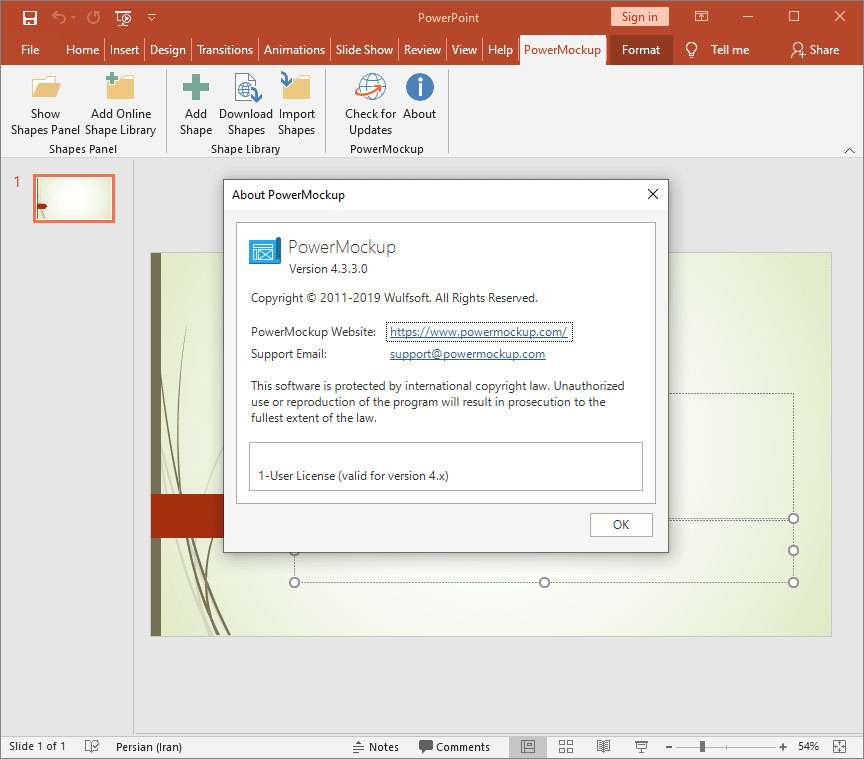
PowerMockup is an add-in for PowerPoint that allows users to use PowerPoint’s interface and tools to create and manage mockups directly within the application. This integration means users can access PowerMockup’s features without leaving their familiar PowerPoint environment.
Can I create custom shapes in PowerMockup?
Yes, PowerMockup allows users to create custom shapes and organize them into categories, providing flexibility in designing unique elements for wireframes. This feature ensures that users can tailor their design elements to specific project needs and maintain brand consistency.







Reviews
There are no reviews yet.