
Download SignMaster v5 CUT – Essential Vinyl Cutting Software
SignMaster v5 CUT is a specialized vector-based design application tailored for vinyl cutting operations. Developed as an entry-level tier within the SignMaster software family, it serves professionals and enthusiasts in industries such as sign making, apparel decoration, and decal production. This software integrates essential design tools with robust cutting features, enabling users to create precise artwork ready for direct output to vinyl cutters.
Overview of SignMaster CUT in Vinyl Cutting Applications
SignMaster v5 CUT functions as a dedicated solution for users operating vinyl cutters. It streamlines the workflow from initial design conception to the final cut, making it a valuable tool for commercial sign shops, custom apparel creators, and individuals producing decals and stencils. The software’s design facilitates straightforward creation of artwork intended for vinyl plotter machines, positioning it as an accessible entry point for those new to vinyl cutting design or those with specific, less complex project requirements.
Design and Artwork Creation Tools in SignMaster CUT
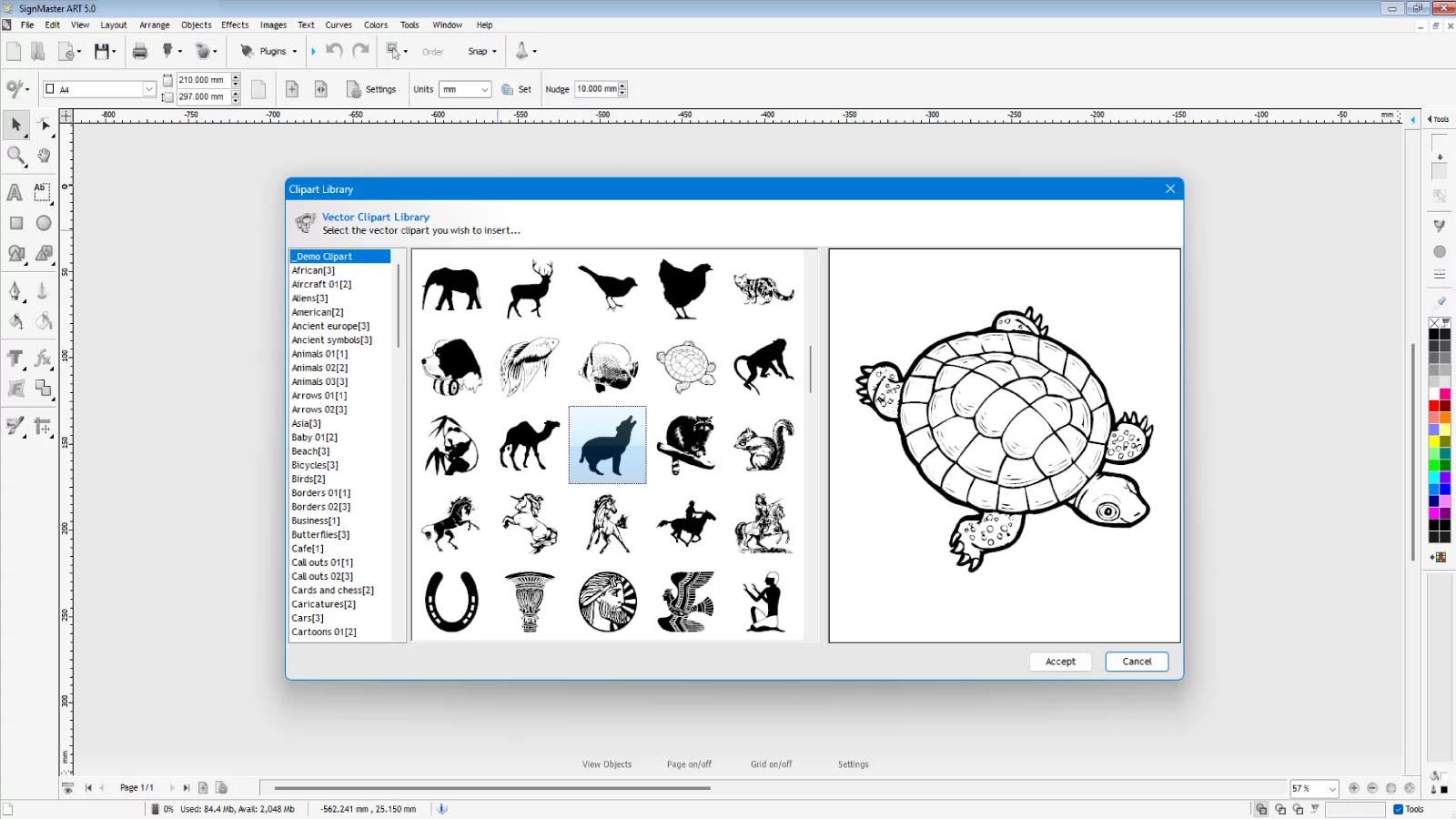
The software features a suite of vector design tools focused on creating clean, cuttable artwork. Users can manipulate text, define curves, and assemble basic shapes to construct logos, lettering, and other graphic elements. To ensure broad usability and integration with existing design workflows, SignMaster v5 CUT supports the import and export of various standard vector file formats, including Ai, Dxf, Eps, Pdf, and Svg. This compatibility allows designers to utilize designs created in other graphic applications or to export their SignMaster creations for use in diverse production environments.
Cutting Efficiency and Vinyl Cutter Integration
A key operational advantage of SignMaster v5 CUT is its integrated vinyl spooler technology, which is engineered to facilitate rapid and efficient vinyl cutter operations. This system is designed to send cutting instructions directly to compatible vinyl cutter machines, enhancing throughput for production environments. The software enables precise contour cutting, essential for producing high-quality intricate designs, including company logos, custom lettering for signage, and decorative pinstriping for vehicles or other surfaces.
Suitable Uses and Real-World Examples
SignMaster v5 CUT is well-suited for a variety of practical applications. It is commonly used for creating professional-grade signs for businesses, custom vehicle decals, and personalized designs for T-shirts and other textiles. The software also supports the creation of templates for stencil art and the design of straightforward packaging prototypes. For multi-color designs, users can leverage SignMaster CUT’s capabilities by preparing individual color layers separately, which are then cut from different vinyl sheets and applied to the final product.
Comparisons Within the SignMaster Suite and Other Vinyl Software
Within the SignMaster family, SignMaster CUT represents the foundational offering, designed for essential vinyl cutting tasks. Higher tiers like SignMaster Basic or Architect offer more advanced features for complex graphic manipulation and production management. Compared to generic graphic design software, SignMaster CUT prioritizes features that directly support the vinyl cutting process, such as optimized spooler integration and precise path management, making it a more focused and efficient tool for this specific niche.
Frequently Asked Questions
How does SignMaster v5 CUT handle different file formats for vinyl cutting?
SignMaster v5 CUT supports importing and exporting popular vector file formats such as Ai, Dxf, Eps, Pdf, and Svg. This allows users to seamlessly work with designs created in other graphics software and prepare them for precise vinyl cutting.
Can SignMaster v5 CUT be used with any vinyl cutter machine?
SignMaster v5 CUT is designed to work with a wide range of vinyl cutter machines by sending cutting commands through its vinyl spooler. However, compatibility depends on the cutter’s supported interface and driver availability. Users should verify their cutter’s compatibility for best results.
What types of projects are best suited for SignMaster v5 CUT?
This software is ideal for creating simple and precise vinyl-cut designs such as logos, signs, lettering, pinstriping, and basic packaging templates. It suits users who need straightforward design tools coupled with cutting capabilities, particularly in signage and apparel decoration.




Reviews
There are no reviews yet.