

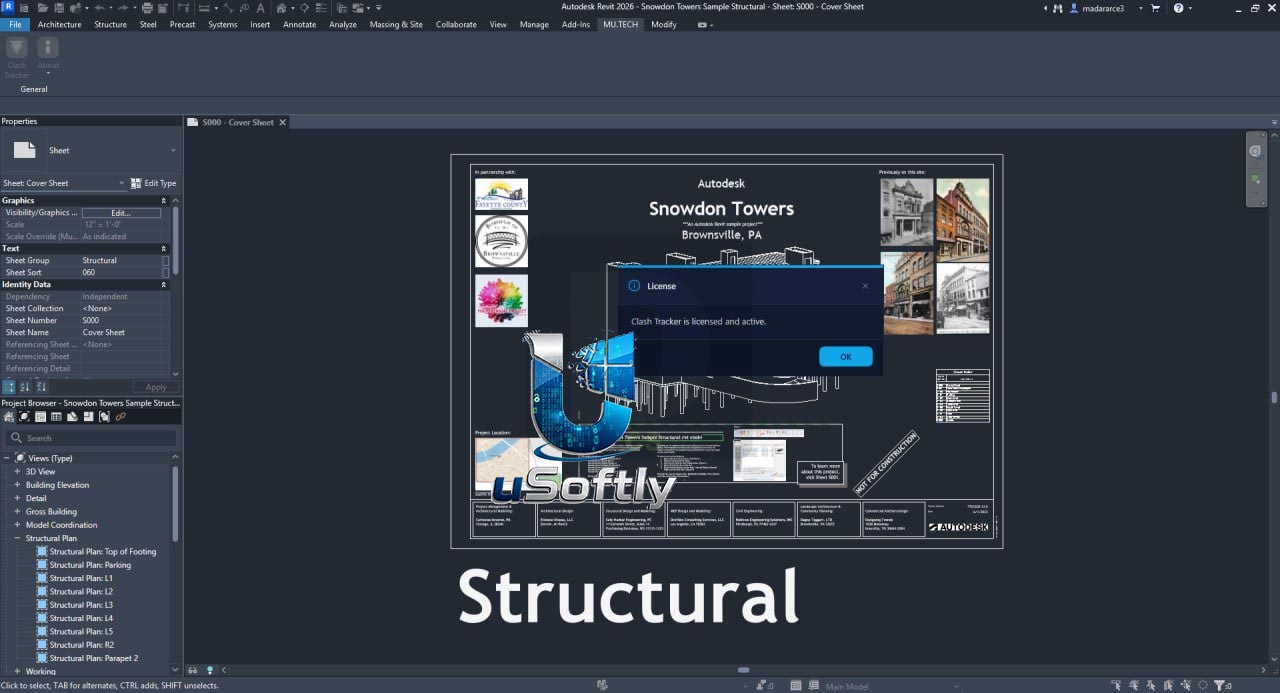
Clash Tracker 1.2.0 – Streamlined Clash Detection Management Directly inside Autodesk Revit
Clash Tracker is a dedicated Revit add-in that brings clash detection management directly into Autodesk Revit, eliminating the need for constant back-and-forth between Navisworks and your model. The software enables users to import clash reports exported from Navisworks Clash Detective (in XML format) and manage them directly within the Revit environment.
By centralizing clash management in the native design environment, Clash Tracker allows BIM professionals to assign, track, and resolve clashes in context, significantly reducing the time and effort required for coordination workflows. Unlike external clash-detection workflows that require round-trips through separate coordination software, Clash Tracker keeps your entire coordination process inside Revit.
Primary Users
Clash Tracker 1.2.0 is designed for BIM coordinators, VDC engineers, and project managers who want to integrate clash management directly into their Revit workflow. It serves professionals who:
-
Seek to eliminate the constant back-and-forth between Navisworks and Revit during clash resolution
-
Need to assign, track, and resolve clashes without leaving the Revit environment
-
Require visual markers and status tracking to communicate progress with team members
-
Want to create and export clash reports for project documentation and coordination meetings
Key Features & Capabilities
Clash Report Import
-
XML Format Support: Import clash reports exported from Navisworks Clash Detective directly into Revit
-
Centralized Management: Eliminates the need to toggle between Navisworks and Revit during clash resolution
-
Streamlined Workflow: Brings coordination data directly to the design environment where resolution takes place
Visual Clash Tracking
-
Visual Markers: Place visual family instances at clash intersection points in the Revit model
-
Status Management: Track clashes through configurable status workflows (Open, In Progress, Closed, Ignored)
-
Color-Coded Progress: Visual indication of clash status through family type changes (e.g., “solved” changes sphere color to make progress evident)
Database and Record Management
-
Dual Storage: Stores clash data both in the Revit model (via Extensible Storage) and in structured JSON files for offline data sharing
-
Comprehensive Records: Each clash record includes global project ID, building-local ID, detection workflow, current status, element IDs, intersection coordinates, clash volume, creation date, and creator username
-
Data Portability: JSON files can be shared with coordinators who do not have Revit access
Reporting and Documentation
-
Export Capabilities: Generate clash reports for project documentation and coordination meetings
-
Dashboard Interface: Central interface for browsing, filtering, navigating, and managing all detected clashes
-
Filtering Options: Filter by status, workflow, building, or date for focused management
What’s New in Clash Tracker 1.2.0
Version 1.2.0 represents the latest iteration of the Clash Tracker product. While specific release notes for this version are limited in the search results, the developer, DiPCSoft, continues to refine the tool with:
Core Functionality
-
Import Workflow: Robust import of clash reports from Navisworks Clash Detective XML format
-
Revit Integration: Seamless integration with the native Revit environment for clash management
Comparison with Similar Tools
The clash detection plugin ecosystem includes several tools with different approaches:
-
Ostacolo (Avant Leap): Performs actual clash detection within Revit (Hard Clash and Clearance modes) with five discipline-specific protocols
-
Avant Leap Clash Detection ($19): Provides find, delete, merge, and solve clash commands with visual sphere markers and JSON database
-
Clash Navigator: Free add-in that imports Navisworks XML clash reports into Revit, allowing users to select clashed items and create section boxes
Clash Tracker 1.2.0 focuses specifically on the import and management workflow, enabling BIM coordinators to leverage Navisworks’ clash detection power while managing resolution tasks directly in Revit.
System Requirements
🖥️ System Requirements
| Component | Specification |
|---|---|
| Host Application | Autodesk Revit (2021, 2022, 2023, 2024, 2025, 2026, 2027) |



Reviews
There are no reviews yet.