

Download Nik Collection by DxO 8.1.2 – Professional Photography Plugin Suite
Nik Collection by DxO 8.1.2 is a comprehensive suite of eight specialized plugins designed for professional photographers and digital artists. Developed originally by Nik Software, later acquired by Google, and now expertly maintained by DxO, this suite integrates seamlessly with Adobe Photoshop, Lightroom Classic, and DxO PhotoLab. It provides powerful tools for creative photo editing, enhancement, and precise local adjustments, significantly streamlining professional workflows.
Overview of Nik Collection and Its Role in Professional Photography
With a rich history and a reputation built on delivering high-quality photographic tools, the Nik Collection has evolved into an indispensable part of many professional editing workflows. Originally established by Nik Software, the suite transitioned through Google before finding its current home with DxO, where it continues to be refined. This collection offers a diverse range of specialized plugins that empower photographers to achieve sophisticated creative and technical enhancements. Its ability to work harmoniously within established environments like Adobe Photoshop and Lightroom Classic ensures that professionals can leverage its unique capabilities without disrupting their existing workflow strategies.
Detailed Exploration of Each Plugin’s Capabilities
Analog Efex Pro
Analog Efex Pro transports digital images back to the era of classic film, offering a curated selection of filters, lens effects, and vintage camera emulations. Photographers can recreate the distinctive look and feel of iconic film stocks, complete with controlled imperfections like light leaks, grain, and vignettes, to add a unique analog character to their digital captures.
Color Efex Pro
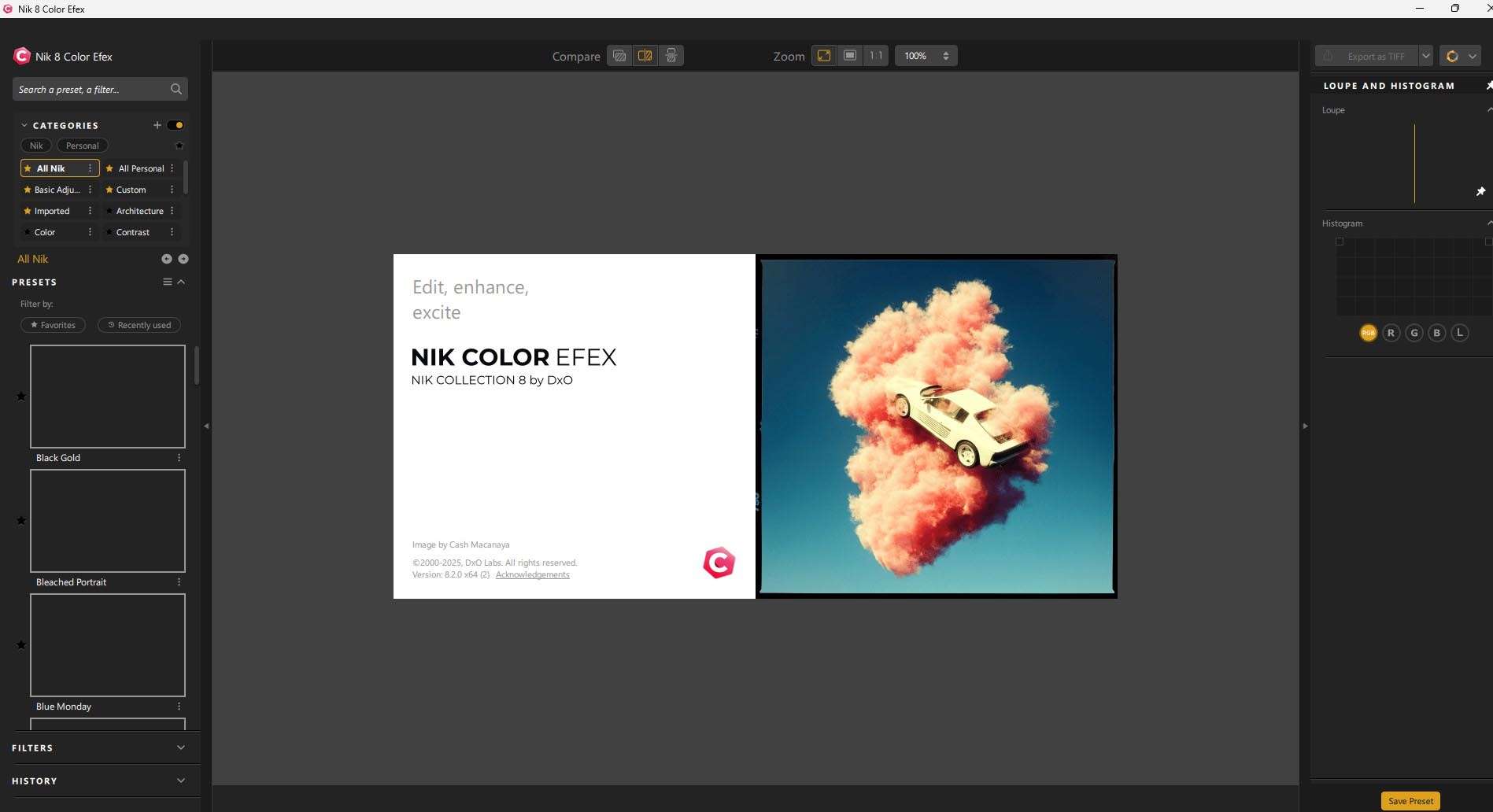
This plugin is a powerhouse for color correction and creative effects, providing an extensive library of filters designed to enhance mood, style, and visual impact. Users can apply anything from subtle color grading and tonal adjustments to dramatic stylistic transformations, making it ideal for refining portraits, landscapes, and conceptual imagery.
Silver Efex Pro
Renowned for its industry-leading black & white conversion capabilities, Silver Efex Pro emulates the distinct characteristics of classic black and white films. It offers granular control over contrast, tonality, grain, and structure, enabling photographers to craft evocative monochrome images with unparalleled depth and detail.
Viveza
Viveza utilizes the proprietary U Point™ technology to allow for highly precise, selective local adjustments. Photographers can easily target specific areas of an image—such as colors, brightness, or contrast—by placing intuitive control points, making sophisticated local enhancements accessible without the need for complex masks or selections.
HDR Efex Pro
HDR Efex Pro is dedicated to the creation of High Dynamic Range images, offering advanced tone mapping tools and ghost reduction capabilities. It enables users to capture and develop scenes with extreme ranges of light and shadow, revealing detail in both the brightest highlights and darkest shadows for a more impactful visual representation.
Sharpener Pro
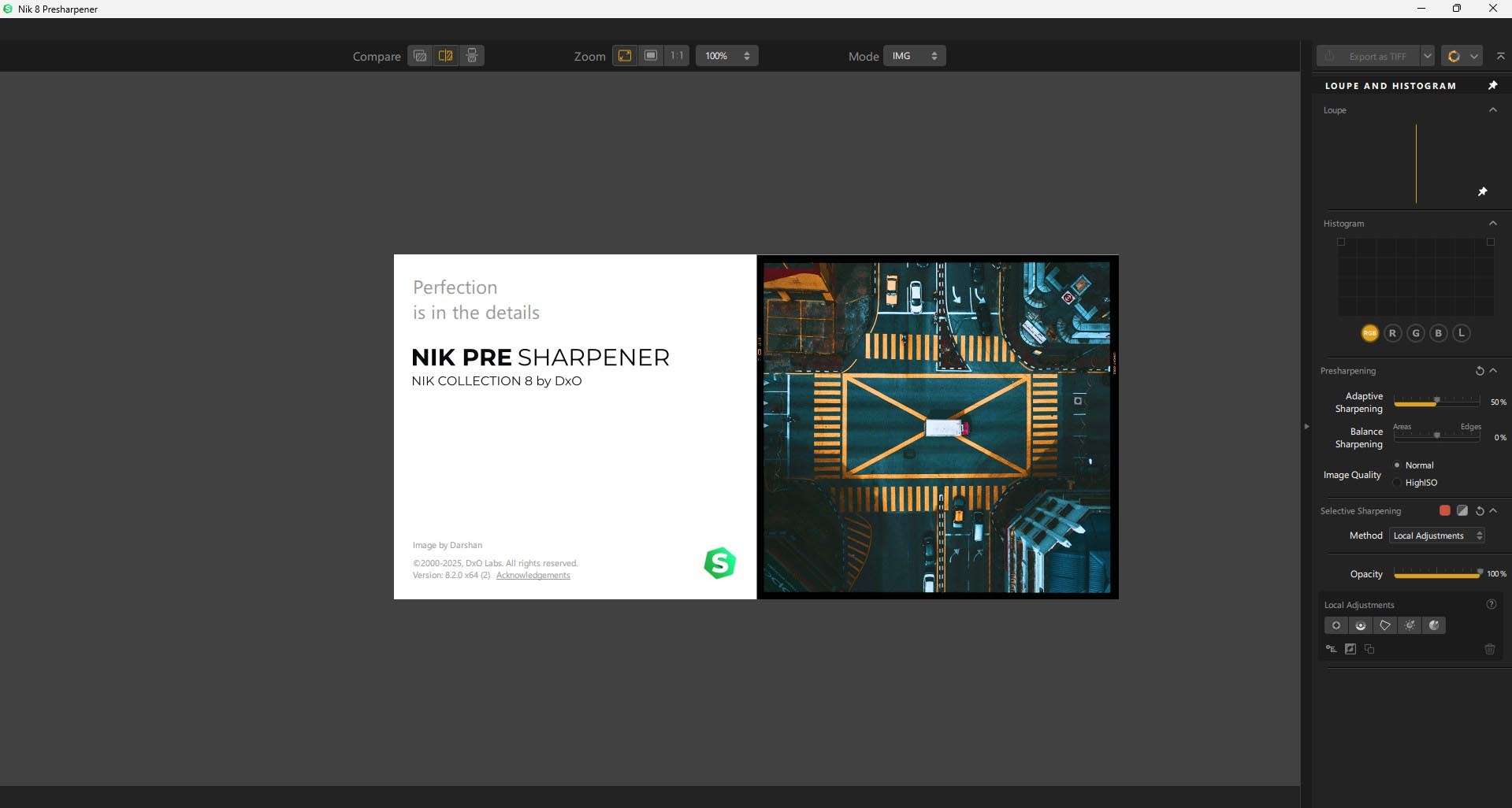
Serving the need for professional-grade sharpening, Sharpener Pro provides intelligent tools to enhance image clarity and detail for both digital display and print output. It offers adaptive sharpening that understands image content, ensuring optimal crispness without introducing artifacts or haloing.
Dfine
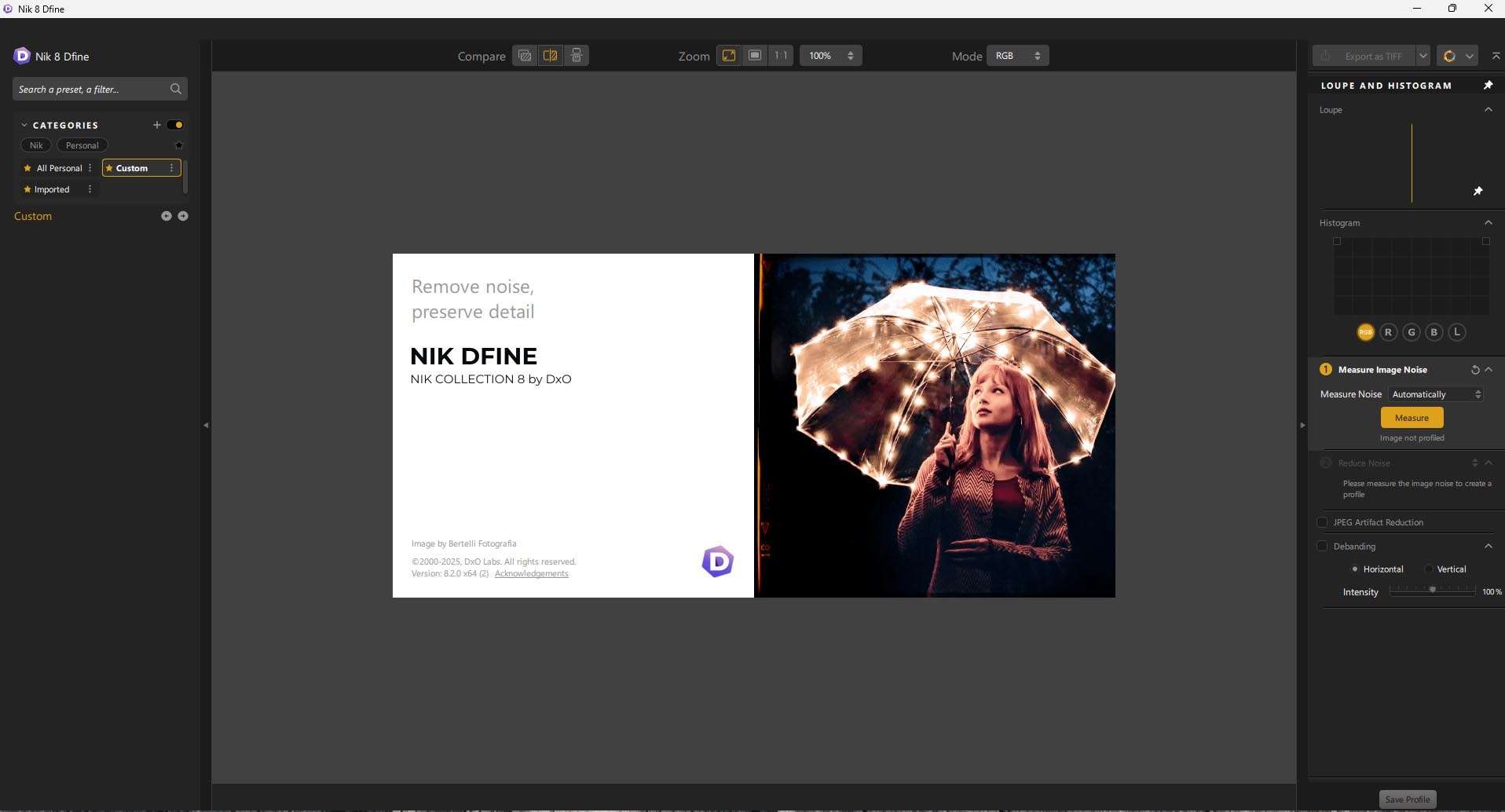
Dfine addresses digital noise with advanced reduction algorithms that preserve crucial image details. It allows photographers to apply targeted noise reduction based on noise profiles, effectively cleaning up images captured in low light or at high ISO settings while maintaining sharpness and texture.
Perspective Efex
This plugin offers solutions for correcting geometric distortions, including converging verticals and lens-based distortions found in wide-angle photography. Perspective Efex also includes creative tilt-shift effects, enabling miniature simulations and depth-of-field manipulation for artistic expression.
Proprietary U Point™ Technology and Non-Destructive Workflow Benefits
The Nik Collection’s U Point™ technology stands out as a unique and intuitive control system for local adjustments. By placing control points directly onto the image, users can precisely target areas for modifications in brightness, contrast, saturation, and structure. This method bypasses the steep learning curve associated with layer masks and complex selections, enabling rapid, sophisticated edits while maintaining image integrity through a non-destructive workflow, especially when integrated with host applications like Photoshop and DxO PhotoLab.
Compatibility and Performance Updates in Version 8.1.2
Nik Collection by DxO 8.1.2 brings significant updates focused on user workflow efficiency and compatibility. This version ensures full support for the latest Adobe Photoshop CC 2024 and Lightroom Classic CC 2024, alongside seamless integration with DxO PhotoLab 7. Enhancements include an improved U Point engine, updated user interface elements optimized for high-DPI displays, and general performance and stability improvements, including bug fixes for a smoother editing experience.
Real-World Use Cases Across Photography Specialties
The versatility of the Nik Collection makes it invaluable across various photographic disciplines. Portrait photographers use Color Efex Pro and Viveza for subtle skin tone enhancements and localized adjustments. Wedding photographers employ its film looks and color grading tools to establish a consistent aesthetic. Landscape artists leverage HDR Efex Pro and Dfine to capture and refine scenes with high dynamic range and clarity, while professionals preparing images for print rely on Sharpener Pro for optimal output crispness.
Technical Integration with Host Applications
Nik Collection integrates directly into professional photo editing environments, appearing as accessible plugins within Adobe Photoshop, Lightroom Classic, and DxO PhotoLab. This allows photographers to apply the suite’s specialized tools without switching between different software applications. For Photoshop users, Smart Object integration enables non-destructive application and modification of Nik Collection edits, while Smart Copy/Paste features in Lightroom Classic facilitate batch processing and consistent styling across multiple images.
Frequently Asked Questions
What makes Nik Collection’s U Point™ technology unique for photo editing?
U Point™ technology allows precise local editing without requiring complex selections or masks. Photographers can target specific colors, tones, and brightness areas intuitively by simply placing control points, making detailed adjustments fast and effective.
Is Nik Collection 8.1.2 compatible with the latest Adobe Photoshop and Lightroom versions?
Yes, version 8.1.2 fully supports Adobe Photoshop CC 2024 and Lightroom Classic CC 2024, ensuring seamless integration and stable performance with these latest industry-standard editing platforms.
Can Nik Collection be used for non-destructive photo editing workflows?
Absolutely, Nik Collection fully supports non-destructive workflows via integration with DxO PhotoLab and Adobe Photoshop Smart Objects. Edits can be fine-tuned or reversed without altering the original image files.






Reviews
There are no reviews yet.